By Aescripts · Official page
Candysomnia V1.0.0
About this item
- - -
- - - - - - - - - - - - - - - - - - - - - - - - - - - - - - - - - - - - - - - - - - - - - - - - - - - - - - - - - - - - - - - - - - - - - - - - - - - - - - - - - - - - - - - - - - - - - - - - - - - - - - - - - - - - - - - - - - - - - - - - - - - - - - - - - - - - - - - - - - - - - - - - - - - - - - - - - - - - - - - - - - - - - - - - - - - - - - - - - - - - -
Sound design that follows what moves in your After Effects comp
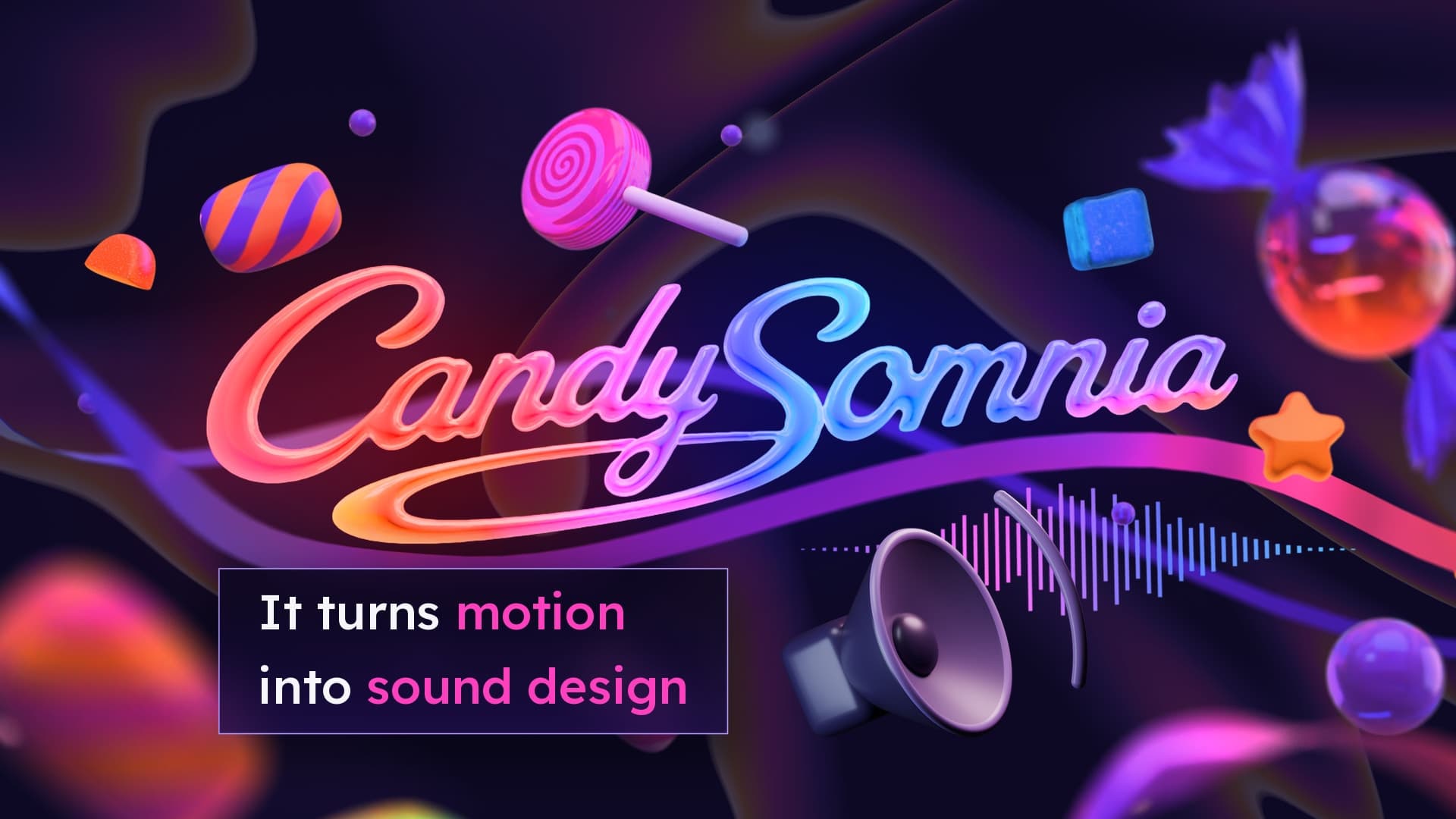
Candysomnia makes sound design from the motion in your comp. Put it on an adjustment layer, press Generate, and every move in the frame gets a sound: pings, risers, shimmers and bells in one key, with whooshes, body and percussion under them. The sound is part of the comp. It plays in preview and renders with it.
One comp, six styles
Every ping here comes from the animation itself: what starts, stops, appears or crosses the frame. The coloured marks are the effect's overlay in the viewer: what it heard and where.
Titlesone Generate, six styles
Candybright pings and bells Dreamsoft, low, a long tail Woodmarimba and plucked strings Bubblespops and soft sines Glitchchopped, rewound, scattered Foleyclicks and rustles, no notes Same animation, same moments: only the Style menu changes. Unmute the clip to hear it.
What it hears
Unmute a clip to hear it. All of them are the After Effects viewer with Candysomnia's overlay switched on.
A robot from the promothe head's motion, its dust and the window
Words land in keyeach title gets its own note
Sound flies round you3D layer, 3D Amount 300%
Put on headphones. A Manual Cue follows the candy in a 3D comp: the Downer moves left, right, near and far with it, from the comp camera's point of view.
A whole scenecharacter animation, one effect on top
Shapes pop2D shape layers
Press Generate once
Generate looks through the frames and finds the moves: what starts, what flies, what lands, what cuts. The result is saved in the project.
01Generate It runs in the background with its progress in Effect Controls and on the frame. An 8.4 second 1080p comp takes 2.6 seconds on a MacBook Pro M1 Pro, on the CPU.
02Change anything, hear it Nothing is analysed again. Change the style, the sensitivity or a layer's level and you hear it on the next preview.
03The picture changed? Press Generate again and only the changed frames are counted. A cut-down edit or a new timing needs one more press.
Made for the way you animate
It follows your music Pick the music layer and the notes take its key and the chord that sounds at that moment. Or set Key, Octave and Octave Mode yourself.
Sounds follow the move A path across the frame is heard across the stereo field, a fast pass gets a whoosh, a hard landing gets a hit.
Every layer of sound is yours Accents, Risers, Downers, Shimmers, Swarm, Transitions, Body and Whooshes, and percussion: each with its own switch and level.
Space Reverb, Delay and Stereo Width for the whole sound. In a 3D comp a sound can travel with its layer around the camera.
See what it hears An overlay in the viewer shows the motion it follows, as arrows over the frame. It is drawn only while the effect is selected and never renders.
Sensitivity and Seed Sensitivity decides how small a move still gets a sound. Seed keeps the same moments and gives them other notes.
No library. No AI.
There is no sound library inside and nothing to place by hand. The sound is synthesised from the moves Generate finds in the picture, so every sound sits on its move. A cut-down edit or a new timing needs one more press of Generate.
There is no machine learning in the plugin either. The motion is found with classic optical flow and the sound is synthesised from it. No samples are shipped.
Use it for UI and product animation, logo stings, explainers, title sequences and social cuts: anything where shapes and type move and the piece needs polish in sound before a sound designer is on it, or instead of one.
- No sound library
- No AI inside
- Pure synthesis
Learn it in one sitting
The full tutorial: every control of the effect, recorded in After Effects with the sound it plays.
Good to know
What does the trial do?The trial is the full effect. Until a license is entered, a voice says “Trial version of Candysomnia” over the sound twice a minute, in preview and in the render.
Where does the effect go?On an adjustment layer over the animation, and it gives that layer sound, the way the stock Tone effect does. On a layer that has its own sound, that sound keeps playing and the candy sounds are added to it.
Does the sound render with the comp?Yes. The sound is part of the comp: it plays in preview and goes out with the render like any other audio of the comp.
Does it need the internet or a GPU?No. Everything is counted on your machine, on the CPU. Nothing is uploaded.
Candysomnia for After Effects, by TiM
Frequently Asked Questions
How does instant Telegram delivery via @madbaxapp_bot work?
Activate any plan from $5, then press Download on this page: 1 file (71.5 MB) are sent to your Telegram chat instantly by the bot @madbaxapp_bot.
How do I extract multi-part .part01.rar archives on Windows and macOS?
Download all volumes (.part01.rar, .part02.rar … .partN.rar) into one folder, then start the extraction only from the first volume, part01.rar. On Windows use WinRAR or 7-Zip; on macOS use Keka or The Unarchiver. The other volumes are read automatically.
What is included in the download archive?
The archive includes all project and video files for this release. It does not include one-to-one mentoring or certificates from the original school.