By ArtStation · Official page
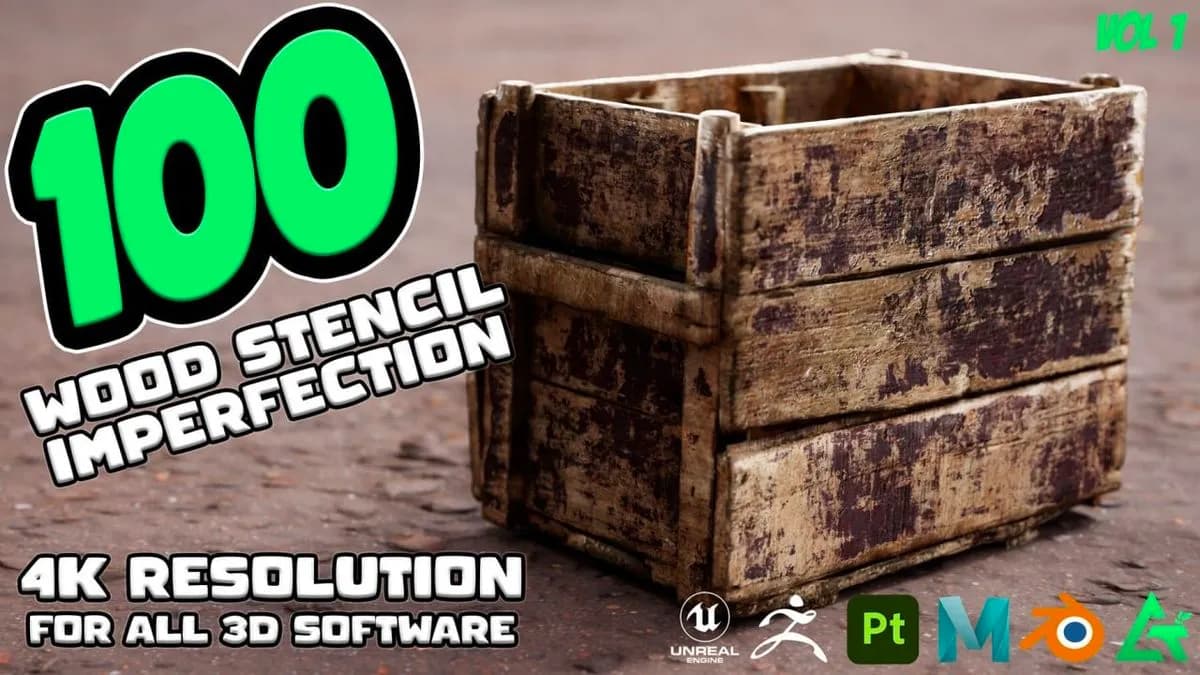
100 Practical and useful WOOD Stencil imperfection
About this item
This course teaches practical techniques for creating wood stencil imperfections in Blender. You'll learn how to apply realistic surface variations and weathering effects to wooden materials, essential for achieving authentic-looking textures in 3D environments. The curriculum focuses on stencil-based workflows that allow you to efficiently generate and layer imperfections across wood surfaces. Whether you're working on architectural visualization, game assets, or product renderings, these methods will help you add believable wear, grain variation, and surface damage to your wood textures. By combining stencil techniques with Blender's texturing tools, you'll develop a reusable skill set for quickly enhancing wood materials across multiple projects. The practical approach ensures you can apply these methods directly to your own work. Download
Frequently Asked Questions
How does instant Telegram delivery via @madbaxapp_bot work?
Activate any plan from $5, then press Download on this page: 1 file (852.7 MB) are sent to your Telegram chat instantly by the bot @madbaxapp_bot.
How do I extract multi-part .part01.rar archives on Windows and macOS?
Download all volumes (.part01.rar, .part02.rar … .partN.rar) into one folder, then start the extraction only from the first volume, part01.rar. On Windows use WinRAR or 7-Zip; on macOS use Keka or The Unarchiver. The other volumes are read automatically.
What is included in the download archive?
The archive includes all project and video files for this release. It does not include one-to-one mentoring or certificates from the original school.
Related Assets

Alastor – Hazbin Hotel (Blender 4.0 +)
Included in plans
Donuts, bread, and cakes 3D Model
Included in plans
Drink Beverage Coffee 3D Model
Included in plans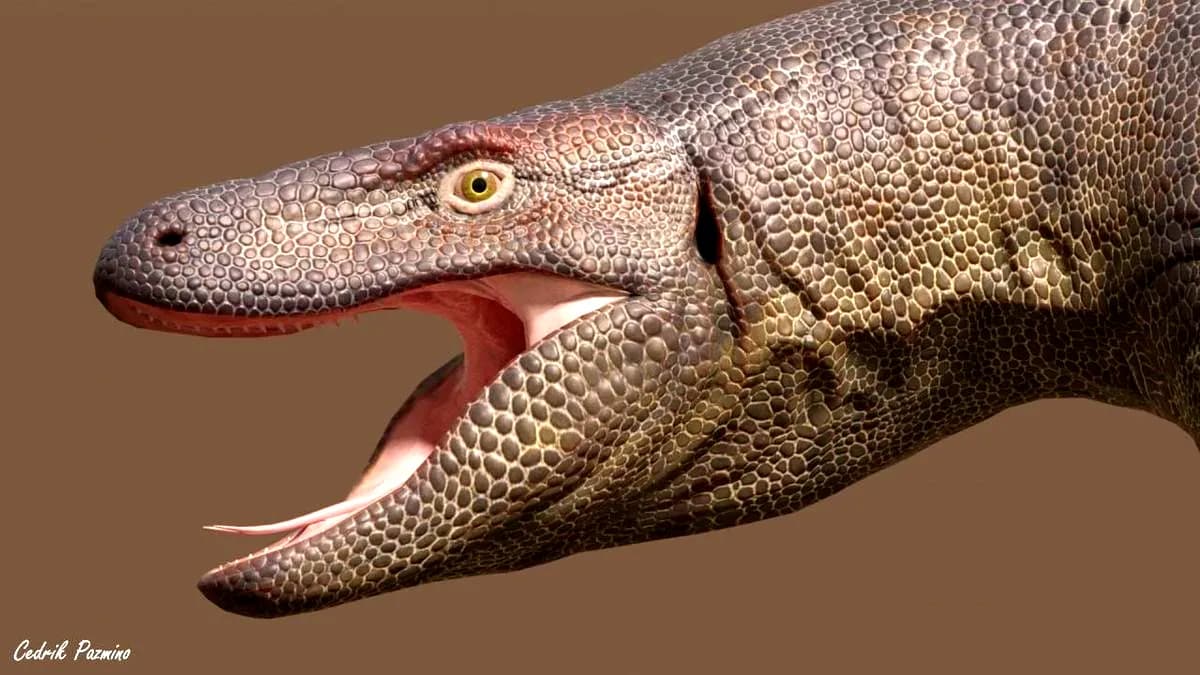
Megalania dinosaur Low-poly 3D model
Included in plans
Kleymir_ – October 2024 (Blend File)
Included in plans