By ArtStation · Official page
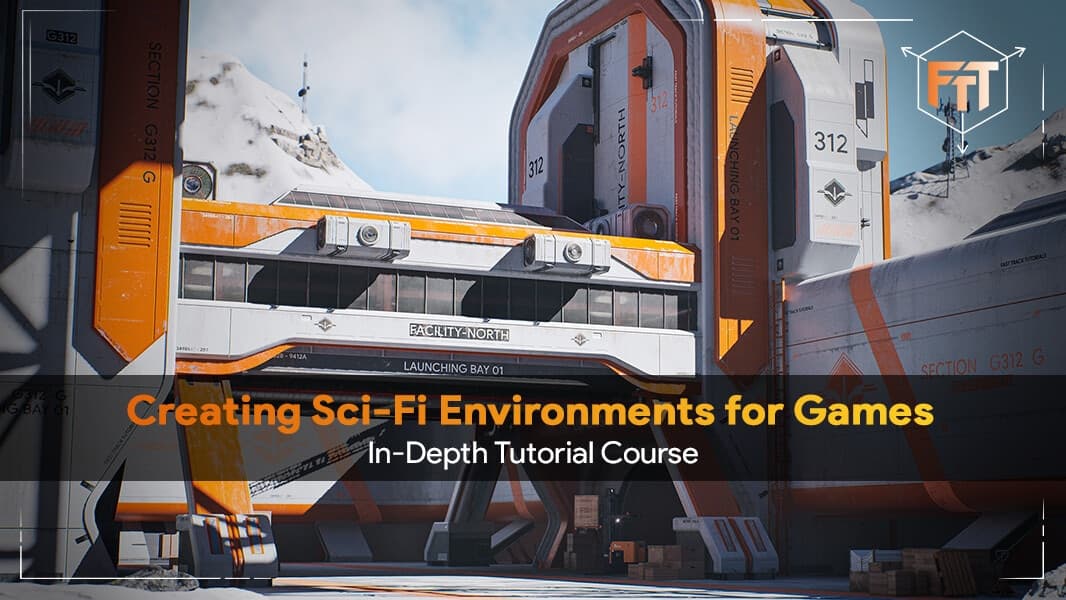
Creating Sci-Fi Environments for Games - In-Depth Tutorial Course
About this item
Learn how a professional environment artist works when creating sci-fi environments for games and cinematics. In this course you will learn from start to finish how to create a high quality environment, including planning, modeling, material creation, engine setup and lighting.
3ds Max, Substance and Unreal Engine 5
The course covers a very large number of topics. The main ones are:
- Project planning and creating a proper blockout scene
- Creating trim sheets to give the models more detail
- Creating huge assets that use only tileable materials and weighted normals
- Creating the tileable materials for those assets in Substance Designer
- Creating custom decals to add more detail to the scene
- Creating models with unique textures
- Level art, lighting, composition and post effects in Unreal Engine 5
The general takeaway is that at the end you will know how to create exactly what you see in the images, and you can apply this knowledge to almost any type of environment.
21+ hours
The course contains over 21.5 hours of content, recorded in real time with narration except for a few timelapses of repetitive tasks, which are also included in real time as a bonus. It is divided into easy to understand chapters: planning and blockout, materials and trim sheets, final assets, unique Substance Painter textures, Unreal Engine 5 setup and additional Megascans assets, custom decals, final lighting, post effects and polish.
Skill level
This is an intermediate course. Students need familiarity with a 3D modeling tool and Unreal Engine 5. Everything is explained in detail, but the basics of the software are not covered.
Tools used
- Unreal Engine 5
- 3ds Max (other modeling software also works)
- Marmoset Toolbag 4
- Substance Designer
- Substance Painter
Most techniques are universal and can be replicated in almost any 3D software such as Maya and Blender.
Your instructor
Emiel Sleegers is a lead environment artist and the owner of FastTrack Tutorials. He has worked on games like The Division 2 and its DLC at Ubisoft, Forza Horizon 3 at Playground Games, and as a freelance environment and material artist on multiple projects.
Source files
All source files are included except for some Megascans and other small add-on assets.
Frequently Asked Questions
How does instant Telegram delivery via @madbaxapp_bot work?
Activate any plan from $5, then press Download on this page: 12 files (47.8 GB) are sent to your Telegram chat instantly by the bot @madbaxapp_bot.
How do I extract multi-part .part01.rar archives on Windows and macOS?
Download all volumes (.part01.rar, .part02.rar … .partN.rar) into one folder, then start the extraction only from the first volume, part01.rar. On Windows use WinRAR or 7-Zip; on macOS use Keka or The Unarchiver. The other volumes are read automatically.
What is included in the download archive?
The archive includes all project and video files for this release. It does not include one-to-one mentoring or certificates from the original school.
Related Assets
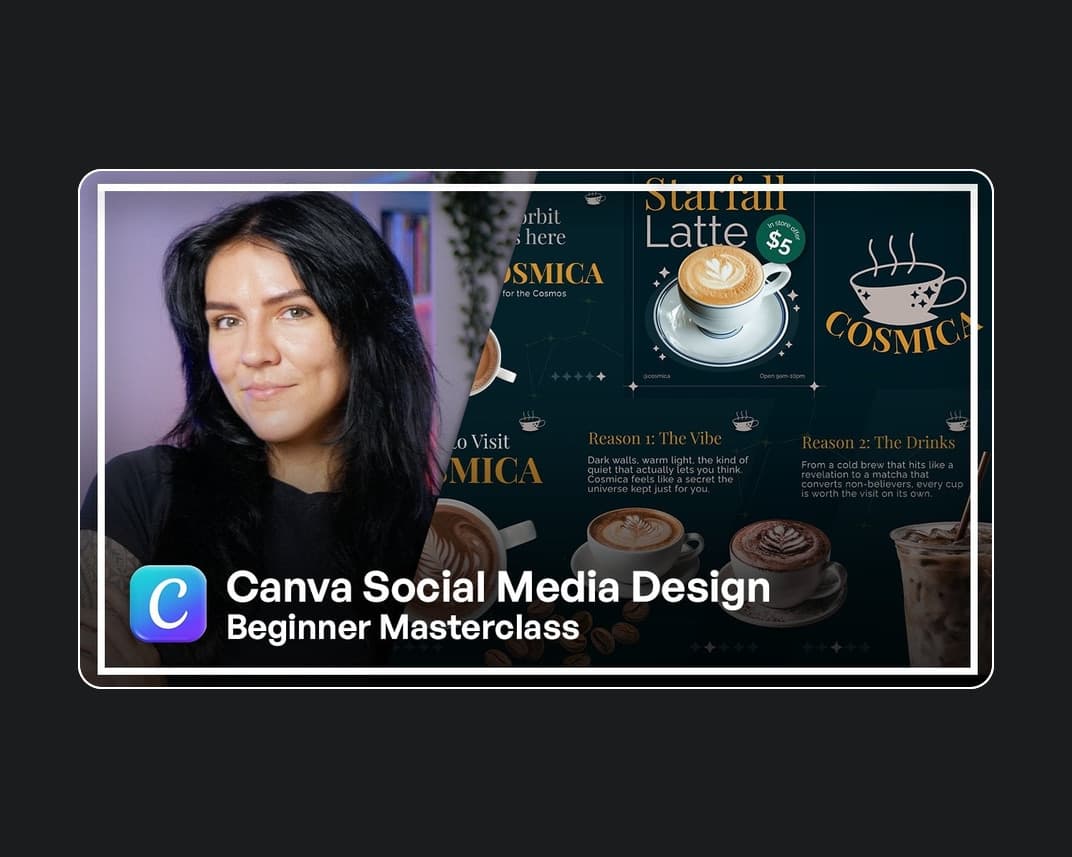
Canva Social Media Design Beginner Masterclass | Skillademia Academy
Included in plans
Cavalry for Beginners: How to Animate Software/Website/App UIs Like a Pro
Included in plans
The Perfect Shine Effect in Adobe After Effects
Included in plans
Premium SaaS Border Beam Animation in Adobe After Effects
Included in plans
Create Your First Animation in Adobe After Effects
Included in plans