By Superhive · Official page
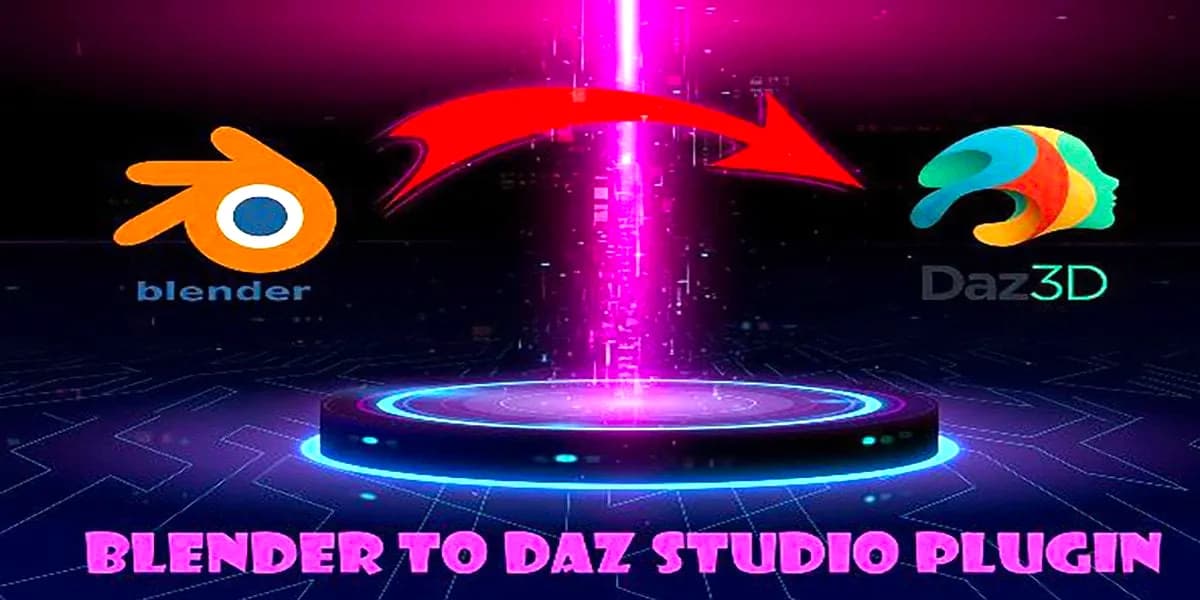
Blender to Daz Studio plugin v1.2.11
About this item
Blender to Daz Studio is a Blender add-on that exports objects, materials, and textures from Blender directly to Daz Studio (version 4.23 or above) with just a few clicks. The plugin works on both Windows and Mac, converting Blender's PrincipleBSDF materials into Daz's UberIray material format while mapping textures including BaseColor, Metallic, Specular, Roughness, Transmission, Emission, Normal, and Alpha channels. The add-on supports a comprehensive range of Blender features including armatures, skeletal animations, shape keys (which appear as morphs in Daz Studio), weight maps, face groups, and multimaterials. It exports keyframes without requiring pre-baked animations, and also handles lights, cameras, scene configurations, frame rate settings, and HDRI environment maps to maintain visual consistency between applications. Particle and geometry node-based hair can be exported as polylines. A user-friendly panel in Blender's interface streamlines the export workflow. The tool features improved RGB color accuracy and delivers significantly faster import speeds in Daz Studio compared to earlier versions. Download
Frequently Asked Questions
How does instant Telegram delivery via @madbaxapp_bot work?
Activate any plan from $5, then press Download on this page: 1 file (20 KB) are sent to your Telegram chat instantly by the bot @madbaxapp_bot.
How do I extract multi-part .part01.rar archives on Windows and macOS?
Download all volumes (.part01.rar, .part02.rar … .partN.rar) into one folder, then start the extraction only from the first volume, part01.rar. On Windows use WinRAR or 7-Zip; on macOS use Keka or The Unarchiver. The other volumes are read automatically.
What is included in the download archive?
The archive includes all project and video files for this release. It does not include one-to-one mentoring or certificates from the original school.
Related Assets
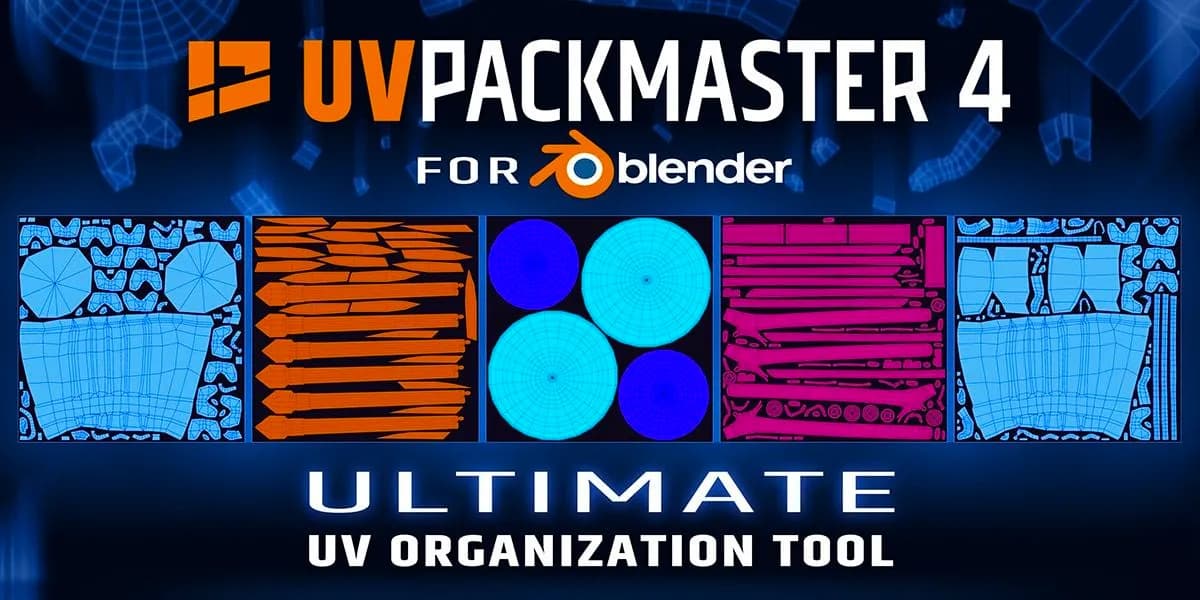
UVPackmaster v3.3.0
Included in plans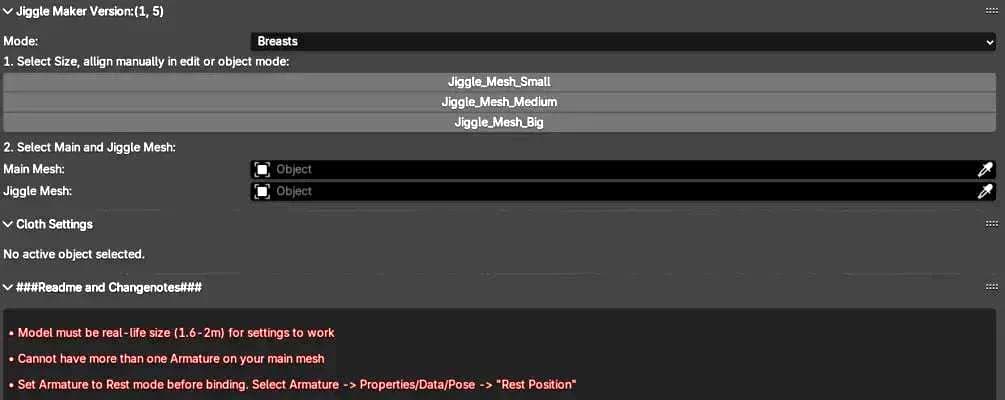
Jiggle Maker v1.4
Included in plans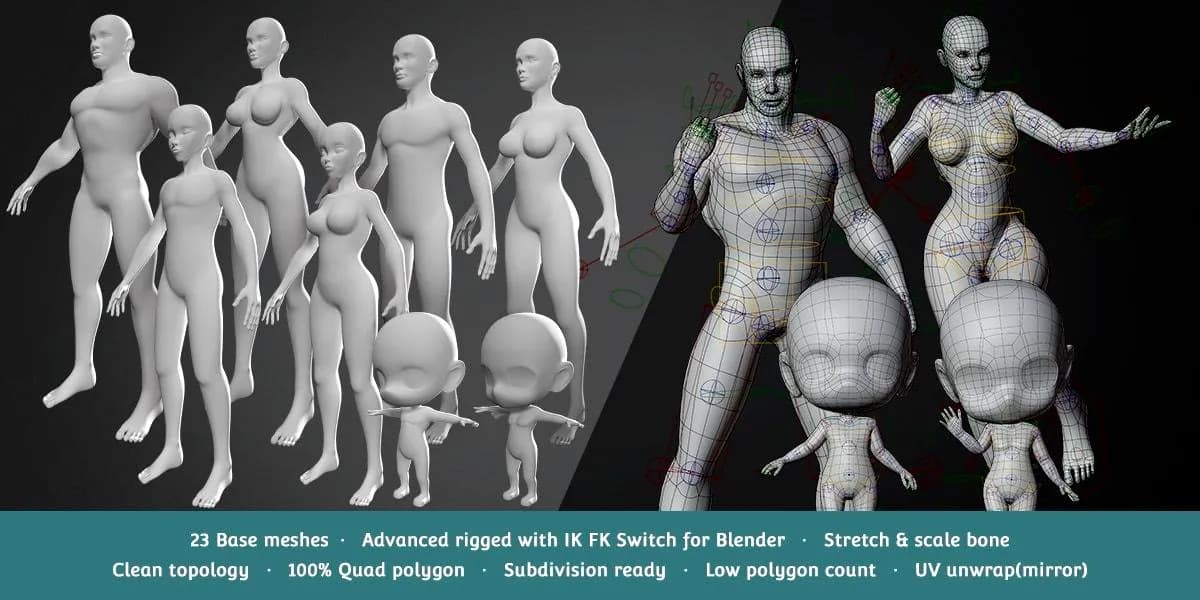
Base Meshes Character Starter Kit + Rig v2.7
Included in plans
Simply Cloth Studio v1.0 Full
Included in plans
Pidgeon Tool Bag v3.2
Included in plans