By Superhive · Official page
Geometry nodes Procedural stitches
About this item
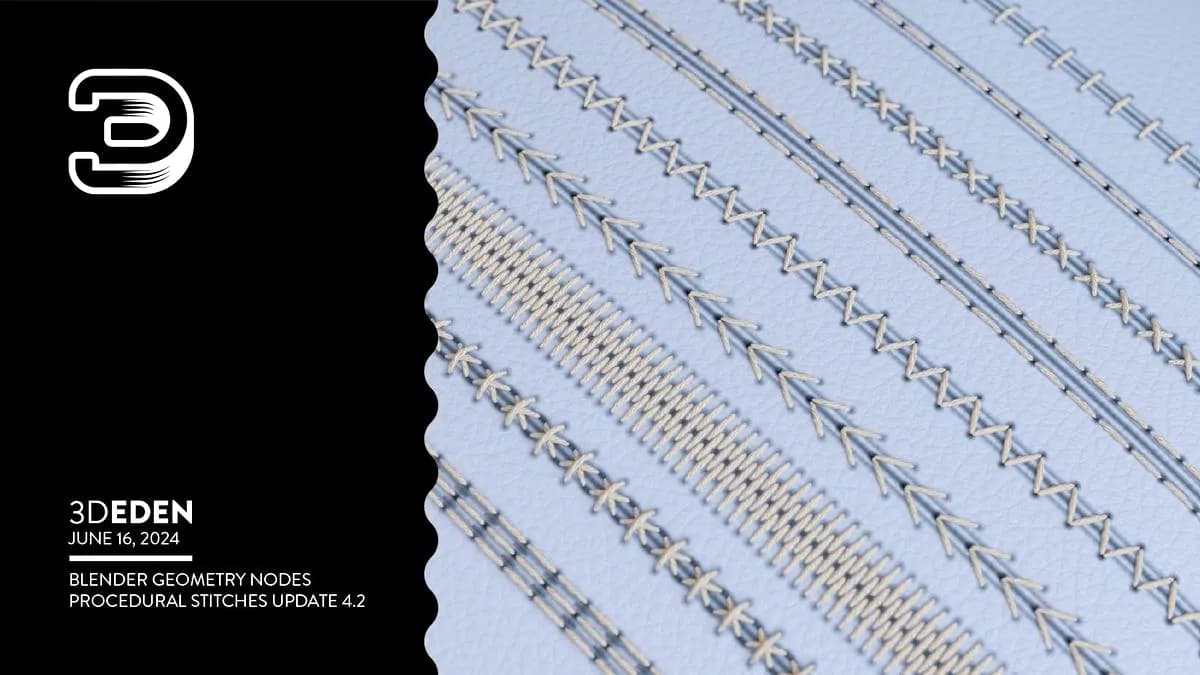
This Blender course teaches you how to use geometry nodes to create procedural stitch patterns on your 3D meshes. The stitch generator allows you to select any object and apply customizable stitching with full control over parameters including rotation, distance, length, height, thread thickness, seam and crease appearance, and materials. You can also adjust rotation randomness to create varied, natural-looking results. The course covers five standard stitch patterns—line stitch horizontal and vertical, cross stitch, double line stitch, and V-stitch in both horizontal and vertical orientations—each adjustable to generate new variations. You can draw stitches directly onto your models or work with edge loops and curves for precise stitch placement, making the tool flexible for different modeling workflows. Download
Frequently Asked Questions
How does instant Telegram delivery via @madbaxapp_bot work?
Activate any plan from $5, then press Download on this page: 1 file (43.0 MB) are sent to your Telegram chat instantly by the bot @madbaxapp_bot.
How do I extract multi-part .part01.rar archives on Windows and macOS?
Download all volumes (.part01.rar, .part02.rar … .partN.rar) into one folder, then start the extraction only from the first volume, part01.rar. On Windows use WinRAR or 7-Zip; on macOS use Keka or The Unarchiver. The other volumes are read automatically.
What is included in the download archive?
The archive includes all project and video files for this release. It does not include one-to-one mentoring or certificates from the original school.