By Superhive · Official page
Zen Dock v1.1.1
About this item
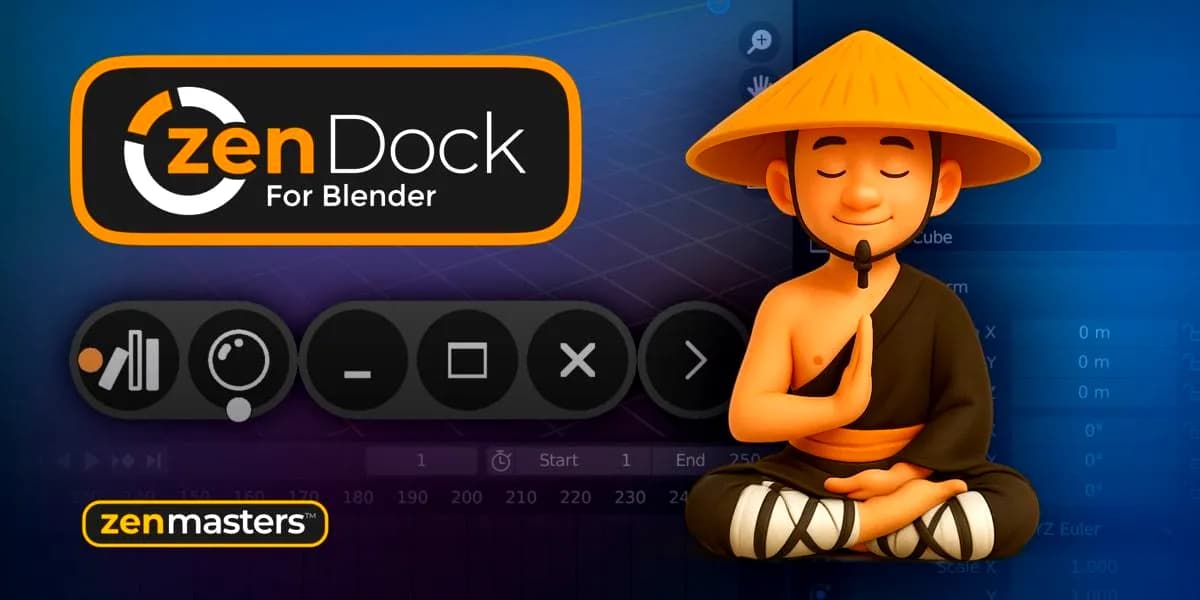
Zen Dock is a Blender addon that introduces a classical window control bar to every Area in Blender's interface. The addon adds familiar controls including toggle, minimize, maximize, and close buttons, giving users more granular control over their workspace layout. This tool is useful for users who want a more traditional window management experience within Blender's interface, allowing quick manipulation of individual panels and areas without relying solely on Blender's native docking system. Download
Frequently Asked Questions
How does instant Telegram delivery via @madbaxapp_bot work?
Activate any plan from $5, then press Download on this page: 1 file (4.4 MB) are sent to your Telegram chat instantly by the bot @madbaxapp_bot.
How do I extract multi-part .part01.rar archives on Windows and macOS?
Download all volumes (.part01.rar, .part02.rar … .partN.rar) into one folder, then start the extraction only from the first volume, part01.rar. On Windows use WinRAR or 7-Zip; on macOS use Keka or The Unarchiver. The other volumes are read automatically.
What is included in the download archive?
The archive includes all project and video files for this release. It does not include one-to-one mentoring or certificates from the original school.
Related Assets
OneDeck v1.0.0 – Streamline Your Workflow
Included in plans
Goo Engine v4.1.1
Included in plans
Woolly Tools & Shaders 2.0
Included in plans
Font Selector v3.0.2
Included in plans
The Lazy-Motion Library v1.5
Included in plans