PSOFT Pencil+ 4 Line for Blender
Overview
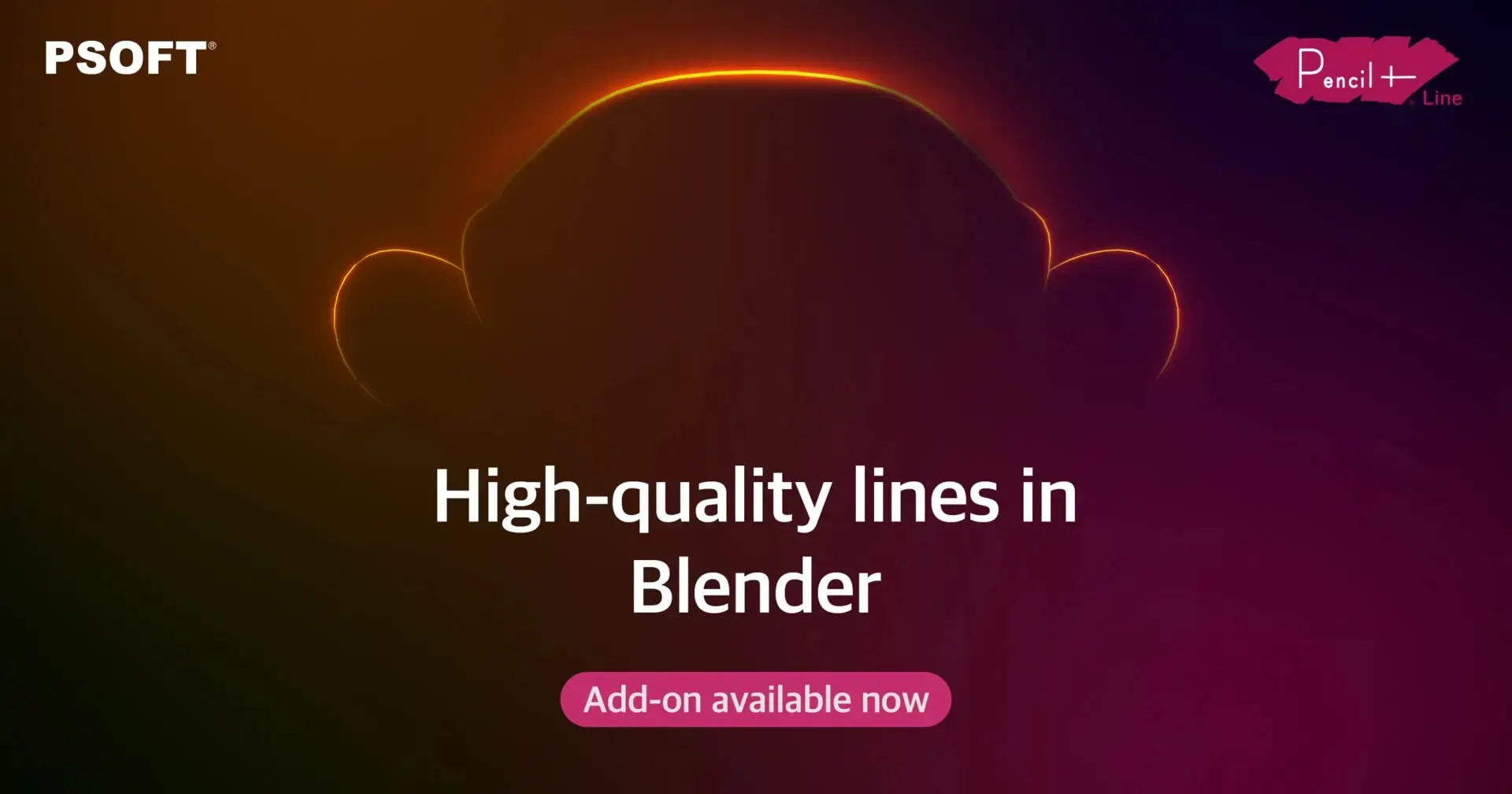
Pencil+ 4 Line for Blender is a free, open-source add-on that brings professional line rendering capabilities developed in the animation industry to Blender. It enables artists to create richly expressive lines—from mechanically uniform strokes to rough sketch effects and manga-style width modulation—with detailed control over where lines appear, including on object intersections, material boundaries, and hidden edges. The add-on supports real-time viewport preview, allowing artists to check line thickness and appearance before rendering, and outputs in both EPS (resolution-independent vector format suitable for architecture and product design) and PLD formats (for further editing in After Effects).
The add-on integrates with Pencil+ 4 Bridge, a free utility that transfers Pencil+ settings between Blender, 3ds Max, Maya, and Unity, enabling seamless collaboration across different software platforms and easier reuse of existing project data. The line functionality is nearly complete compared to the MAX version, with almost all setting options implemented. Pencil+ 4 Line for Blender requires the Pencil+ 4 Render App to function and is compatible with Blender versions 3.0 through 5.2 on Windows 10/11 and macOS 13.0 or later.
How access works
Starter, Pro or Lifetime.
One tap — plan linked to your account.
Open the Mini App or your Profile.