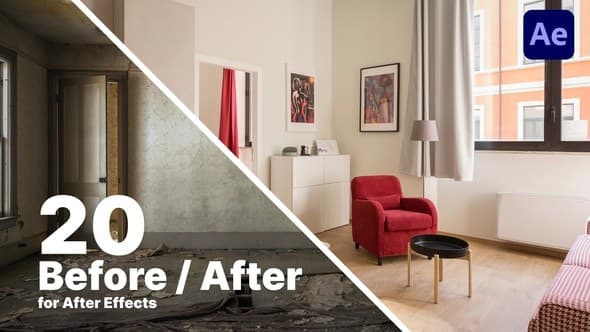
Before And After Comparison
From Videohive · Added Oct 17, 2026
About this item
Dynamic Before & After Comparison – After Effects Template
Instantly showcase transformations with impact. This After Effects template allows you to compare two images or video clips side-by-side using dynamic split-screen effects and smooth wipes. Simply drag and drop your media into the placeholders and highlight changes instantly.
Perfect for motion designers, content creators, and editors, this pack delivers professional, modern results with zero plugin dependencies.
20 Dynamic Comparison Scenes
Wipes & Reveals: Horizontal, vertical, and radial transitions.
Split Screens: Side-by-side and top-and-bottom static splits.
Corner Reveals: Animated comparison using corner masks.
Text Overlays: Animated “BEFORE” and “AFTER” labels.
Key Features & Customization
20 Pre-Designed Comparison Animations (Scenes)
Compatible with After Effects CC 2018 and newer
4K UHD Resolution (3840×2160)
Works with Video Footage and Still Photos
Customizable: line color, thickness, text labels, scene duration/timing
Drag-and-Drop workflow
Video Tutorial Included
No Plugins Required
Target Use Cases
Product Demos (makeup, cleaning, repair)
Photo Editing Tutorials (grading, retouching)
Fitness & Diet Transformations (weight loss, bodybuilding)
CGI / VFX Breakdowns
Renovation / Time-Lapse Projects
Social Media (Instagram Reels, YouTube Shorts) and YouTube Long-Form Content
More from Videohive




In the price
- All files of the item
- Delivery to your Telegram chat
Not in it
- Refunds, all sales are final
- One-to-one mentoring
- Certificates from the original school