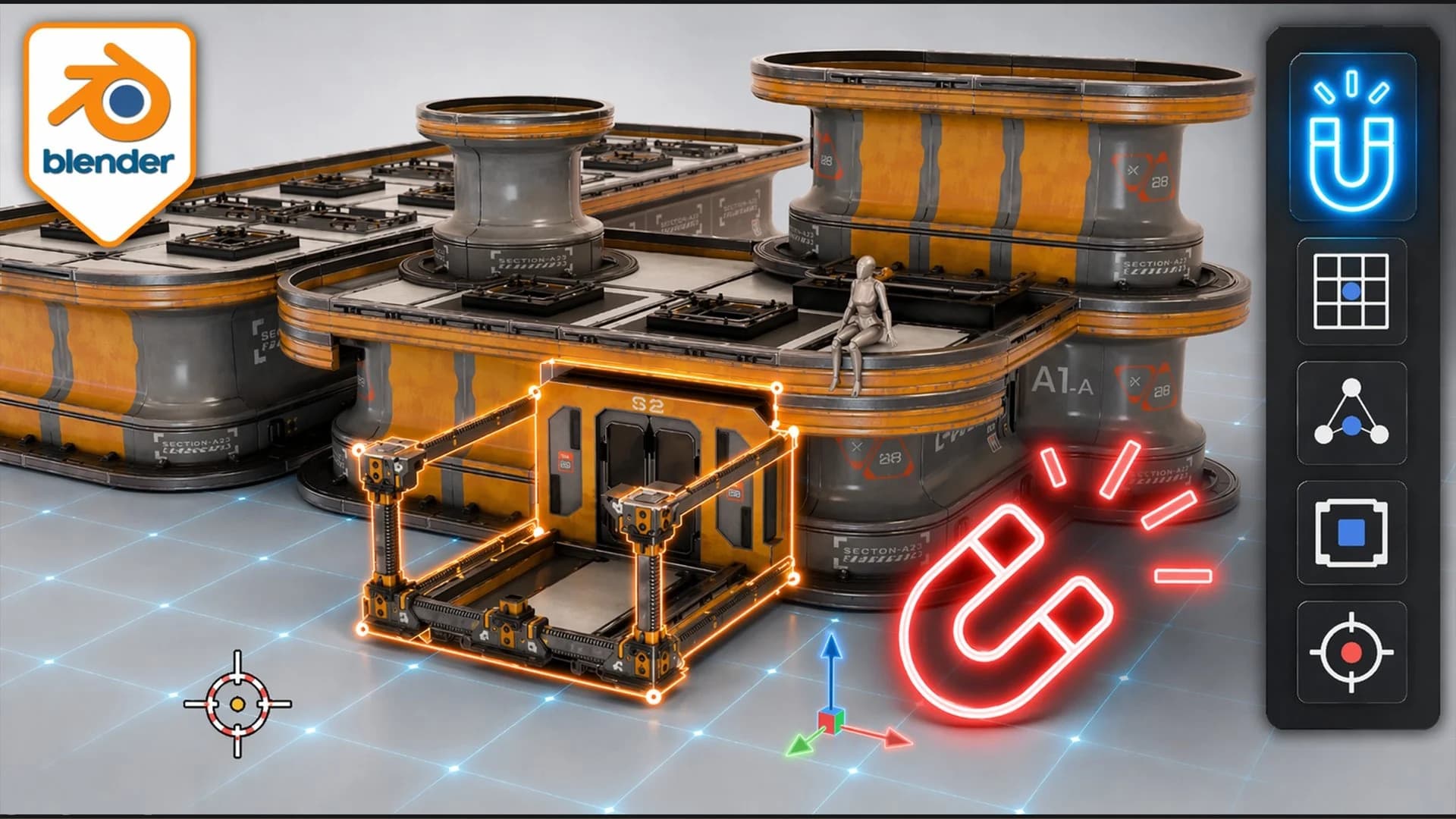
Blender Essentials for Beginners: Snapping, Grid, Snap Base and 3D Cursor Fixes | 3D Tudor | Skillshare
From Skillshare · Added Oct 1, 2026
About this item
This Skillshare course covers foundational Blender techniques for beginners working in 3D modeling. The instruction focuses on practical setup features including snapping tools, grid configuration, snap base alignment, and 3D cursor positioning—essential skills for accurate object placement and scene organization.
The course is designed to help newcomers understand how to use Blender's alignment and positioning tools effectively. By mastering these core features early, students can build better modeling habits and work more efficiently in their 3D projects.
More from Skillshare

Courses
Figma Advanced Masterclass: Design Systems, Prototyping & Responsive UI | Skillademia Academy | Skillshare
Included in plans
Courses
Figma Motion Masterclass: Create Professional UI Animations | Skillademia Academy | Skillshare
Included in plans
Courses
Blender Geometry Nodes Beginner Masterclass: Create a Procedural Flower Field | Skillademia Academy | Skillshare
Included in plans
Courses
Blender for Beginners: Create Your First Stylized 3D Scene | Skillademia Academy | Skillshare
Included in plansIn the price
- All files of the item
- Delivery to your Telegram chat
Not in it
- Refunds, all sales are final
- One-to-one mentoring
- Certificates from the original school