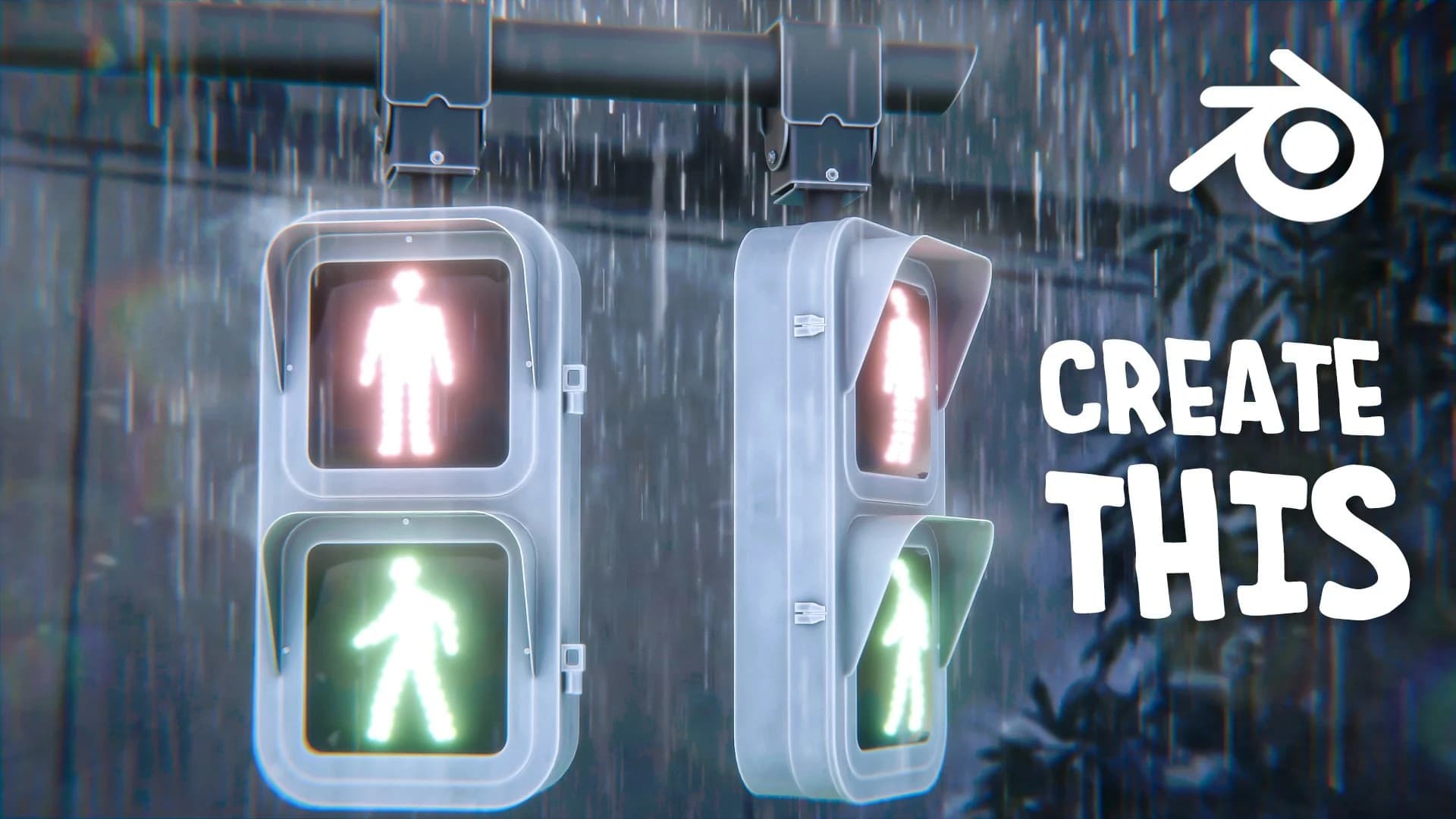
Create Anime Traffic Light Scene in Blender | Aniket Rawat | Skillshare
From Skillshare · Added Oct 1, 2026
About this item
Learn to create a stylized anime traffic light scene using Blender. This course guides you through the 3D modeling and rendering process, focusing on achieving an anime-inspired aesthetic. You'll work with lighting techniques and material properties to bring your scene to life with that characteristic anime visual style.
Suitable for Blender users looking to expand their creative skills in character and environment design, this project teaches practical modeling and lighting workflows that apply beyond just traffic light scenes. By the end of the course, you'll have completed a finished anime-style render ready to showcase in your portfolio.
More from Skillshare
Courses
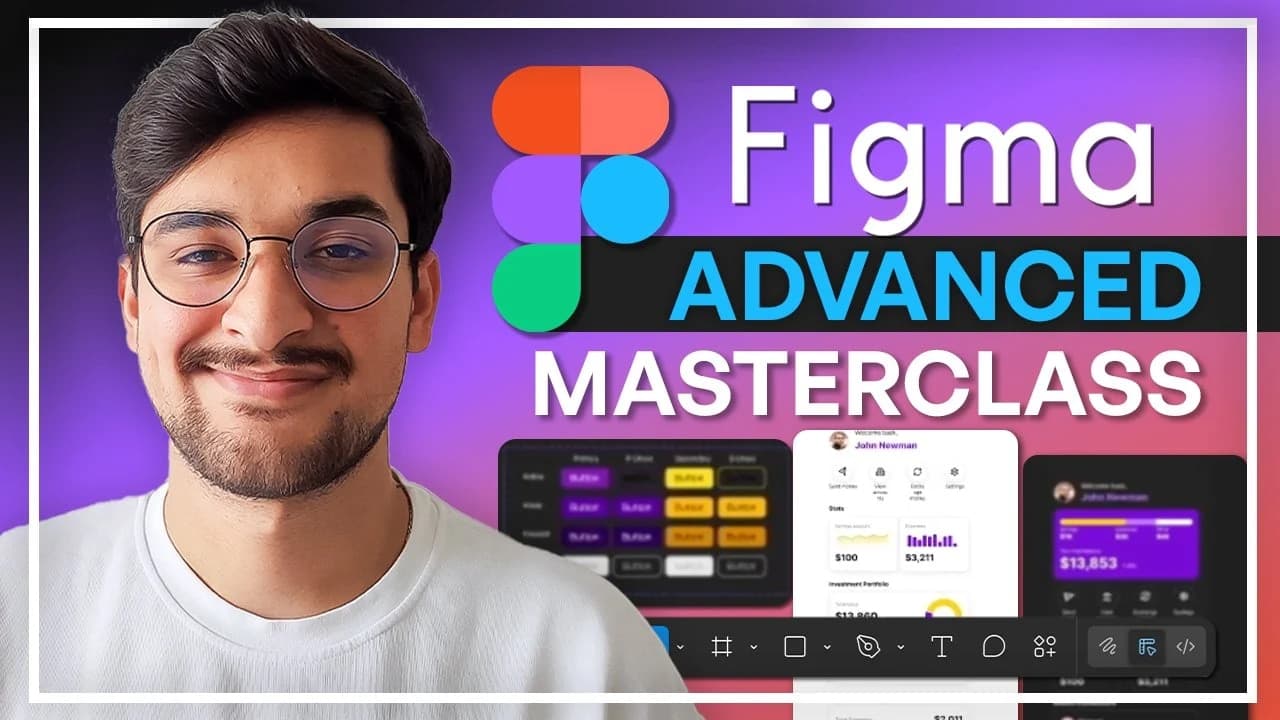
Figma Advanced Masterclass: Design Systems, Prototyping & Responsive UI | Skillademia Academy | Skillshare
Included in plans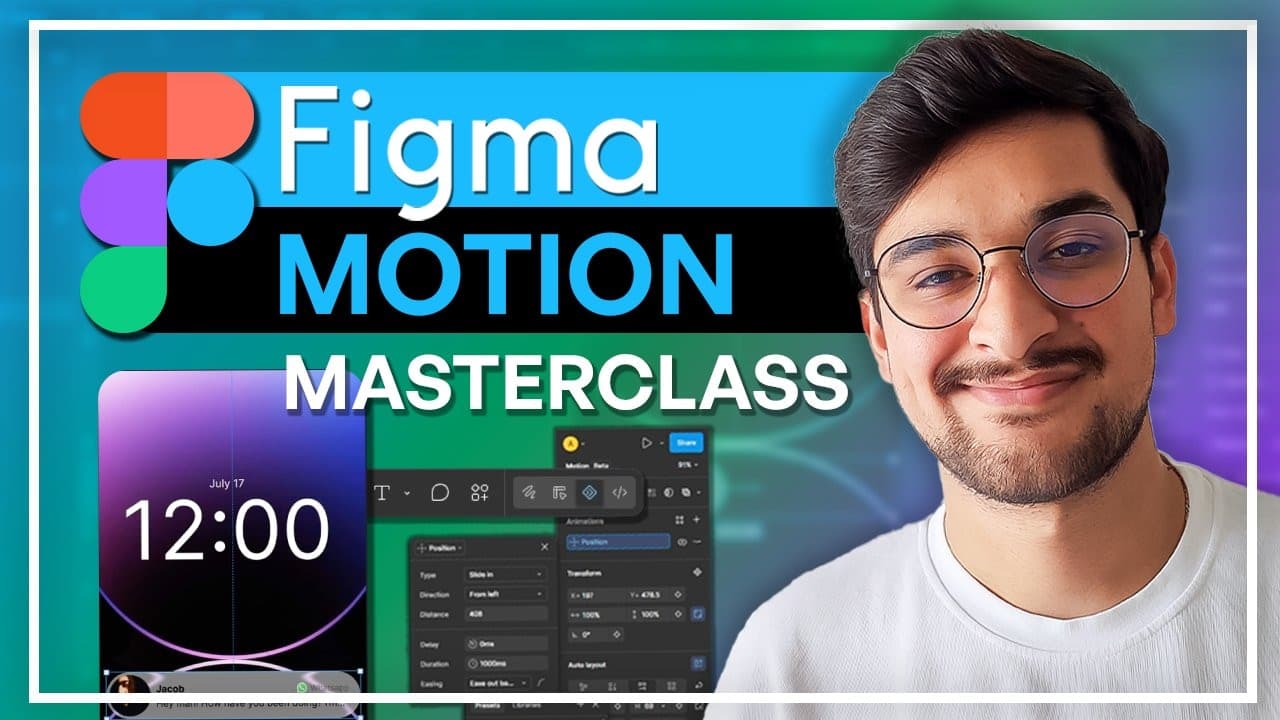
Courses
Figma Motion Masterclass: Create Professional UI Animations | Skillademia Academy | Skillshare
Included in plans
Courses
Blender Geometry Nodes Beginner Masterclass: Create a Procedural Flower Field | Skillademia Academy | Skillshare
Included in plans
Courses
Blender for Beginners: Create Your First Stylized 3D Scene | Skillademia Academy | Skillshare
Included in plansIn the price
- All files of the item
- Delivery to your Telegram chat
Not in it
- Refunds, all sales are final
- One-to-one mentoring
- Certificates from the original school