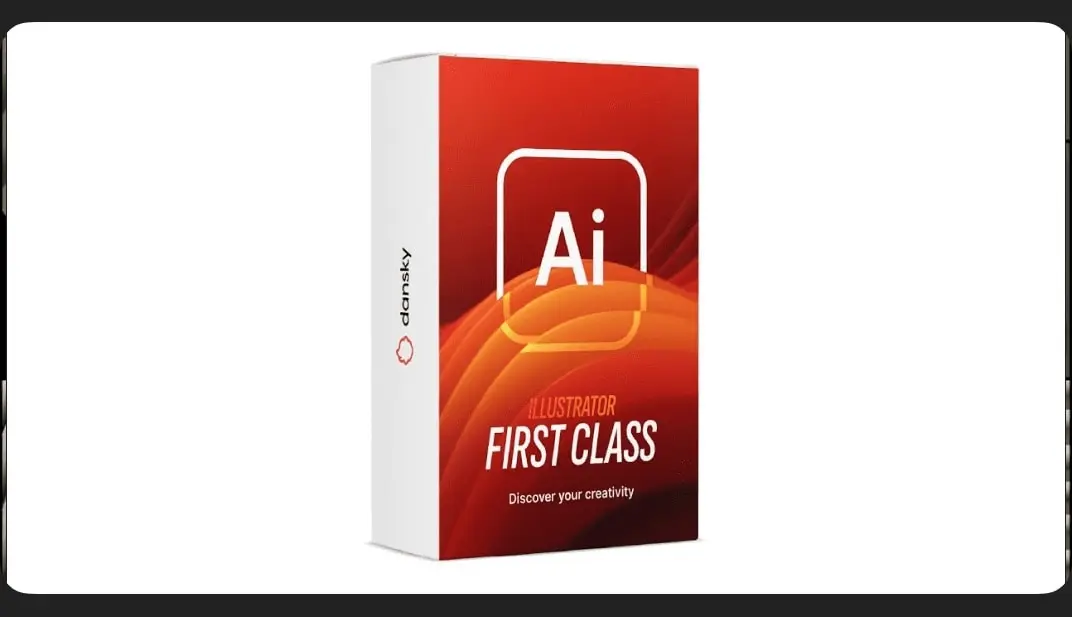
Illustrator First Class
Overview
Module 1 – Getting started the right way
Module 2 – Mastering the core Illustrator tools
Module 3 – Colours, strokes and gradients made easy
Module 4 – Drawing tools and shape-building techniques
Module 5 – Creating typography that stands out
Module 6 – Working with images, masks, and tracing techniques
Module 7 – Using brushes and adding texture
Module 8 – Unlocking Illustrator’s advanced features
Module 9 – Saving, exporting and sharing like a pro
How access works
1Get a plan
Starter, Pro or Lifetime.
2Sign in with Telegram
One tap — plan linked to your account.
3Download
Open the Mini App or your Profile.