Designing Spaces with Corona Renderer and 3ds Max
Overview
### Course Overview
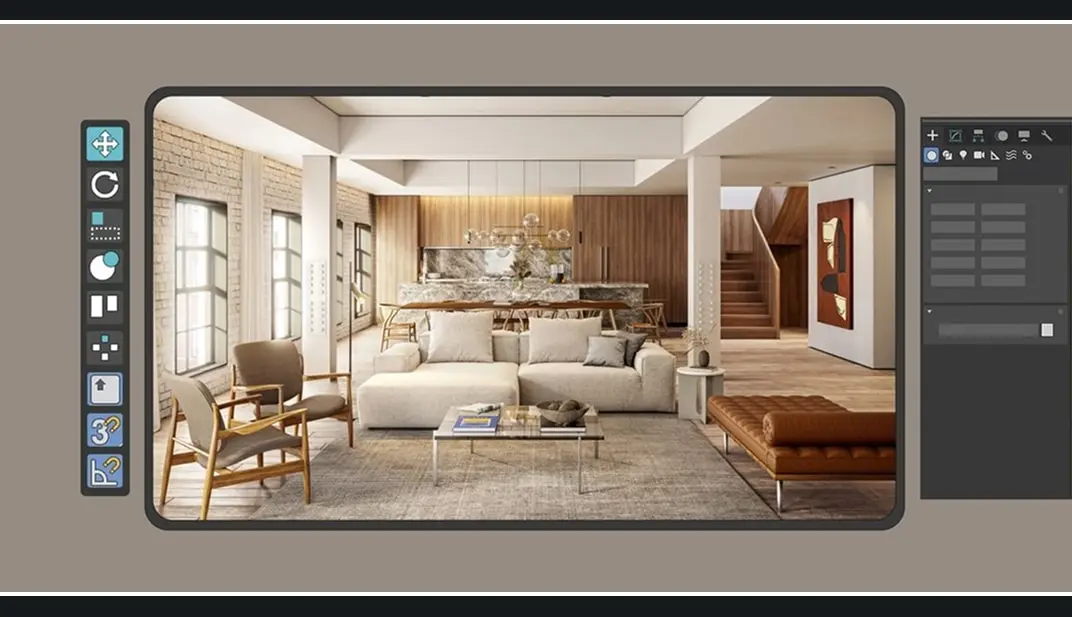
The program focuses on conceptualizing and modeling naturally lit interior environments from scratch. Students build two separate interior scenes: a foundational room to master basic lighting, composition, and materials, followed by a more complex living room setup to practice advanced workflows.
– **Instructor:** Anthony Flores (Architect & 3D Artist based in Panama)
– **Duration:** 17 lessons (Totaling 2 hours and 19 minutes of video content)
– **Additional Resources:** 18 downloadable files
– **Level:** While listed as beginner-friendly, student reviews indicate it is best suited for individuals who already have intermediate or basic operational knowledge of the software.
– **Software Required:** Autodesk 3ds Max, Chaos Corona Renderer, and Adobe Photoshop.
### Curriculum Structure
The course is broken down into four core units:
1. **Introduction:** A background on the teacher’s background, professional trajectory, and creative influences.
2. **Analysis and Basic Preparation:** Establishing references, building project moodboards, fundamental 3D modeling, camera configurations, and importing/distributing 3D assets in a space.
3. **Creating the Environment:** Setting up natural lighting, evaluating space with clay renders, managing materiality, configuring render setups, and utilizing Corona’s LightMix feature.
4. **Highlighting Elements:** Exporting final render passes and polishing the image through post-production inside Adobe Photoshop.
Topics: 3Ds Max
Source: https://www.domestika.org/en/courses/4451-designing-spaces-with-corona-renderer-and-3dsmax
How access works
Starter, Pro or Lifetime.
One tap — plan linked to your account.
Open the Mini App or your Profile.