By Earnedits · Official page
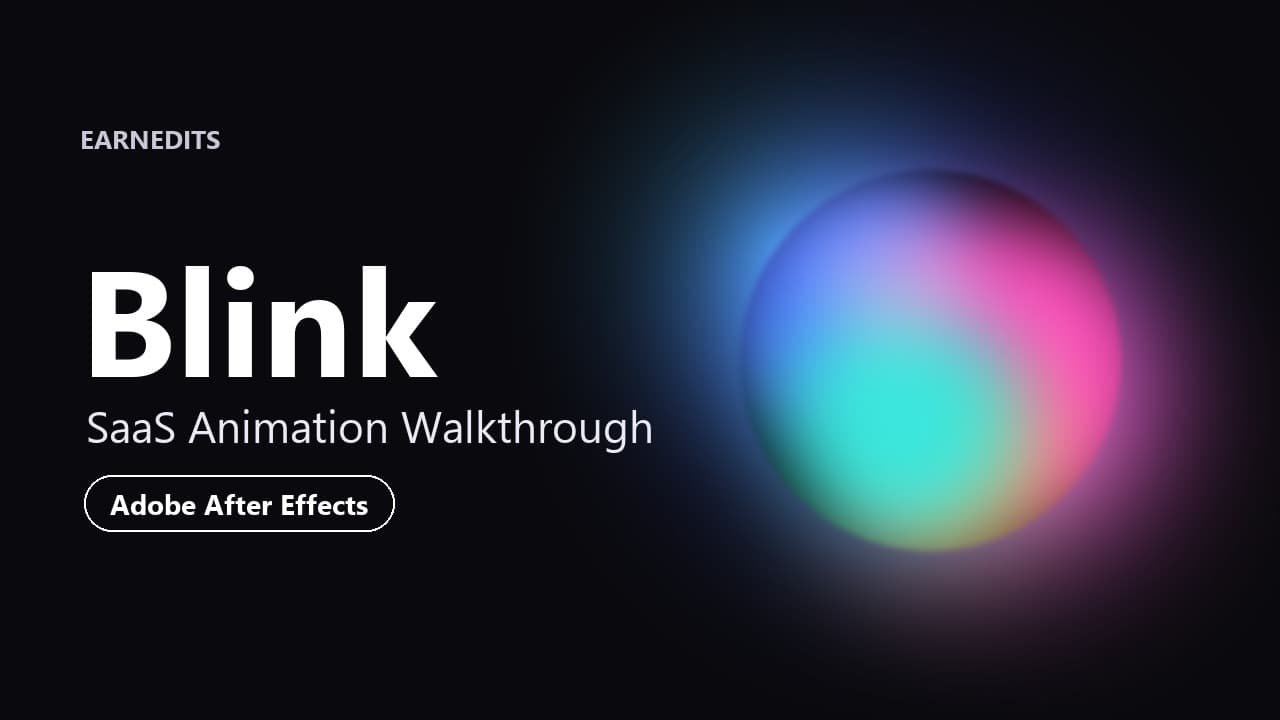
Blink | SaaS Animation Walkthrough
About this item
Learn how the Blink "one prompt to a fully functional website" animation was constructed in Adobe After Effects. This lesson combines hands-on recreation of selected elements with a walkthrough of the original project, covering the animated gradient orb, match cuts, typography, interface elements, and camera movement that give the SaaS animation its polished feel.
Techniques covered
- Building an animated orb from colored shape layers
- Wiggle motion, Fast Box Blur and inner/outer glow
- Precomposing and cropping the region of interest
- Null-controlled movement, graph editor easing and match cuts
- Custom rounded-corner shapes
- Typewriter cursor and text animator properties
- Track mattes, UI transitions and secondary animation
- 3D layers, orbit nulls and camera animation
Frequently Asked Questions
How does instant Telegram delivery via @madbaxapp_bot work?
Activate any plan from $5, then press Download on this page: 1 file (351.1 MB) are sent to your Telegram chat instantly by the bot @madbaxapp_bot.
How do I extract multi-part .part01.rar archives on Windows and macOS?
Download all volumes (.part01.rar, .part02.rar … .partN.rar) into one folder, then start the extraction only from the first volume, part01.rar. On Windows use WinRAR or 7-Zip; on macOS use Keka or The Unarchiver. The other volumes are read automatically.
What is included in the download archive?
The archive includes all project and video files for this release. It does not include one-to-one mentoring or certificates from the original school.
Related Assets
C4D+AE Commercial Animation Class
Included in plans
3D Illustration: From Modeling to Lighting
Included in plans
Particle Fluid Special Effects Collection Tutorial
Included in plans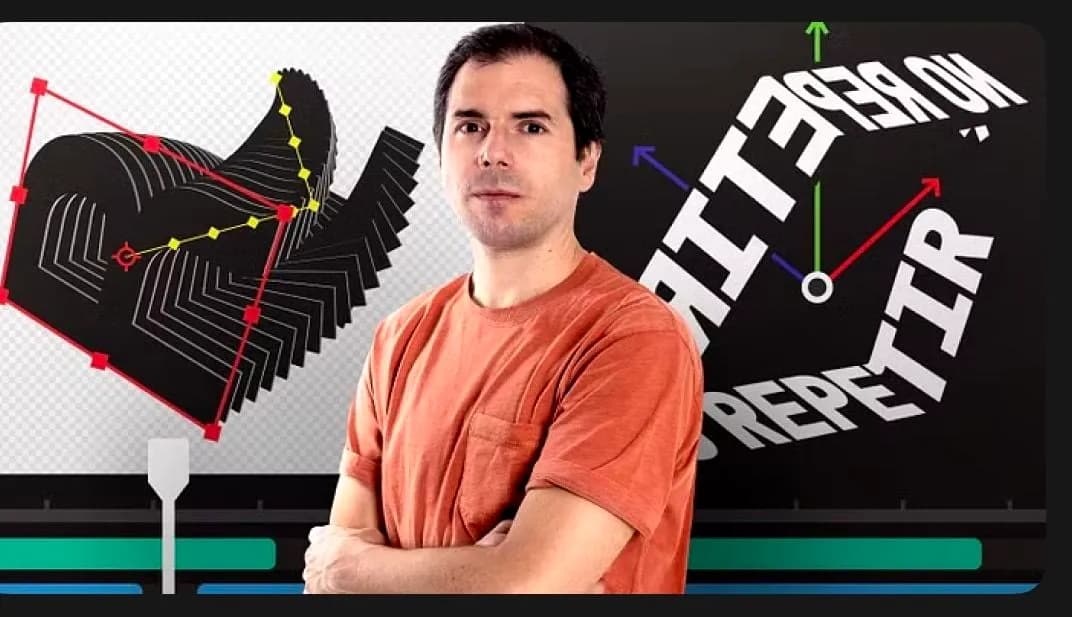
Advanced Animation for Typographic Compositions
Included in plans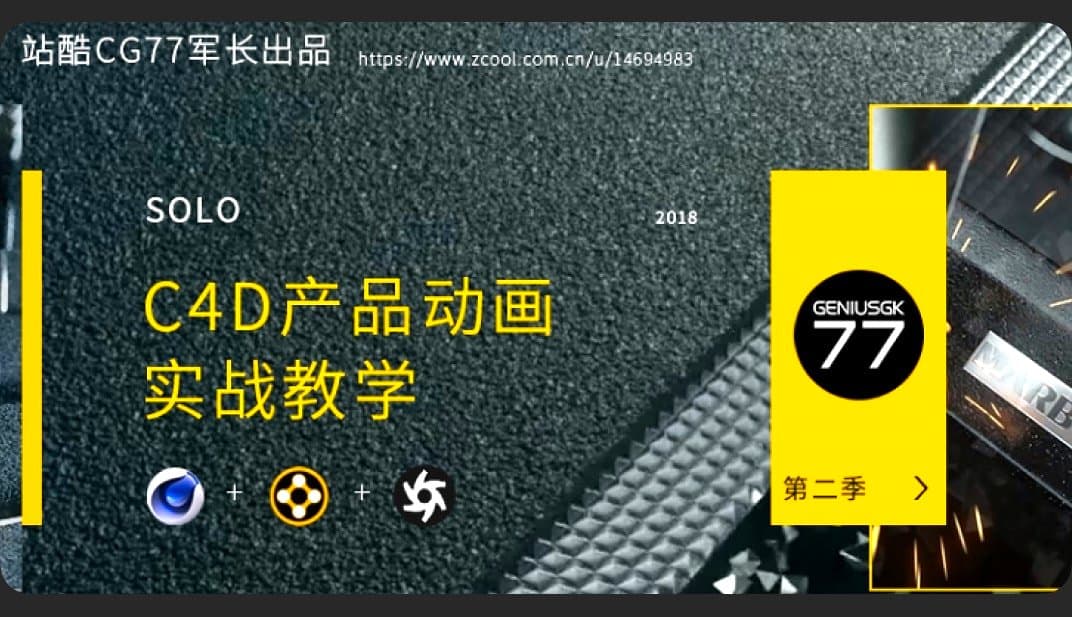
Army Commander C4d Animation Actual Combat Tutorial Business Case Explanation Season
Included in plans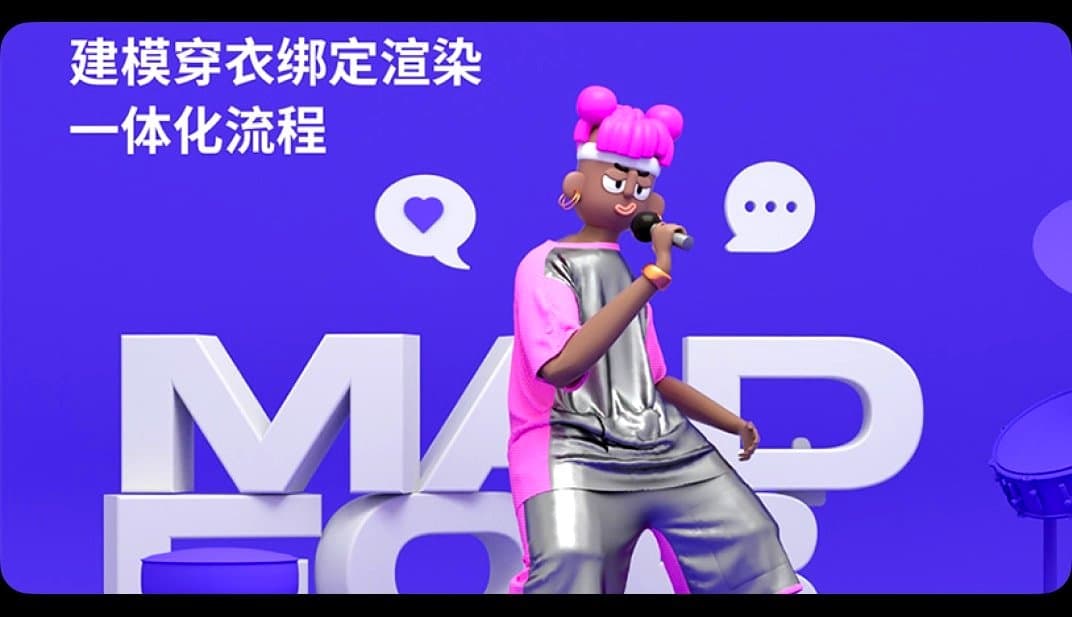
Gray day cartoon character modeling, dressing and rendering integrated process
Included in plansMore from Madbax

MiNi Classroom E-commerce Design Class 20th Advanced + Intermediate
Included in plans
Yifan x Jackie Chan C4D+OC Zero-Based Practical Training
Included in plans
JessVision C4D Commercial Visual Arts Class, 17th Session, 2024 (High-definition video with some source material)
Included in plans