By Earnedits · Official page
The Barcode — The Little Lines That Changed Shopping
About this item
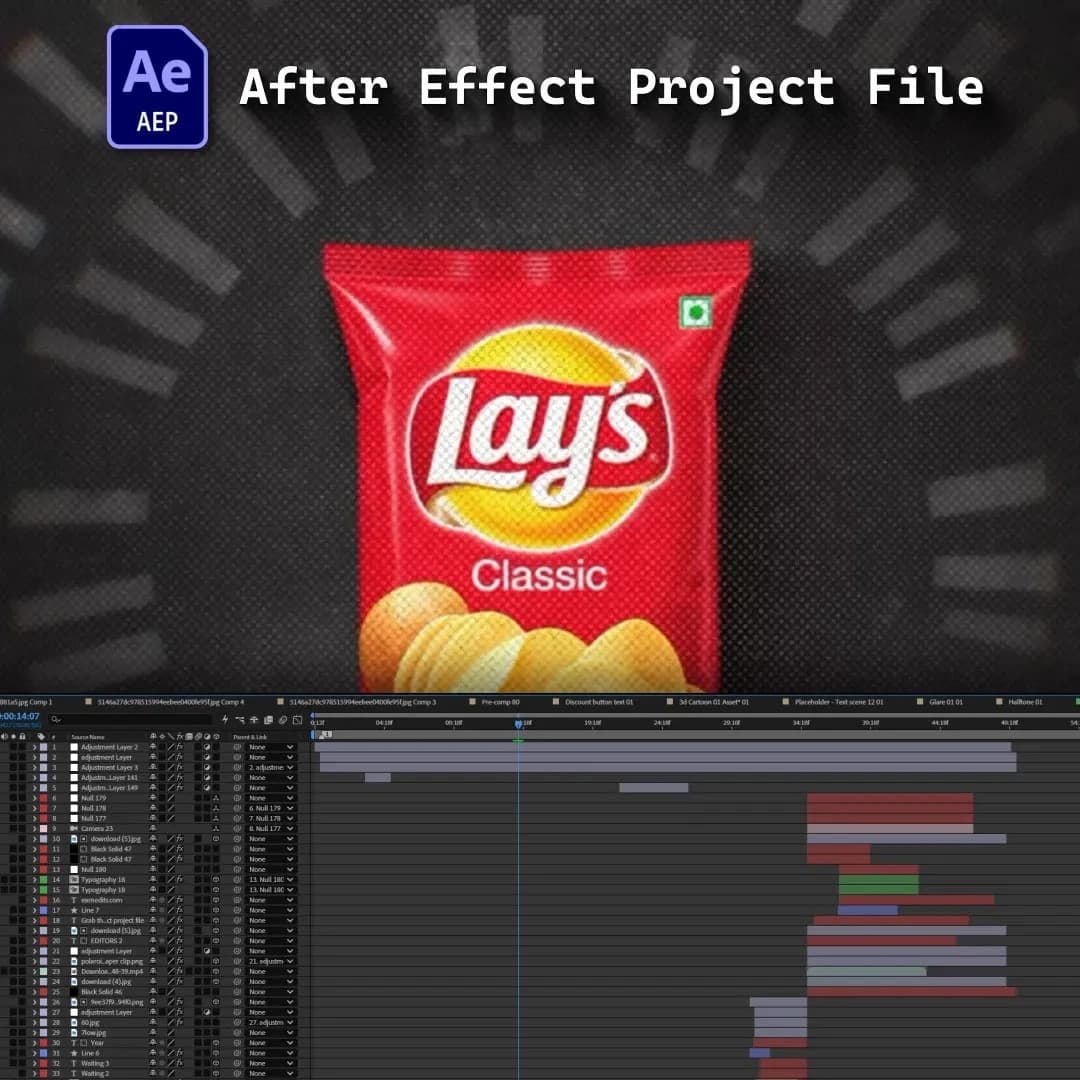
A barcode looks simple. Just a few black lines printed on a product. But behind those lines is a technology that transformed the way products are identified, sold, and tracked.
In this tutorial, we’ll recreate a documentary-style motion graphics edit about the history of the barcode, combining product animation, scanning effects, kinetic typography, data visualization, and cinematic transitions.
We’ll begin by creating the opening sequence, using close-up product imagery and animated barcode lines to establish the visual language of the edit. You’ll learn how to make an ordinary object feel visually interesting through camera movement, scale, cropping, and typography.
Next, we’ll recreate the pre-barcode shopping experience, showing how products were manually priced, identified, and tracked. Simple graphic elements and editorial compositions will be used to communicate the complexity of the old system.
The tutorial then moves into the introduction of the barcode itself. You’ll learn how to create animated barcode lines, numerical identifiers, scanning beams, and digital readouts using After Effects shape layers and animation techniques.
We’ll build a visual representation of the first barcode scan, using a product package, scanner interface, and animated scanning beam to create a cinematic moment around what would otherwise be a very simple event.
From there, we’ll show how one scan can lead into a much larger system. Products move through checkout. Inventory updates. Digital information is transferred. And the same simple barcode becomes part of a massive retail network. You’ll learn how to visualize this process using data streams, connection lines, UI elements, product movement, and animated numbers.
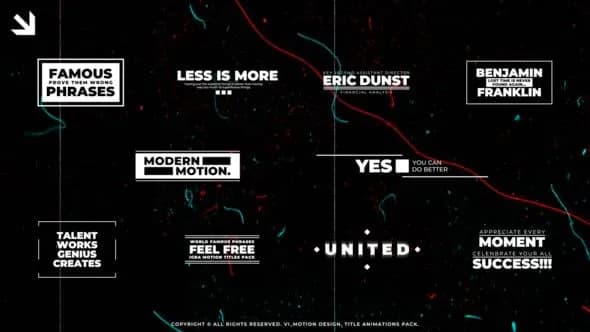
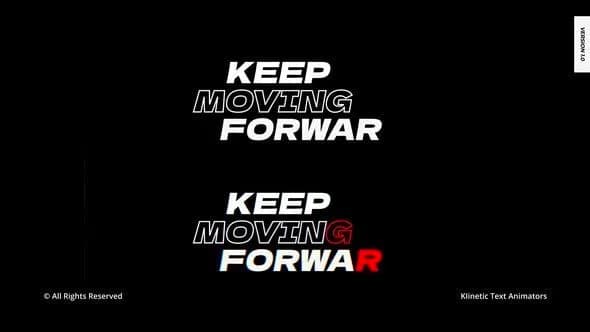
The tutorial also focuses on kinetic typography, showing how to animate important dates, statements, and statistics so they feel integrated into the documentary rather than appearing as static captions.
For transitions, we’ll use scanner wipes, camera pushes, zooms, masking, match cuts, motion blur, and barcode-inspired transitions to move naturally between historical and modern scenes.
We’ll also explore how to create a consistent retro documentary aesthetic using textures, subtle grain, editorial layouts, controlled typography, and carefully paced compositions.
By the end, you’ll have a complete visual system for turning a simple invention or everyday technology into an engaging documentary-style motion graphics sequence.
Frequently Asked Questions
How does instant Telegram delivery via @madbaxapp_bot work?
Activate any plan from $5, then press Download on this page: 2 files (340.3 MB) are sent to your Telegram chat instantly by the bot @madbaxapp_bot.
How do I extract multi-part .part01.rar archives on Windows and macOS?
Download all volumes (.part01.rar, .part02.rar … .partN.rar) into one folder, then start the extraction only from the first volume, part01.rar. On Windows use WinRAR or 7-Zip; on macOS use Keka or The Unarchiver. The other volumes are read automatically.
What is included in the download archive?
The archive includes all project and video files for this release. It does not include one-to-one mentoring or certificates from the original school.
Related Assets
Morphing Typography for After Effects
Included in plans
Creative Titles | After Effects
Included in plans
Engineering icons And Titles for After Effects
Included in plans
Titles Typography | AE
Included in plans
Christmas Titles for After Effects
Included in plans