By Fastcampus · Official page
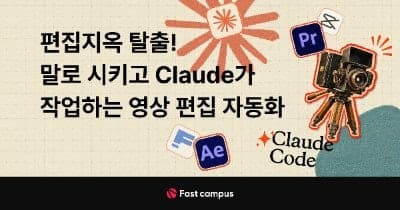
Escape Editing Hell! Tell Claude What to Do: Video Editing Automation (Eng Sub)
Subtitles: English
About this item
Premiere Pro and CapCut are no longer required. This Fast Campus course teaches you to hand video editing over to Claude Code: you describe what you want, the AI cuts, captions, color-grades and builds motion graphics, and you only review and ask for changes. It is aimed at beginners, no coding experience needed, and ends with your own custom AI video editor that learns your taste and editing style.
The course is taught by Dalbee, a working video editor and collaborative-content producer for a YouTube channel with 400K subscribers, who built and refined this editing system over six months of real production work.
What you will build
- 25 editing automation skills that Claude can call on demand, so you never have to re-explain a task.
- Your own AI video editor, built on top of those skills and adjusted to your workflow, with no editing-software subscription.
- Seven complete content workflows, each taken from raw footage to a finished video.
The 25 automation skills
- Sourcing: free stock images and footage, AI-generated images and video, AI narration without recording, and a highlight extractor for long source videos.
- Everyday editing: silence cuts, filler-word cuts, and speech captions placed at exact timings.
- Practical tools: speed changes (fast, slow, reverse), horizontal to vertical conversion, beat-based music transitions, and automatic camera and microphone switching by speaker.
- Audio: loudness normalization and background noise removal.
- Color: basic correction and reference-based color grading.
- Effects: chroma key background removal, mosaic and motion blur, and explanatory visual overlays.
- Motion with Remotion: scene transitions, keyframe animation of images, reference-based motion captions, motion charts and graphs, and camera-follow infographic scenes.
Seven end-to-end projects
- Informational documentary-style video
- Product promo with motion graphics
- Mass-produced ranking-style short-form videos
- Emotional vlog
- Kitschy idol-style behind-the-scenes content
- Highlight-edit shorts
- Podcast shorts
Each project chains the skills in order: clean-up (noise, silence, repeated speech, loudness), captions, visuals and overlays, music and sound effects, and a self-review pass using contact sheets. You also see how feedback improves the result from one revision to the next.
EditorKit and bonus materials
- EditorKit: the open-source automation toolkit the instructor uses in production, ready to copy and start from instead of writing every rule from zero.
- 100+ editing templates (transitions, color grading, motion, captions) and 32 brand guide references.
- Bonus classes: editing from your phone through the Claude app, building intro, outro and caption brand kits and templates, and vibe-coding creator tools such as a bio-link page and a competitor channel analyzer.
Requirements
- Claude desktop app (Max plan recommended). Codex can be used instead of Claude Code, with a separate practice guide in the course.
- No programming knowledge is needed. If you have asked ChatGPT for something in plain words, that is enough to follow along.
- Screens and features may differ slightly from the recorded versions as the tools are updated.
Frequently Asked Questions
How does instant Telegram delivery via @madbaxapp_bot work?
Activate any plan from $5, then press Download on this page: 3 files (8.7 GB) are sent to your Telegram chat instantly by the bot @madbaxapp_bot.
How do I extract multi-part .part01.rar archives on Windows and macOS?
Download all volumes (.part01.rar, .part02.rar … .partN.rar) into one folder, then start the extraction only from the first volume, part01.rar. On Windows use WinRAR or 7-Zip; on macOS use Keka or The Unarchiver. The other volumes are read automatically.
What is included in the download archive?
The archive includes all project and video files for this release. It does not include one-to-one mentoring or certificates from the original school.
Related Assets

AI: SORA 1 & SORA 2 (2026): From Words to Videos With AI.
Included in plans
ai-for-photography
Included in plans
Ai For Work Course
Included in plans
Ai For Mechatronics
Included in plans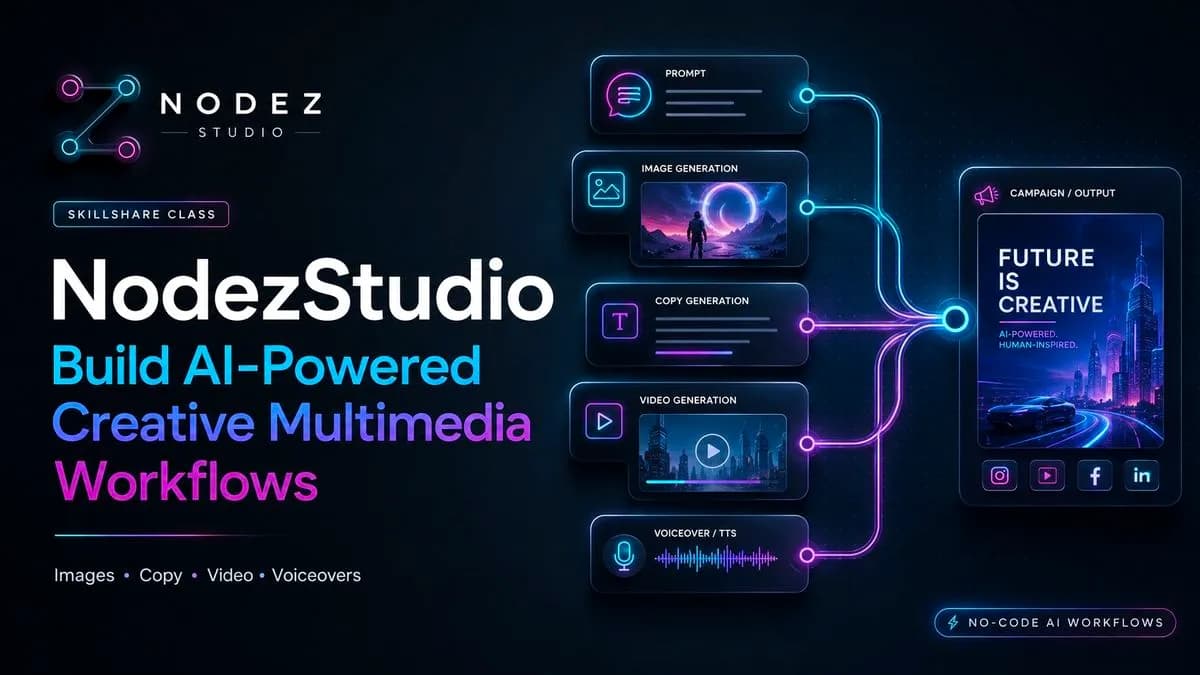
Nodezstudio Build Ai Powered Creative Multimedia Workflows
Included in plans