Zen UV Checker v1.5.1
Overview
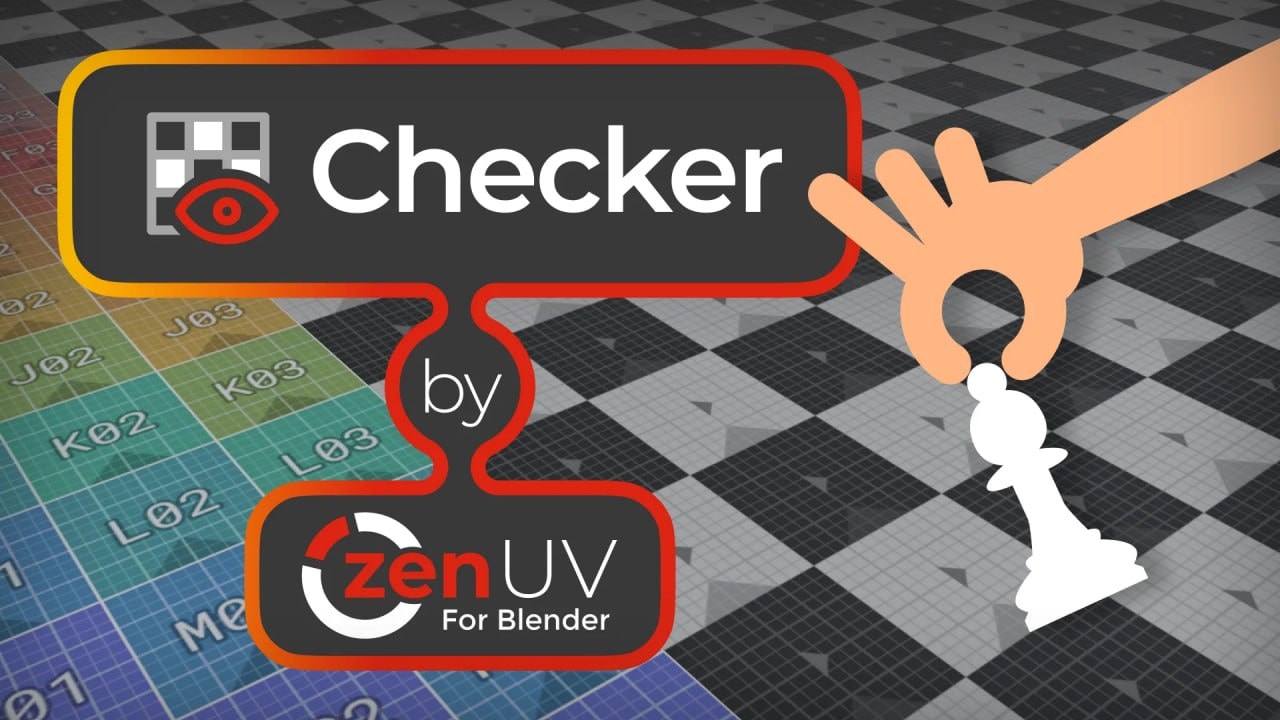
Zen UV Checker is a comprehensive UV inspection tool for Blender that provides visual and technical analysis of UV layouts on 3D models. The addon includes a checker texture system that displays customizable patterns on your mesh to reveal UV issues, with a built-in library of default textures that can be supplemented with your own JPG or PNG files. Users can tile, offset, and filter textures by resolution, and the system includes a bright green indicator at UV coordinates 0,0 to quickly spot unmapped geometry.
The Display and Draw System allows you to toggle multiple visualization overlays directly in the 3D Viewport and UV Editor, including seams, creases, bevels, sharp edges, flipped islands, overlapped UVs, texel density, and stacked islands. Each display type includes selection operators so you can quickly isolate and work on problem areas. The Draw System is highly customizable through preferences that control display colors, point scaling, auto-update behavior, and synchronization with Blender’s native overlay settings.
The checker texture node integrates seamlessly with your existing materials in the Shader Editor without modifying them—the addon adds and removes its own dedicated node on top of your material stack. Additional features include margin visualization for packing, UV border display, island coloring for distinction, and the ability to capture the current overlay state as a Blender image. The interface provides keyboard shortcuts (Alt+T) and script-friendly operators for toggling the checker on, off, or in toggle mode, making it suitable for both interactive work and automation.
How access works
Starter, Pro or Lifetime.
One tap — plan linked to your account.
Open the Mini App or your Profile.