By Goskills · Official page
Microsoft Designer
About this item
Learn how to generate original images from AI prompts for logos, social media, branding, and more.
With Microsoft Designer , you can go from a blank page to a polished logo, poster, or social post in minutes — and this course shows you exactly how.
Course Curriculum
- 1 What is Microsoft Designer? Discover what Microsoft Designer is, its purpose, and where you can access it. Learn about different plans and credits. 6m
- 2 Three Ways to Create Designs Learn about the three main creation methods: Create with AI, Edit with AI, and Design from Scratch. 7m
- 3 Navigating the Editor Get familiar with the canvas, panels, toolbar, and layers in the Microsoft Designer interface. 8m
- 4 Finding and Using Templates Search and filter templates to find the right design type and size for your project. 8m
- 1 Working with Text Learn how to add, style, and format text, including fonts and effects. 7m
- 2 Colors, Palettes, and Backgrounds Understand how to use color palettes and backgrounds to create visually appealing designs. 5m
- 3 Images and Media Discover how to upload and manage images, stock photos, illustrations, and shapes. 6m
- 4 Layout Essentials Learn about layers, alignment, grouping, and spacing to create clean and organized layouts. 9m
- 5 Icons, Stickers, and Visual Elements Incorporate icons, stickers, and other visual elements to enhance your designs. 6m
- 1 Prompt-to-Image with DALL-E Generate your first AI image using a text prompt and learn how to select and insert the result. 3m
- 2 Writing Effective Prompts Learn how to write clear and detailed prompts to control the subject, style, and mood of your AI-generated images. 4m
- 3 Prompt Templates and Editable Prompts Use and adapt prompt templates, edit open fields, and save prompts as reusable templates. 4m
- 4 Generating Asset Types Create specific asset types such as stickers, emojis, clip art, monograms, and avatars using AI. 4m
- 1 Edit with AI: Uploading and the AI Edit Toolset Upload photos and explore the AI edit toolset for various editing tasks. 3m
- 2 Background Removal and Blur Learn how to remove or blur backgrounds to focus on the subject. 4m
- 3 Generative Erase: Removing Unwanted Objects Use the generative erase feature to cleanly remove distractions and unwanted objects from photos. 5m
- 4 Move Objects, Frame and Adjust Learn how to move objects, frame images, and make adjustments to your photos. 4m
- 1 Creating a Logo & Brand Kits Explore how brand kits are handled in Microsoft Designer currently and create an on-brand logo for Brew and Bloom. 5m
- 2 Posters, Flyers and Invitations Create posters, flyers and invitations based off of one consistent template. 7m
- 3 Collages and Coloring Books Combine multiple photos into attractive collages and coloring books. 6m
- 4 Presentations and Visuals for Documents Design graphics for slides and documents, and integrate them into PowerPoint and Word. 5m
- 1 Designer in Copilot Use Designer through Copilot for ideation, mood boards and rapid concepts. 3m
- 2 Designer in Windows Photos Use Designer's AI edits from Windows Photos. 3m
- 1 Capstone: An End-to-End Brand Campaign Workflow Combine every skill to plan and produce a small multi-asset brand campaign for an independent bookshop, Foxglove Books & Bindery. 3m
Frequently Asked Questions
How does instant Telegram delivery via @madbaxapp_bot work?
Activate any plan from $5, then press Download on this page: 1 file (1.6 GB) are sent to your Telegram chat instantly by the bot @madbaxapp_bot.
How do I extract multi-part .part01.rar archives on Windows and macOS?
Download all volumes (.part01.rar, .part02.rar … .partN.rar) into one folder, then start the extraction only from the first volume, part01.rar. On Windows use WinRAR or 7-Zip; on macOS use Keka or The Unarchiver. The other volumes are read automatically.
What is included in the download archive?
The archive includes all project and video files for this release. It does not include one-to-one mentoring or certificates from the original school.
Related Assets
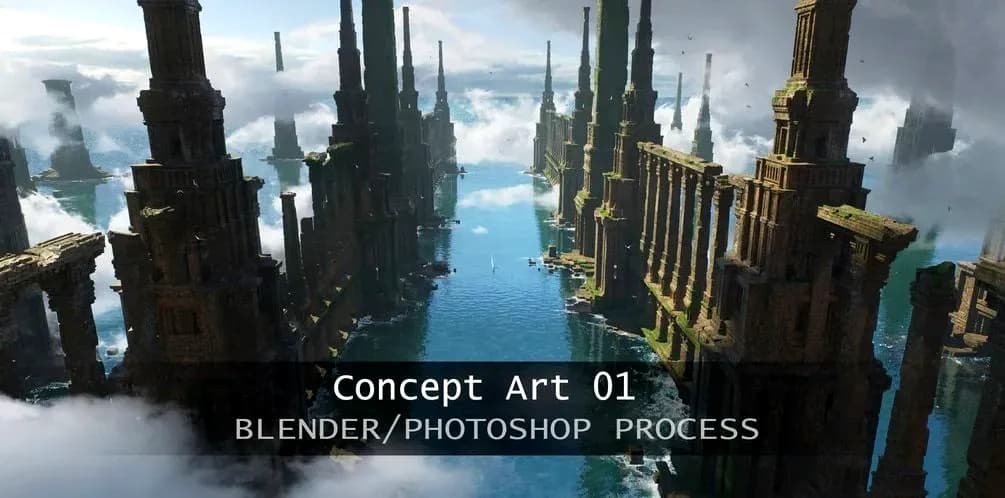
Lost Atlantide 3D/2D process
Included in plans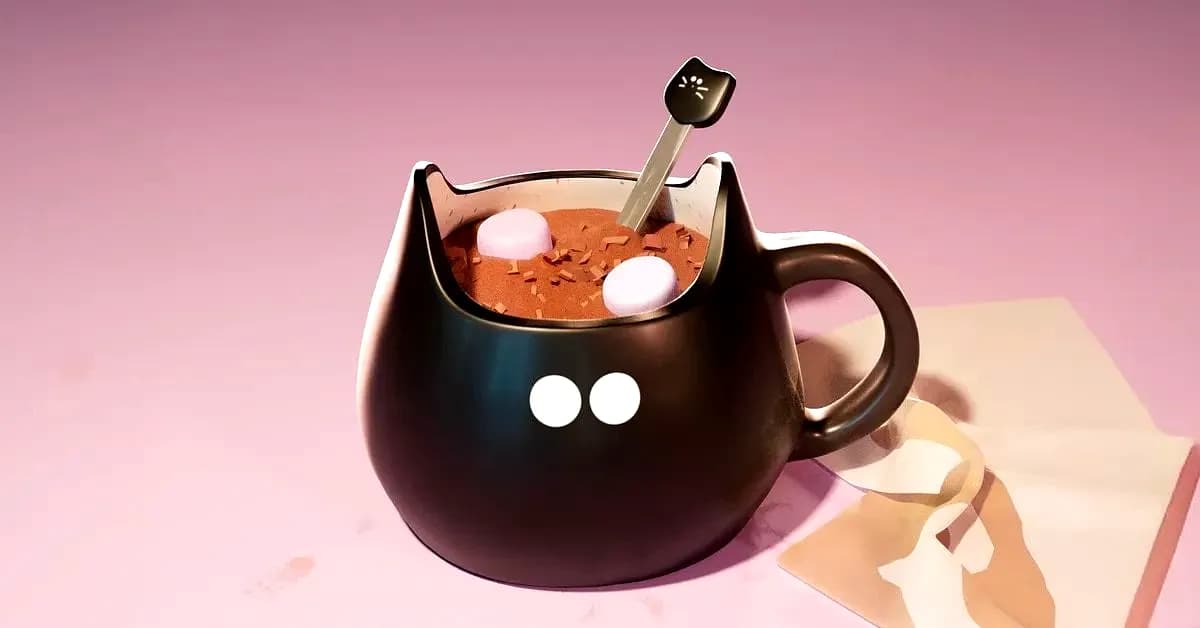
Guided Course: Start on Blender creating a fun 3D scene
Included in plans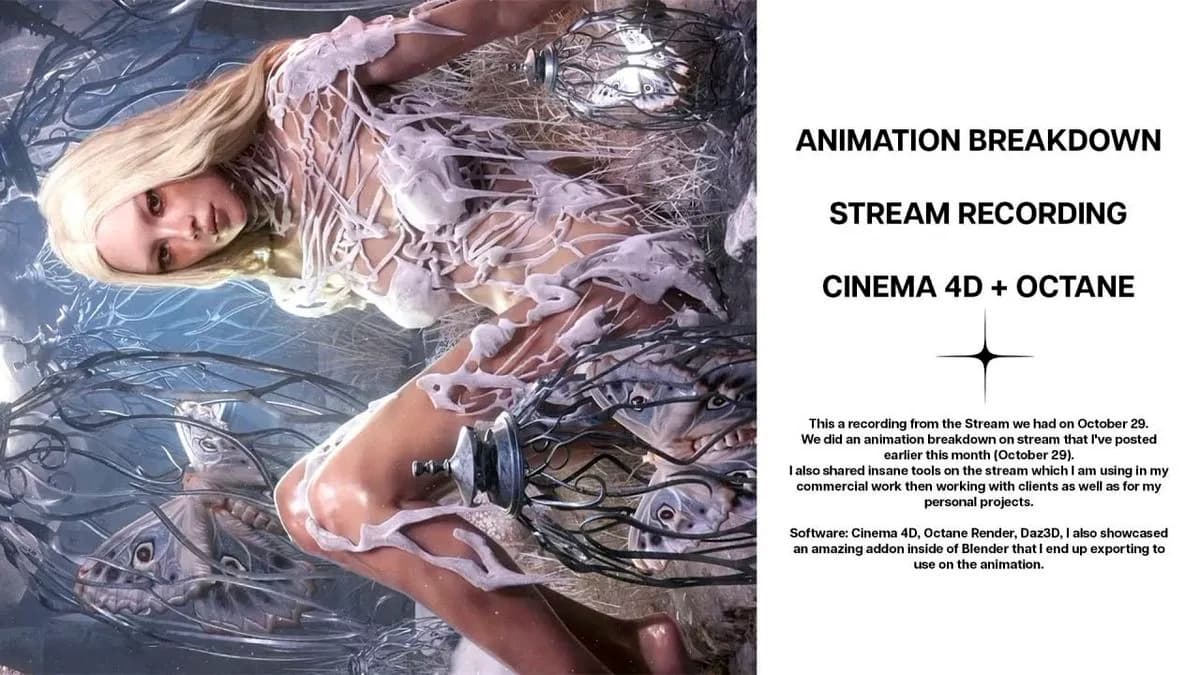
Moth Realm Animation Breakdown (Stream Recording)
Included in plans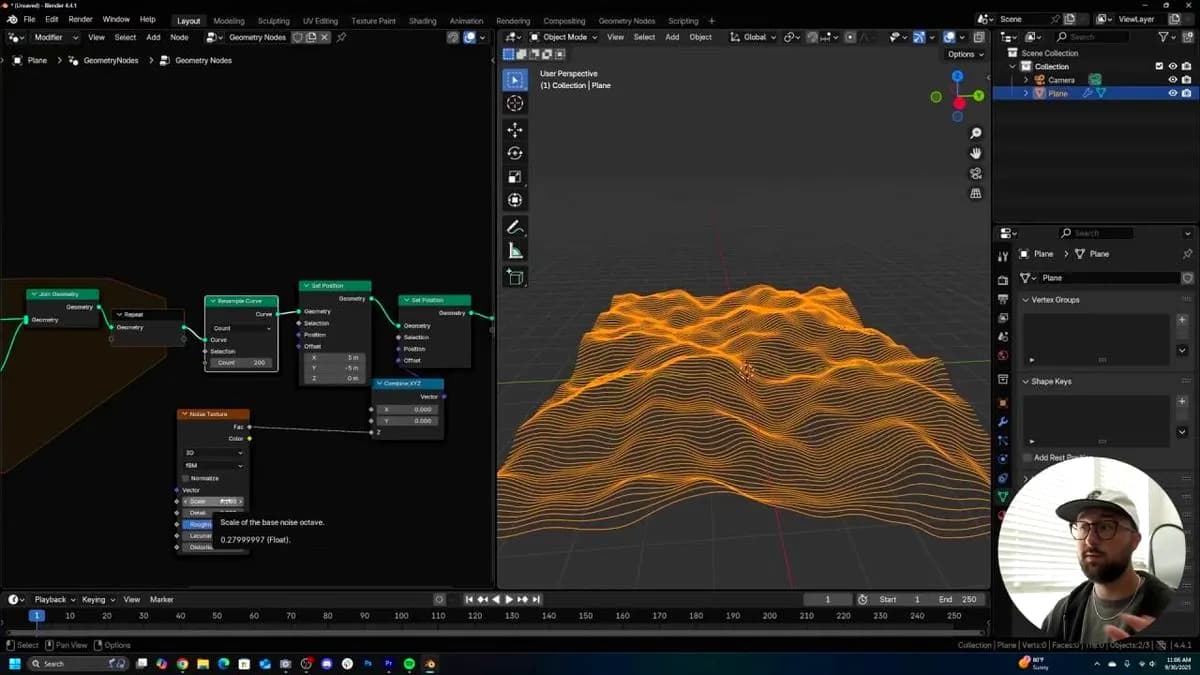
Ducky 3D – Joy Division Album Cover
Included in plans
Max Hay – Cyber Environments Course
Included in plans