By Gumroad · Official page
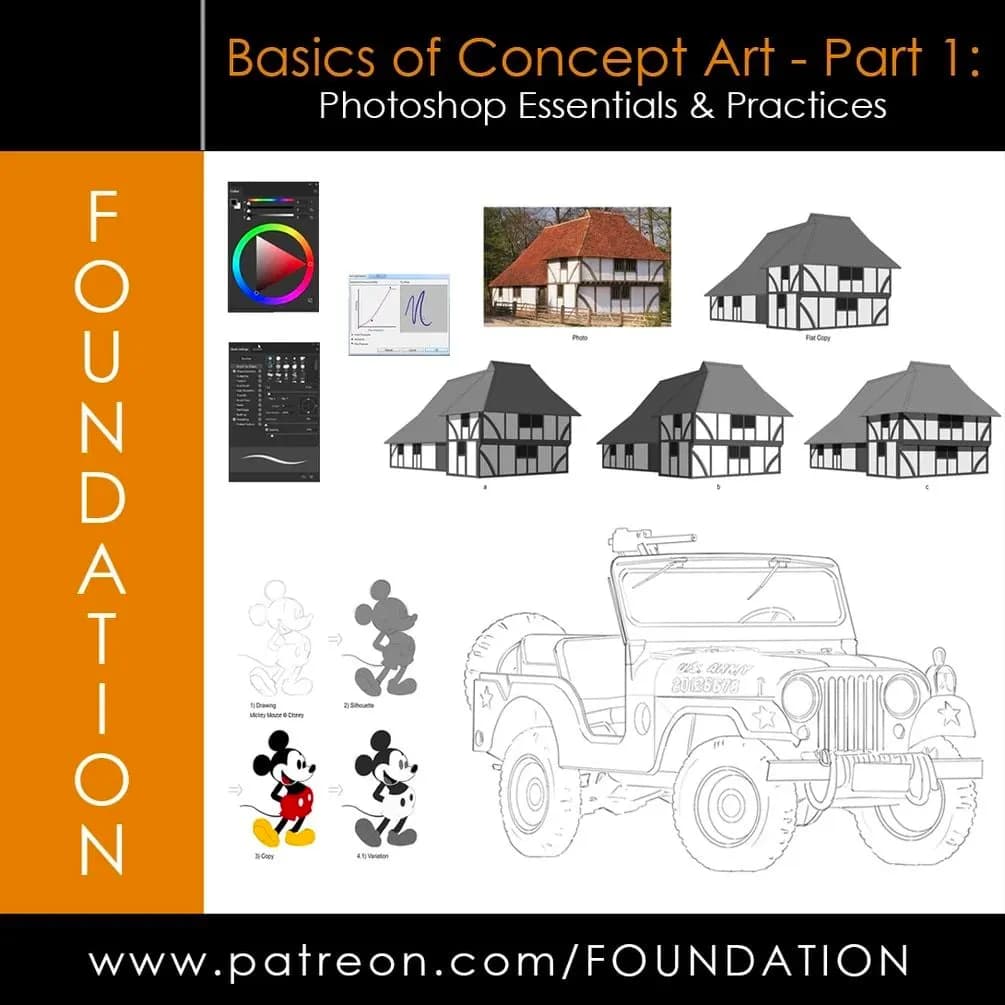
Foundation Patreon - Basics of Concept Art - Part 1 & 2
About this item
This course covers the fundamentals of concept art using Photoshop, divided into two parts. Part 1 focuses on Photoshop essentials and core practices that form the foundation of digital concept art creation. The material is part of the Foundation Patreon curriculum, designed to build competency in the tools and techniques essential for professional concept art work.
The course introduces key workflows and best practices within Photoshop, equipping artists with practical skills for ideation, sketching, and visual development. By mastering these foundational techniques, students will be prepared to advance to more specialized concept art disciplines and professional applications in game design, film, and illustration industries.
Frequently Asked Questions
How does instant Telegram delivery via @madbaxapp_bot work?
Activate any plan from $5, then press Download on this page: 1 file (2.2 GB) are sent to your Telegram chat instantly by the bot @madbaxapp_bot.
How do I extract multi-part .part01.rar archives on Windows and macOS?
Download all volumes (.part01.rar, .part02.rar … .partN.rar) into one folder, then start the extraction only from the first volume, part01.rar. On Windows use WinRAR or 7-Zip; on macOS use Keka or The Unarchiver. The other volumes are read automatically.
What is included in the download archive?
The archive includes all project and video files for this release. It does not include one-to-one mentoring or certificates from the original school.
Related Assets
World Building using Blender & Photoshop
Included in plans
Photography Aesthetics: Mastering Color & Environment
Included in plans
Keyshot Scene Rendering Series Course
Included in plans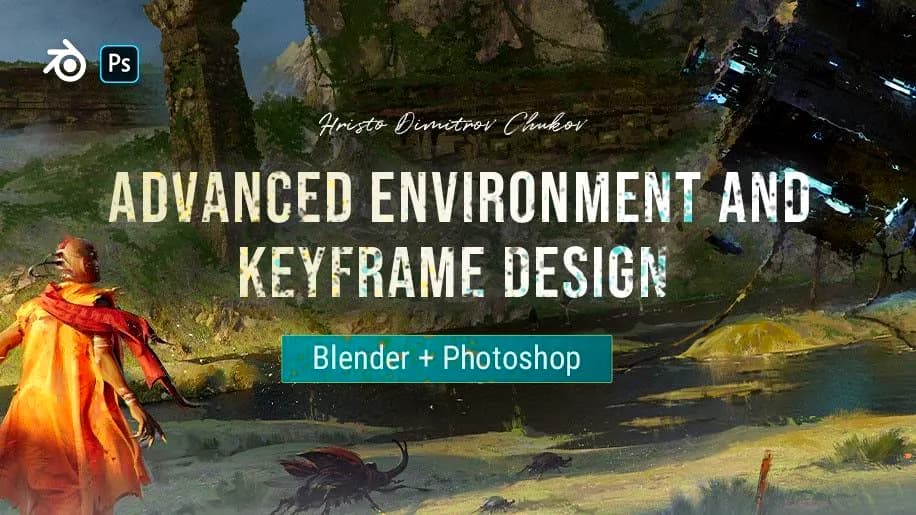
Advanced Environment and Keyframe Design_Blender+Photoshop
Included in plans
Futuristic 3D Environments with Photoshop and Blender
Included in plans