By Joelfamularo · Official page
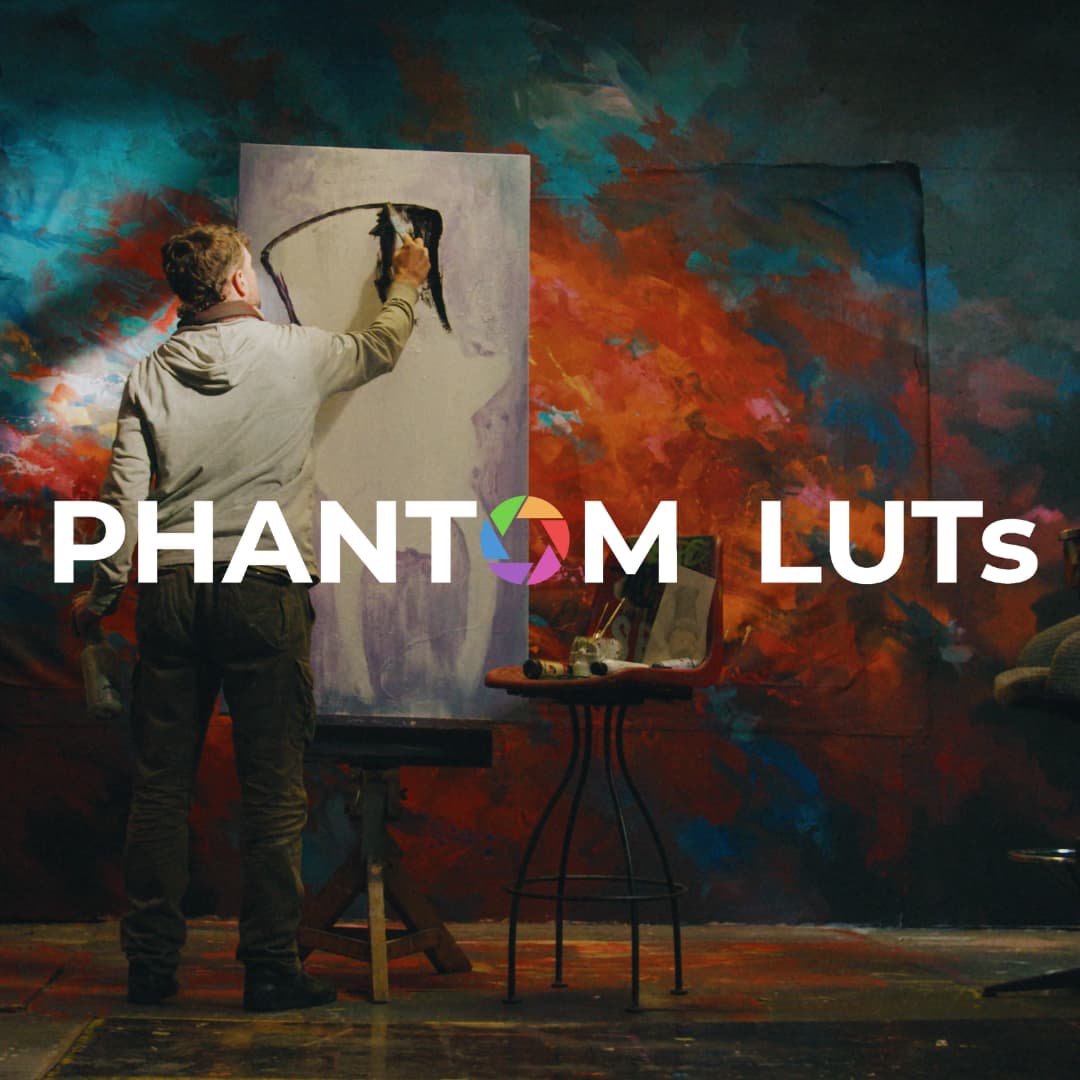
Phantom LUTs For Nikon Z8 & Z9
About this item
Phantom LUTs is the project of DoP Joel Famularo, known for his authentic and bold style of cinematography. He specializes in Arri Alexa and Film Emulation
Explore sample frames from filmakers who color grade using Phantom LUTs
What's Included
- CANON CINEMA CAMERAS
- RED KOMODO/RAPTOR
- NIKON ZR (Coming Soon)
- NIKON Z8/Z9 (Coming Soon)
- S1/1H, S5 I/II, EVA1
- BLACKMAGIC POCKET 4K/6K
- BLACKMAGIC URSA MINI 4.6K G2
- BLACKMAGIC CC-FF 6K & PYXIS 6K (Coming Soon)
- MAVIC › MAVIC 3 (PRO/CINE)
- MAVIC 4 PRO
- POCKET 3
- POCKET 4 (COMING SOON)
- IPHONE 15/16/17 PRO
- FUJI X-H25
- ALEXA MINI/CLASSIC & AMIRA
- ALEXA 35
- MAVIC 3 (PRO/CINE)
- OSMO POCKET 3
- OSMO POCKET 4 (Coming Soon)
- RONIN 4D & INSPIRE 3
- What Software is compatible with Phantom LUTs? Phantom LUTs are compatible with all editing software that supports the use of .cube LUT files. This includes software on Mac, PC and Tablet/Mobile apps. Compatible Editors Include: Davinci Resolve Studio (All Versions)
- Adobe Premiere Pro (All versions)
- Final Cut Pro (All Versions)
- CapCut
- LumaFusion
- Capture One
- Kinemaster
- Avid Media Composer
- Sony Vegas
- Ensure your Color Science is set to: DaVinci YRGB
- Set your Timeline Color Space to Rec.709-A for Mac users, Rec.709 Gamma 2.4 for Windows users
- Leave Output Color Space set to Same as Timeline
- Lastly, ensure 3D lookup table Interpolation is set to Tetrahedral
- Under the Color Management section, set 3D LUT Interpolation to Tetrahedral
- In the Video section, ensure that Working Color Space is set to Rec. 709
- Navigate to Preferences (or Settings) > General…
- Then untick Auto Detect Log Video Color Space
- Right click the clip and select Modify Clip
- Under Interpret Footage set Color Space Override to Rec. 709
- In Change the color processing setting for the library ensure Standard Gamut SDR is selected
Frequently Asked Questions
How does instant Telegram delivery via @madbax_bot work?
Activate any plan from $5, then press Download on this page: all archive files are sent to your Telegram chat instantly by the bot @madbax_bot.
How do I extract multi-part .part01.rar archives on Windows and macOS?
Download all volumes (.part01.rar, .part02.rar … .partN.rar) into one folder, then start the extraction only from the first volume, part01.rar. On Windows use WinRAR or 7-Zip; on macOS use Keka or The Unarchiver. The other volumes are read automatically.
What is included in the download archive?
The archive includes all project and video files for this release. It does not include one-to-one mentoring or certificates from the original school.
Related Assets
Vertical Geometric 3D Backgrounds
Included in plans
Arrows Pack
Included in plans
Music Freeze Frame
Included in plans
Bold Doodle Freeze Frame
Included in plans
Neon Rhythm Freeze Frame Pack
Included in plans