By Motionape · Official page
MoBar V3.7.9
About this item
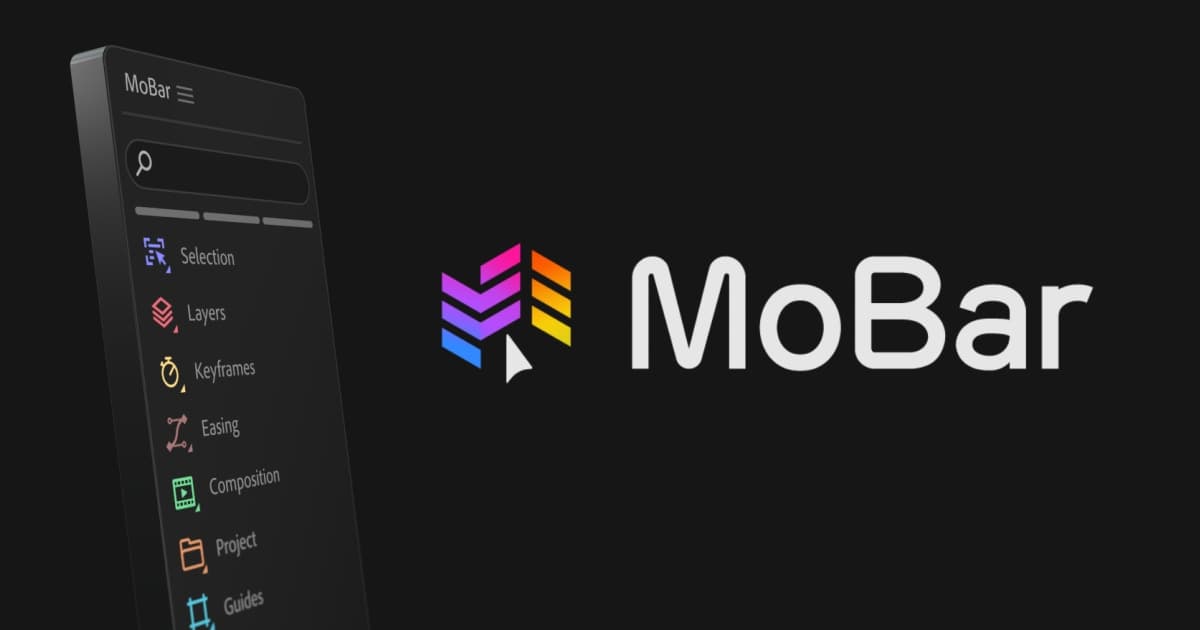
MoBar is a powerful toolset that boosts your After Effects workflow, lets you create custom panels and offers over 150 ready-to-use After Effects tools for your creative needs.
Tools Free Tools for After EffectsVideos High Quality Animated VideosSound FXs Great Sound Effects
What's Included
- 1 Unzip MoBar: Extract the MoBar ZIP file
- 2 Get ZXP Installer: Download and install the ZXP/UXP Installer
- 3 Install MoBar: Drop MoBar.zxp into ZXP Installer or use the File menu
- 4 Restart After Effects: Relaunch After Effects
- 5 Open MoBar: Go to Window → Extensions → MoBar
Frequently Asked Questions
How does instant Telegram delivery via @madbaxapp_bot work?
Activate any plan from $5, then press Download on this page: 1 file (10.0 MB) are sent to your Telegram chat instantly by the bot @madbaxapp_bot.
How do I extract multi-part .part01.rar archives on Windows and macOS?
Download all volumes (.part01.rar, .part02.rar … .partN.rar) into one folder, then start the extraction only from the first volume, part01.rar. On Windows use WinRAR or 7-Zip; on macOS use Keka or The Unarchiver. The other volumes are read automatically.
What is included in the download archive?
The archive includes all project and video files for this release. It does not include one-to-one mentoring or certificates from the original school.
Related Assets

Mobile App Presentation
Included in plans
Book App Promo
Included in plans
Furniture Catalog
Included in plans
Elegant Universal Promo Magazine
Included in plans
Magazine Fast Promo
Included in plans