By P2design-academy · Official page
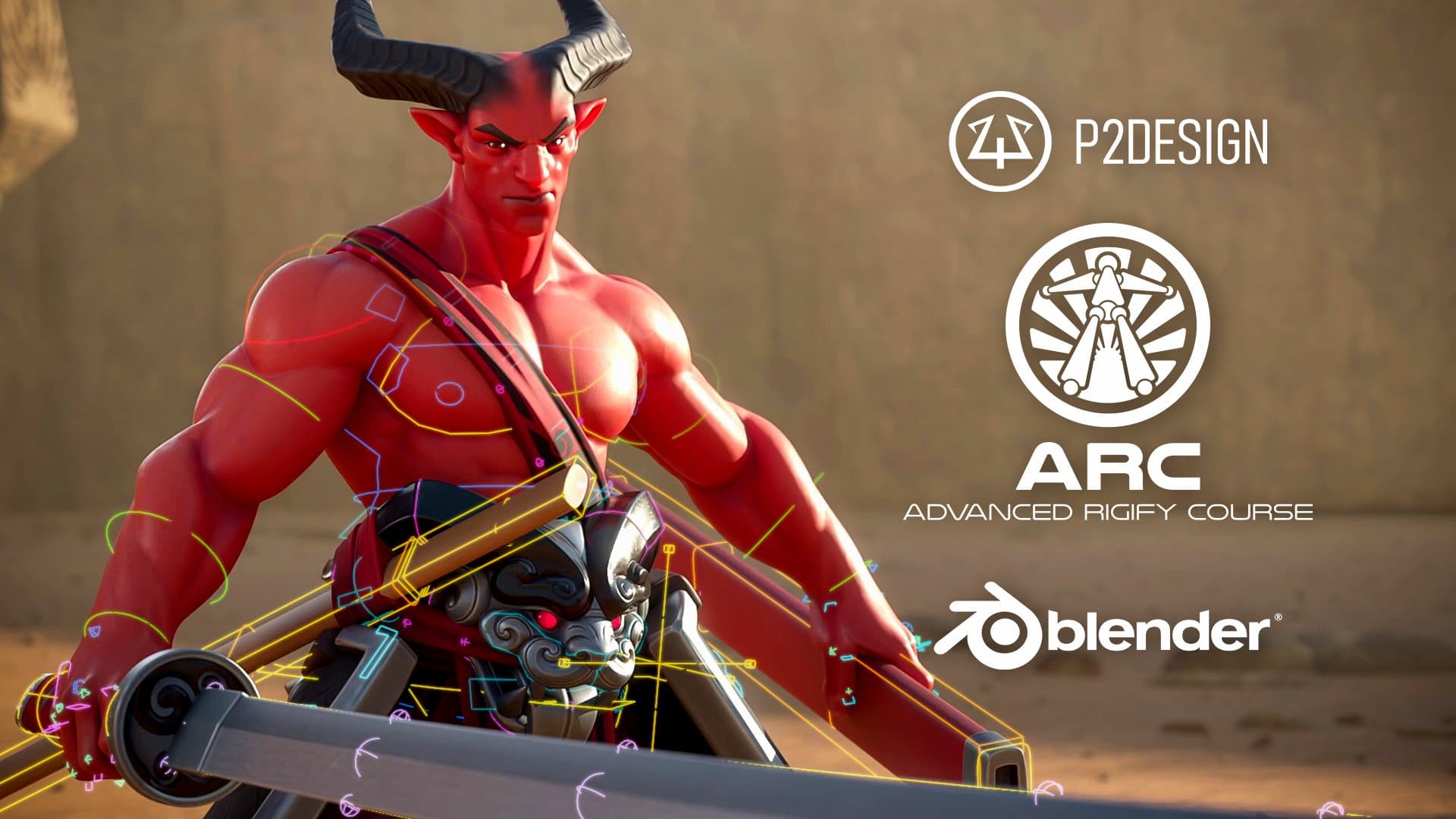
Advanced Rigify Course
About this item
I break down every Rigify module : their strengths, weaknesses, and how to use, combine, and improve them for maximum efficiency.
You will master the entire pipeline, from base rigging to advanced facial setups and custom Python scripting , so you can build production-ready character rigs tailored to your need.
Course Curriculum
- More than 125 videos
- Over 13 hours of lessons and exercises.
- Full PDF documentation including lesson highlights, keyboard shortcut and blender tips.
- Custom python scripts to enhance your rigging workflow
- Blender files for the dedicated lessons.
- High quality character optimized to run on any PC.
- More lessons and updates coming.
- No paid addon needed.
- Shortcuts and Quick favorites
- Bone and Armature data
- Selection and Manipulation
- Naming conventions
- Drivers
- What Rigify is and how it works
- How to troubleshoot and fix common issues
- How to optimize and get the most out of it
- The MetaRig concept
- Rigify UI overview
- Troubleshooting techniques
- All rig types and their uses
- Structure and mechanisms of each rig type
- Improving rigs with post-scripts
- Creating your own MetaRigs and samples
- Using the Action Manager
- Improve the generated Rig UI
- Expose custom properties
- Create selection sets
- Generate/improve Rig mechanisms
- Deformation helpers
- Muscle controllers
- Improved joints deformation
- Skinning workflow
- Highly detailed and flexible
- Minimal shapekey usage for better remapping
- Custom facial setup
- Lips and eyebrows shape controllers
- Advanced switchable parent system
- 2 handed sword mechanism
- Cloth corrective
- Sticky strap
- We'll begin with a quick refresher on the essential Blender fundamentals you need to master Rigify:
- Automatically customize generated rigs using provided custom scripting templates.
- We'll push Rigify to its limits through a complete character rigging project, ready for feature animation.
- Subscribe to the mailing list and receive the latest updates
Frequently Asked Questions
How does instant Telegram delivery via @madbaxapp_bot work?
Activate any plan from $5, then press Download on this page: 2 files (7.5 GB) are sent to your Telegram chat instantly by the bot @madbaxapp_bot.
How do I extract multi-part .part01.rar archives on Windows and macOS?
Download all volumes (.part01.rar, .part02.rar … .partN.rar) into one folder, then start the extraction only from the first volume, part01.rar. On Windows use WinRAR or 7-Zip; on macOS use Keka or The Unarchiver. The other volumes are read automatically.
What is included in the download archive?
The archive includes all project and video files for this release. It does not include one-to-one mentoring or certificates from the original school.
Related Assets
Shader Magic in Blender Ver 341 and above by Joaking Tornhill
Included in plans
Helio v1.1.1
Included in plans
Anime Character Design for Level Up – Key Points Breakdown with Wingfox Studio
Included in plans
BTR-82 (Escape from Tarkov)
Included in plans
Stylized 2D Toon Shader in Blender with Pierre Schiller
Included in plans