By Phlearn · Official page
Smudge Tool in Photoshop: Master It in 5 Easy Minutes
About this item
Smudge Tool in Photoshop: drag pixels like wet paint, set Strength, try Finger Painting, and know when Liquify or the Healing tools are the better choice.
To view this video please enable JavaScript, and consider upgrading to a web browser that supports HTML5 video
Course Curriculum
- Found under the Blur tool in the toolbar (the pointing finger icon)
- Check Sample All Layers and work on a new empty layer
- Strength – how far the pixels get dragged
- Finger Painting – smudge with the foreground color instead of existing pixels
- Use Liquify for reshaping; use Smudge for artistic smearing
- 2M+ YouTube subscribers
- 160M+ video views
- 1,000+ tutorials published
- 15 years teaching Photoshop
Compatibility & Requirements
- by Aaron Nace July 13, 2014
- Add to favorites
- 1 Lesson follow-along
- 3m video lesson
- Beginner no experience needed
- 1 Sample Image to follow along
- Stream in up to 4K on any device
- Closed captions and chapters on every course
- Download all sample images and PSDs
- New PRO tutorials every month
- Cancel anytime
- 01 - Smudge Tool 3:25m
- Join PHLEARN PRO for instant access to this course and every tutorial on PHLEARN.
- Photoshop Basics Collection Every essential Photoshop tool, one short lesson at a time — browse the collection
- Join PHLEARN PRO for $12.99 a month, or $99.99 a year (save 36 %). Cancel anytime, with a 100% money-back guarantee.
Frequently Asked Questions
How does instant Telegram delivery via @madbax_bot work?
Activate any plan from $5, then press Download on this page: 1 file (76.5 MB) are sent to your Telegram chat instantly by the bot @madbax_bot.
How do I extract multi-part .part01.rar archives on Windows and macOS?
Download all volumes (.part01.rar, .part02.rar … .partN.rar) into one folder, then start the extraction only from the first volume, part01.rar. On Windows use WinRAR or 7-Zip; on macOS use Keka or The Unarchiver. The other volumes are read automatically.
What is included in the download archive?
The archive includes all project and video files for this release. It does not include one-to-one mentoring or certificates from the original school.
Related Assets
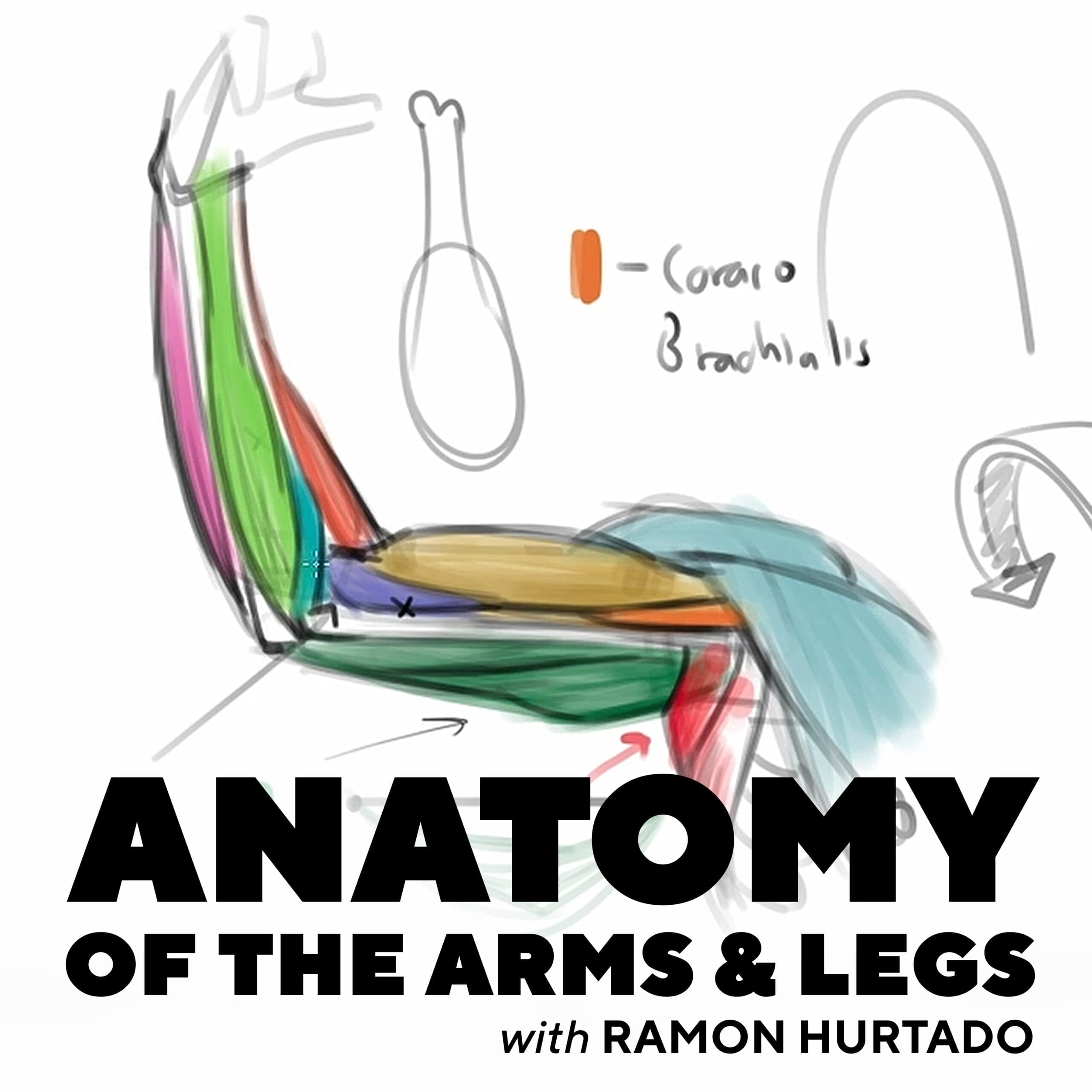
Ramon Hurtado: Anatomy of the Arms and Legs
Included in plans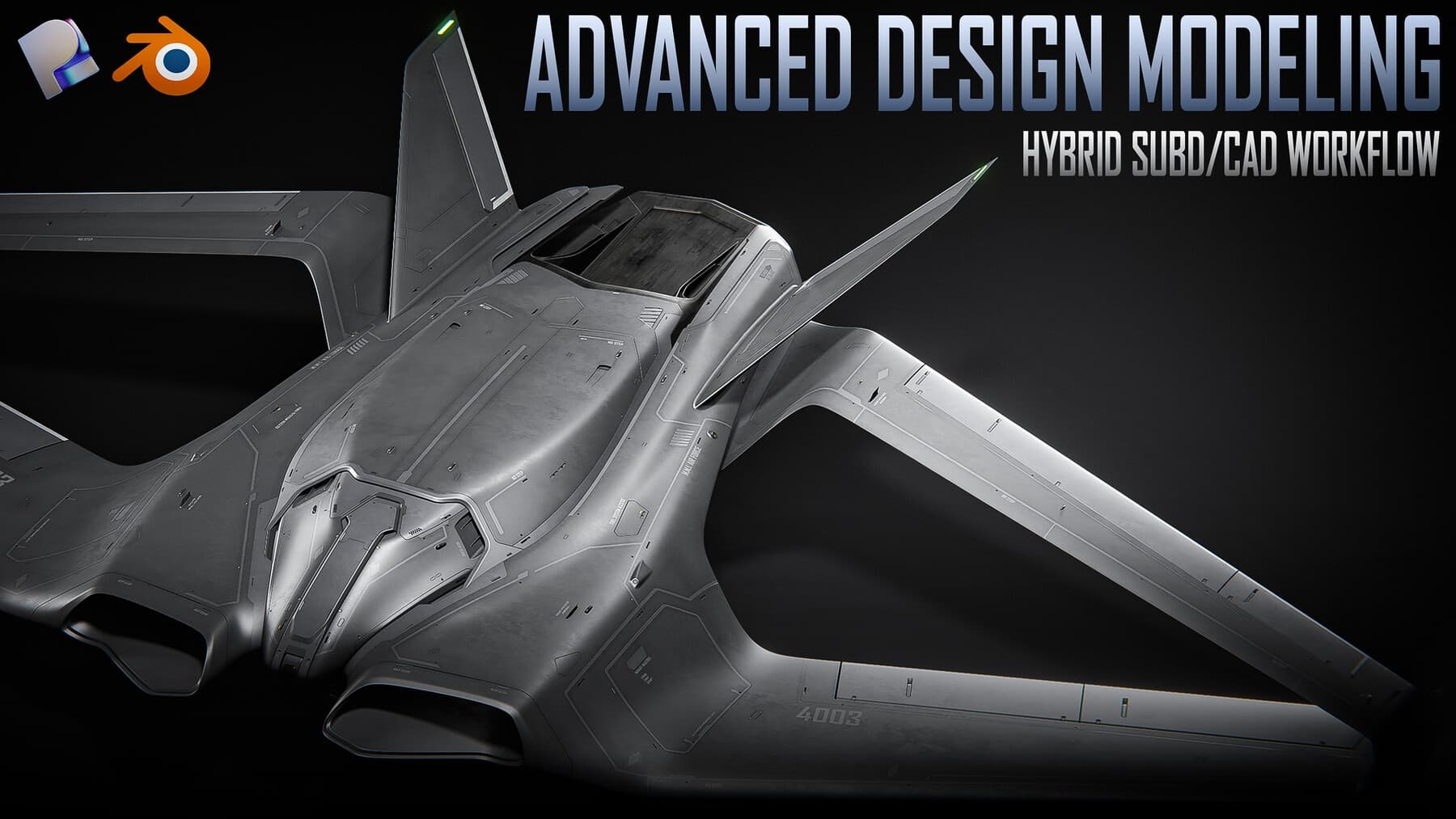
Advanced Design Modeling – Hybrid Subd/CAD Workflow – Blender + Plasticity
Included in plans
Branding mockup creator (168 PSD)
Included in plans
3D Design for Commercials with Cinema 4D and Redshift (Linus Zoll)
Included in plans
Photorealism with V-Ray: Practical Lighting Techniques (Karine Lima)
Included in plans
Exploring 3D Narrative Lighting Possibilities (Tiago Scaff)
Included in plansMore from Madbax
Video Game Lighting Bootcamp with Maria Yue
Included in plans
VFX & Animation Masterclass: Compositing, Tracking & Effects
Included in plans
Procreate Dreams Animation Course – Master iPad Animation in 3 Weeks
Included in plans