Blender Essentials for Beginners: Viewport
Overview
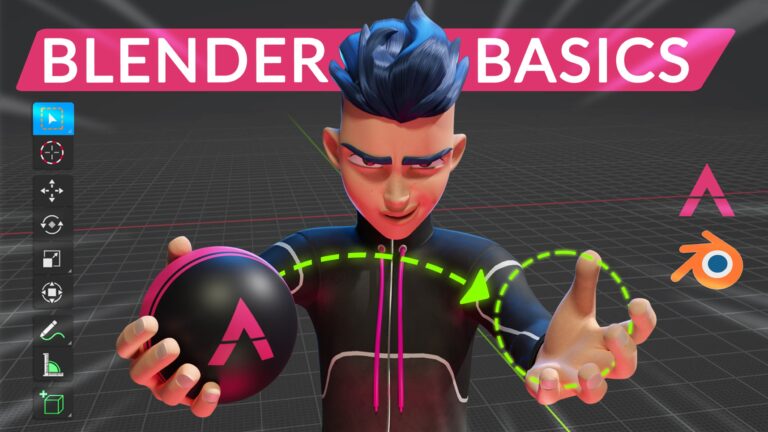
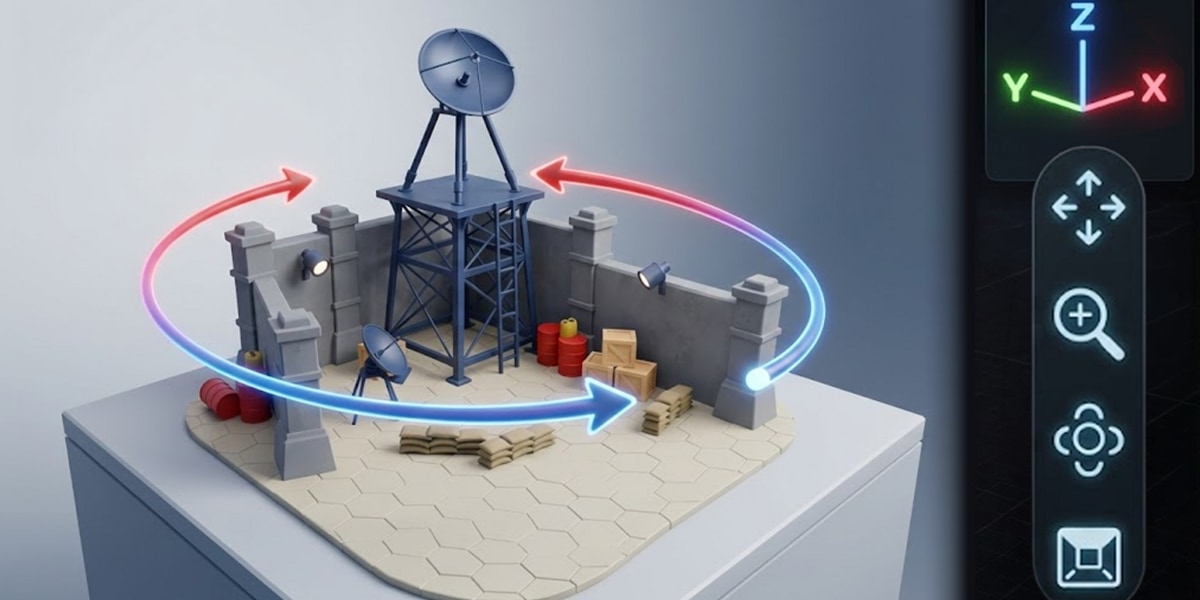
This course covers the essential viewport navigation skills needed to work confidently in Blender. Over 11 lessons, you’ll learn how to orbit, pan, and zoom through 3D scenes, plus explore Fly Mode and Walk Mode for more dynamic navigation. The course also includes instruction on using Numpad views for quick perspective changes and configuring Viewport Preferences to suit your workflow. These foundational skills form the prerequisite knowledge every Blender artist should master before moving on to modeling, texturing, or animation work.
How access works
1Get a plan
Starter, Pro or Lifetime.
2Sign in with Telegram
One tap — plan linked to your account.
3Download
Open the Mini App or your Profile.