By Superhive · Official page
BlendShop v1.1.1
About this item
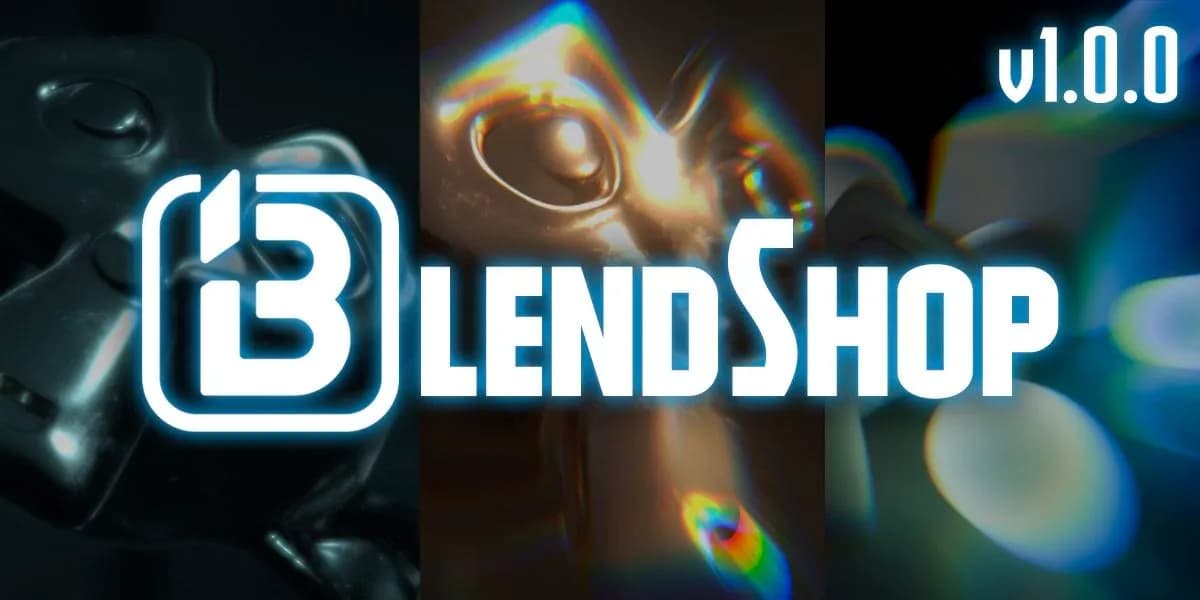
BlendShop is a layer-based compositing addon for Blender that brings image-editing workflows into the 3D application. Compatible with Blender 4.0 and above (recommended for 4.1 or 4.2), it lets you adjust colors, brightness, and apply effects without opening the Compositing node editor. The intuitive interface streamlines layer management—you can create, duplicate, remove, and adjust layers directly within the addon. The addon supports layer blending modes and transparency adjustments similar to standard image editors, letting you import images and experiment with blend effects. You can also export and import presets, eliminating the need to recreate effects from scratch on future projects. All compositing and color grading tasks stay within Blender's main workspace, speeding up post-processing workflows. A few known limitations exist due to Blender itself: pre-4.2 versions may show Glare differences between viewport and render, and image layer positions can vary in the 3D View depending on your Blender version. The full version includes core functionality and future updates, with a presets pack planned for version 1.1. Download
Frequently Asked Questions
How does instant Telegram delivery via @madbaxapp_bot work?
Activate any plan from $5, then press Download on this page: 1 file (2.0 MB) are sent to your Telegram chat instantly by the bot @madbaxapp_bot.
How do I extract multi-part .part01.rar archives on Windows and macOS?
Download all volumes (.part01.rar, .part02.rar … .partN.rar) into one folder, then start the extraction only from the first volume, part01.rar. On Windows use WinRAR or 7-Zip; on macOS use Keka or The Unarchiver. The other volumes are read automatically.
What is included in the download archive?
The archive includes all project and video files for this release. It does not include one-to-one mentoring or certificates from the original school.
Related Assets
Scene Optimization v2.0
Included in plans
View XPort v3.3
Included in plans
ArchiTrace v1.0
Included in plans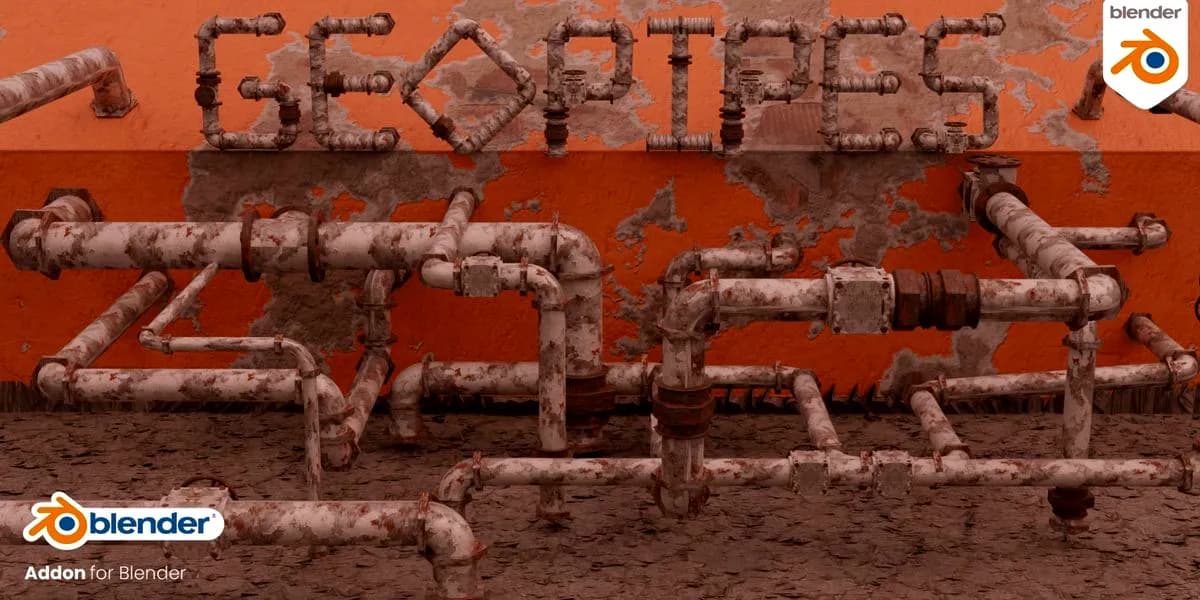
GeoPipes v1.2.2 – Geometry Nodes Pipes
Included in plans
Star Connect v1.0.3 Pro
Included in plans