By Superhive · Official page
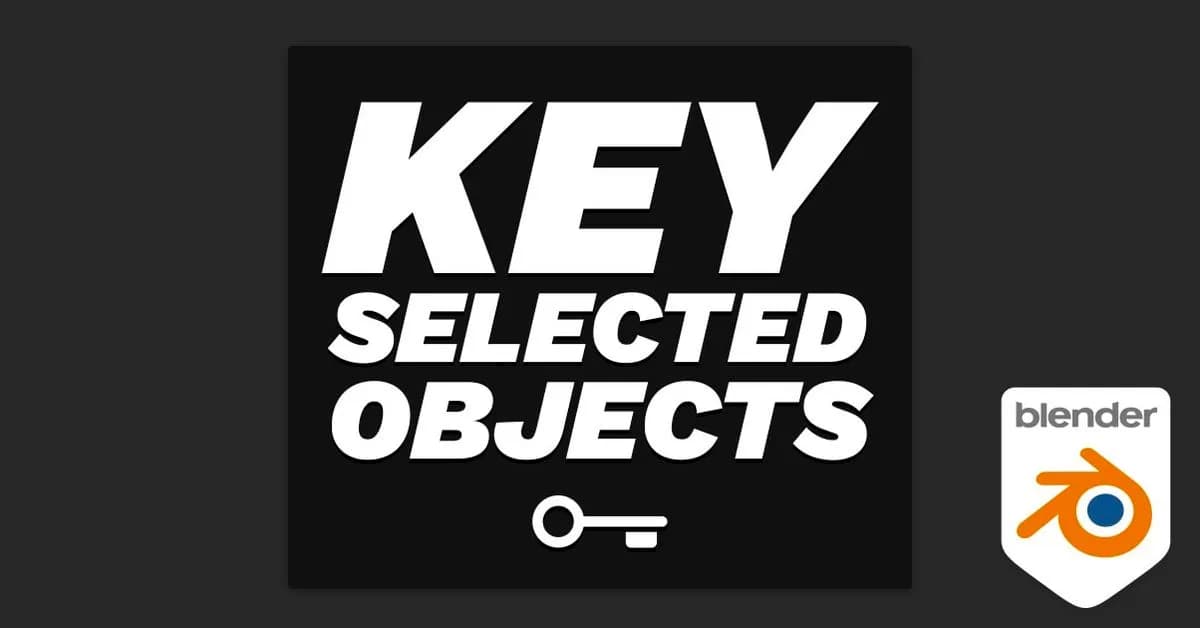
Key Selected Objects v1.3.25
About this item
This Blender addon streamlines the animation workflow by enabling keyframe insertion and deletion across multiple selected objects directly through the user interface. Rather than relying solely on keyboard shortcuts or Keying Sets, animators can now manage keyframes for all selected objects simultaneously, significantly reducing repetitive tasks and speeding up the animation process. The addon is designed to handle the common challenge of working with groups of objects in Blender's animation tools. Whether you're managing character rigs, prop animations, or complex multi-object scenes, this tool removes the friction from batch keyframe operations and provides a more intuitive, UI-driven approach to managing animation data across your selection. Download
Frequently Asked Questions
How does instant Telegram delivery via @madbaxapp_bot work?
Activate any plan from $5, then press Download on this page: 1 file (51 KB) are sent to your Telegram chat instantly by the bot @madbaxapp_bot.
How do I extract multi-part .part01.rar archives on Windows and macOS?
Download all volumes (.part01.rar, .part02.rar … .partN.rar) into one folder, then start the extraction only from the first volume, part01.rar. On Windows use WinRAR or 7-Zip; on macOS use Keka or The Unarchiver. The other volumes are read automatically.
What is included in the download archive?
The archive includes all project and video files for this release. It does not include one-to-one mentoring or certificates from the original school.