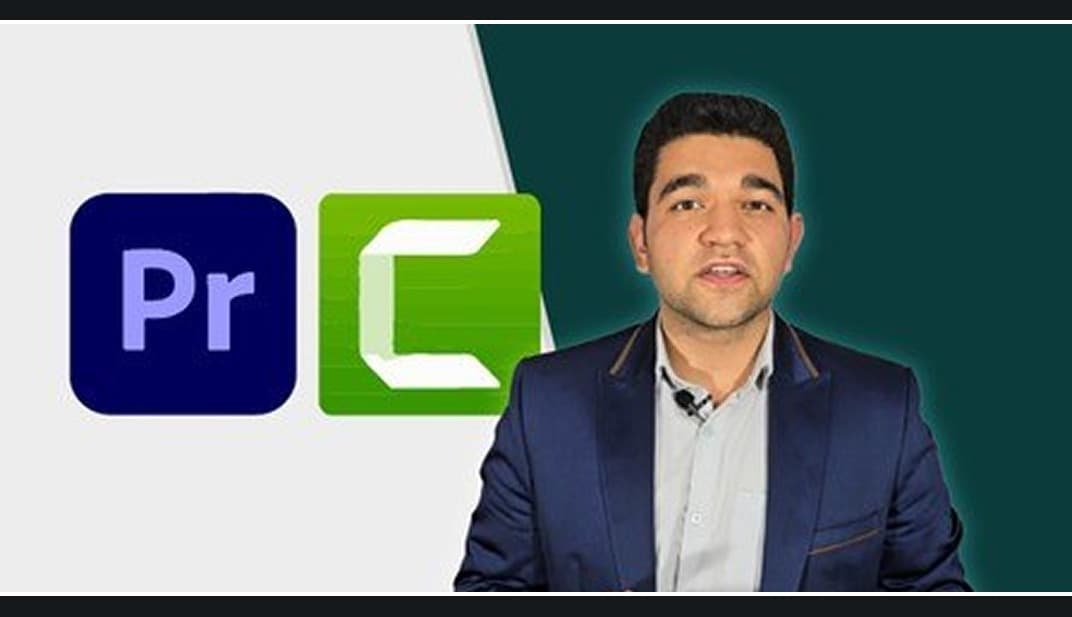
The Video Editor Masterclass 2026 — From Beginner to Pro
From Madbax · Added Jul 8, 2026
About this item
Here is a breakdown of what the course covers based on its curriculum focus:
### Key Focus Areas
- **Adobe Premiere Pro:** You’ll learn industry-standard, professional video editing techniques, transitions, color correction, audio syncing, and assembling high-quality narrative or commercial timelines.
- **TechSmith Camtasia:** The course covers screen recording, editing tutorials, presentations, and applying annotations or callouts—making it ideal for content creators, educators, and YouTube editors.
- **From Beginner to Advanced:** It starts with basic timeline navigation and file organization, then advances into advanced editing rhythms, pacing, and producing “Hollywood-style” or high-production-value video content.
### Who It’s For
- **Complete Beginners:** Anyone looking to get into video editing without prior experience.
- **Content Creators & YouTubers:** People who want to level up their production quality or streamline their editing workflow.
- **Educators & Marketers:** Professionals looking to build clean, engaging tutorial videos or presentations using Camtasia.
Topics: Premiere Pro
Source: https://www.udemy.com/course/the-video-editor-masterclass-from-beginner-to-pro/
More from Madbax


In the price
- All files of the item
- Delivery to your Telegram chat
Not in it
- Refunds, all sales are final
- One-to-one mentoring
- Certificates from the original school