By Gnomon · Official page
Designing Animation Backgrounds Using Blender & Photoshop
About this item
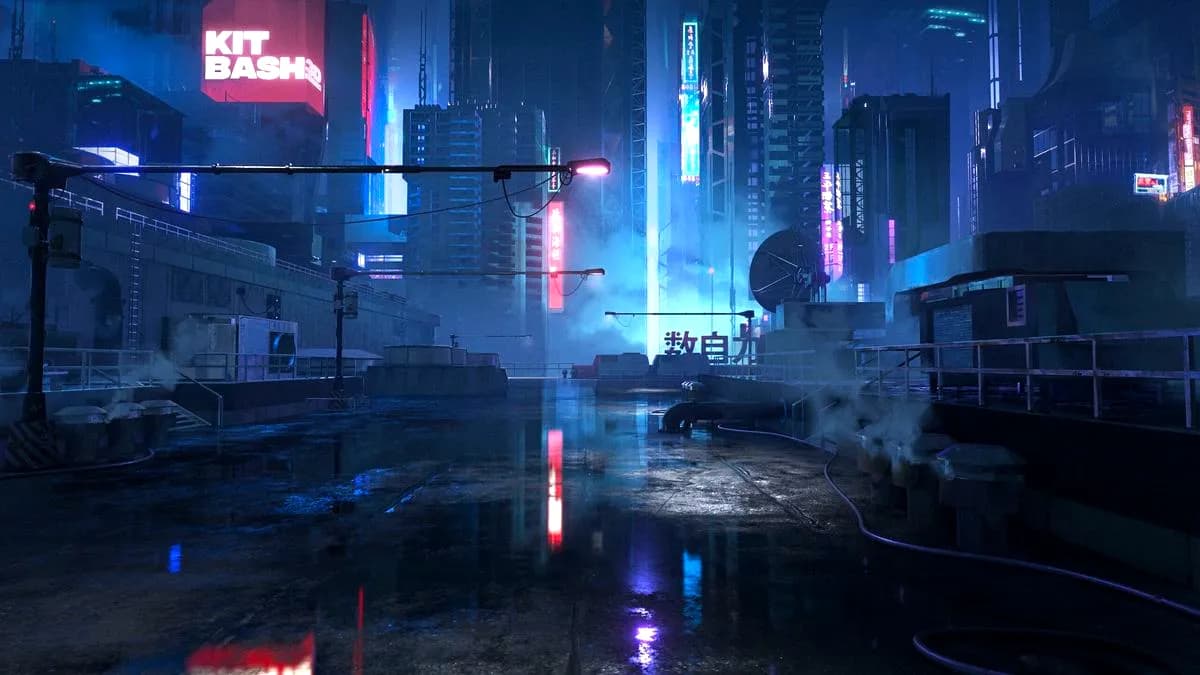
This course teaches professional techniques for creating animation backgrounds by combining kitbashing and digital painting workflows. Instructor Jose Vega demonstrates how to integrate Blender and Photoshop to build complex, production-ready backgrounds efficiently. The training covers the complementary use of 3D modeling and 2D painting methods to achieve polished results suitable for animation projects.
Students will learn practical approaches to background design that leverage both software platforms, understanding when and how to apply each tool for optimal creative outcomes. The course emphasizes real-world production techniques used in the animation industry.
Frequently Asked Questions
How does instant Telegram delivery via @madbaxapp_bot work?
Activate any plan from $5, then press Download on this page: 1 file (2.0 GB) are sent to your Telegram chat instantly by the bot @madbaxapp_bot.
How do I extract multi-part .part01.rar archives on Windows and macOS?
Download all volumes (.part01.rar, .part02.rar … .partN.rar) into one folder, then start the extraction only from the first volume, part01.rar. On Windows use WinRAR or 7-Zip; on macOS use Keka or The Unarchiver. The other volumes are read automatically.
What is included in the download archive?
The archive includes all project and video files for this release. It does not include one-to-one mentoring or certificates from the original school.
Related Assets
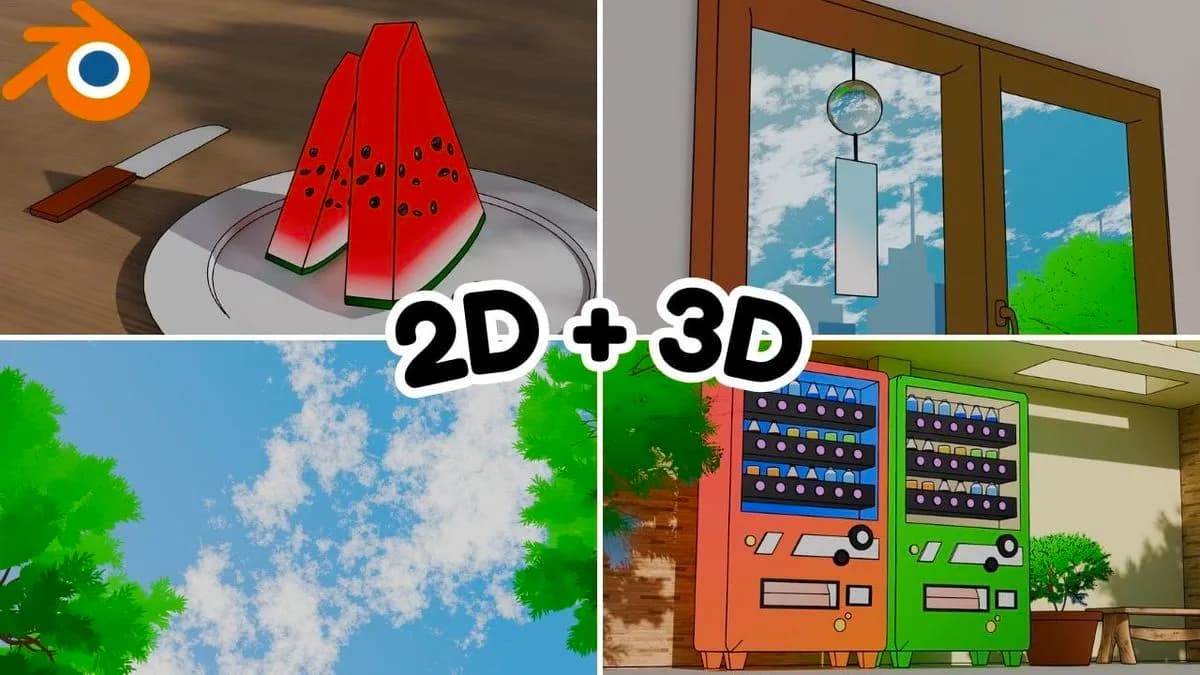
From 3D to 2D: Creating Stunning Line Art Animation in Blender
Included in plans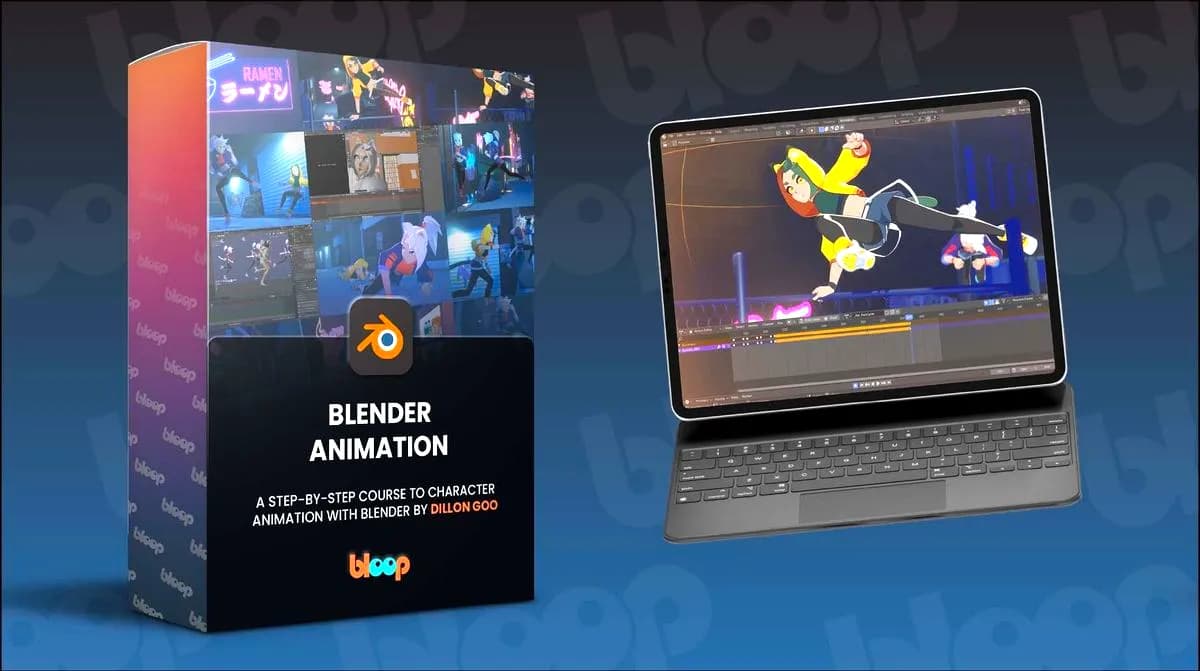
Bloop Animation – Blender Animation Course
Included in plans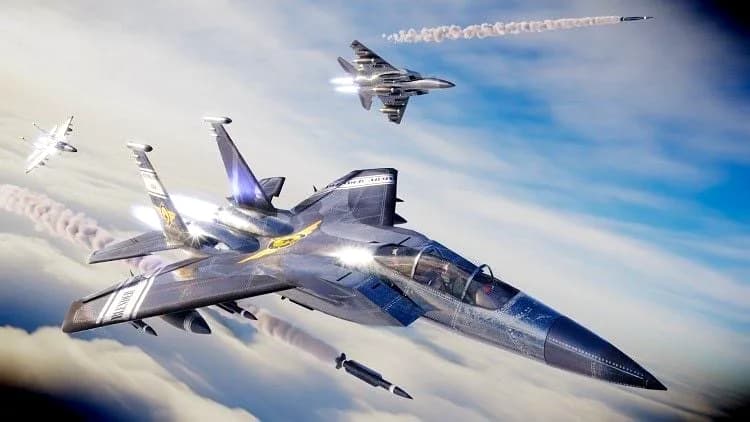
Make a Cinematic Jet Fighter Animation In Blender
Included in plans
Advanced 3D Animation: Create Professional Renders with Blender
Included in plans
Advanced 3D Product Animation Course
Included in plans