By Gnomon · Official page
The Gnomon Workshop - Introduction to Houdini Fluids
About this item
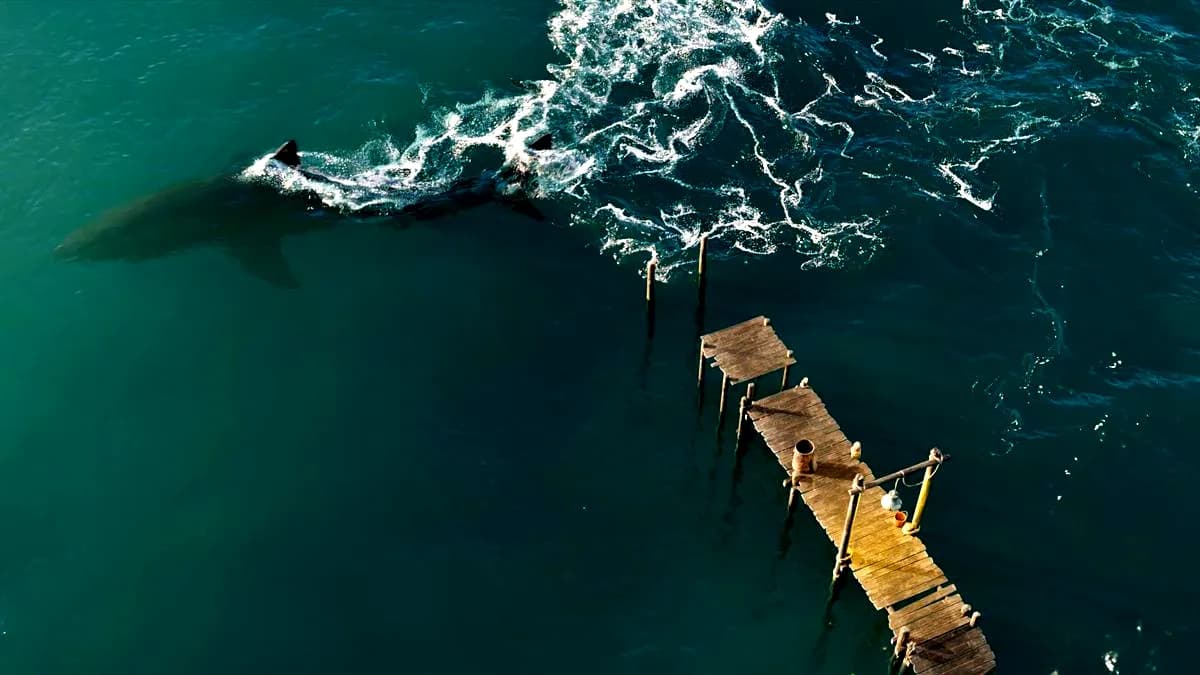
David Silberbauer teaches how to create a simple fluid-interaction shot of sharks in an ocean in this new 4.5-hour workshop. He begins with warm-up exercises that show how to set up simple fluid scenes using Houdini’s built-in shelf tools. These introductory lessons offer a fun way for aspiring Houdini artists to become familiar with FLIP fluids and understand the differences between DOP and SOP setups. While these setups are fundamentally the same under the hood, understanding how they work is critical when setting up shots.Moving into white-water setups, David continues to demonstrate the differences between DOP and SOP workflows, explaining why artists would choose one over the other. From there, building on the experiences learned, he jumps into shot work, starting with bringing in a shark animation before setting up a basic ocean tank. His setup does most of the heavy lifting, connecting nodes, channel referencing, and adding default settings that work well out of the box. He talks through all the key settings so artists can adjust them as needed to achieve the right look.From there, artists are ready to start the first FLIP simulation using the shark animation in the ocean tank. David explains why it’s always a good idea to have this simulation dialed in just right, since it will form the basis for other elements of the effect. With the sim setup in place, David then leads the build-out of a white-water system to mesh the fluids. He demonstrates how to extend the ocean using the ocean spectrum and how to smoothly blend between the ocean spectrum and the FLIP simulation using volume masks. In the final stage, he shows how to bring in all the elements and assemble them in Houdini Solaris. He also walks through creating materials for the shark and the featured Poly Haven assets. David discusses how to inspect the Houdini ocean procedurals and adapt them to control the water's appearance. With the technical work completed, it’s then time for artists to tap into the creative right side of the brain, learning how to set up two basic day and night lighting setups. His workflow wraps up with adjustments to the Karma render settings to achieve an optimal final render.The Shark model featured in this workshop and available to download as a project file is courtesy of the Digital Life Project at UMASS Amherst (Digital Life) and the University of Massachusetts at Amherst (www.umass.edu).**The following Poly Haven assets were used by David to assist with adding scale to the environment: Modular Wooden Pier, Metal Trash Can, Wooden Bucket, and Hanging Industrial Lamp.
Skills you practice
- How to set up and configure FLIP fluid simulations for realistic water behavior.
- How to create and control pyro simulations for convincing smoke and fire effects.
- How to optimize fluid simulation parameters for faster iteration and rendering times.
- How to integrate fluid simulations with geometry and environmental elements seamlessly.
- How to use Houdini's shelf tools and modify them for custom fluid effects.
- How to cache and export fluid simulations for downstream rendering and compositing workflows.
Your instructor
David Silberbauer is a Visual Effects and Procedural Artist at Sunrise Animation Studios with over nine years of experience in the industry. He specializes in building flexible Houdini systems that allow for creative experimentation and endless variations, often inspired by natural patterns and textures.David has contributed to projects such as Escape Room, Deep Blue Sea 3, and Star Wars: Visions, working with studios including Triggerfish Animation and BlackGinger. His work reflects a deep fascination with nature and a passion for creating procedural effects that mimic its complexity.
Frequently Asked Questions
How does instant Telegram delivery via @madbaxapp_bot work?
Activate any plan from $5, then press Download on this page: 2 files (7.1 GB) are sent to your Telegram chat instantly by the bot @madbaxapp_bot.
How do I extract multi-part .part01.rar archives on Windows and macOS?
Download all volumes (.part01.rar, .part02.rar … .partN.rar) into one folder, then start the extraction only from the first volume, part01.rar. On Windows use WinRAR or 7-Zip; on macOS use Keka or The Unarchiver. The other volumes are read automatically.
What is included in the download archive?
The archive includes all project and video files for this release. It does not include one-to-one mentoring or certificates from the original school.
Related Assets
Ultimate Video Game Artist Bundle
Included in plans
Entagma
Included in plans
Entagma 2026
Included in plans
Solaris Workflows In Houdini
Included in plans
Creating Art Tools Using Houdini & Unreal Engine 5 — 3D Art Tutorial
Included in plans
HS-201: Procedural Geometry
Included in plansMore from Madbax
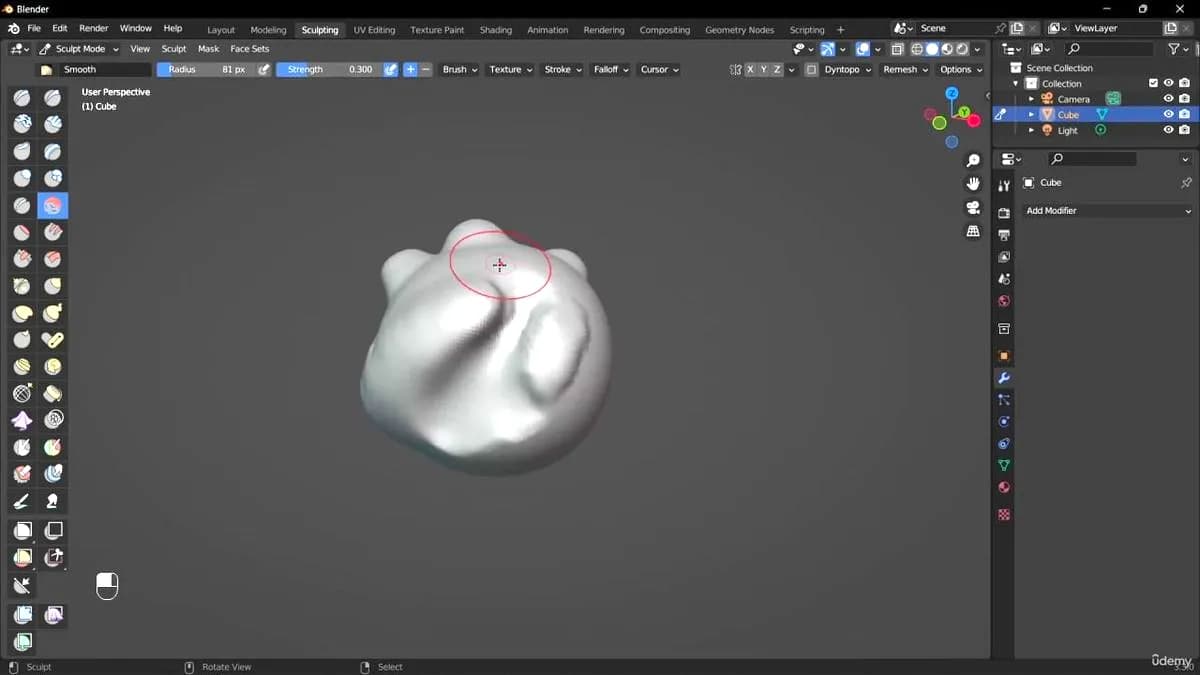
Advanced Sculpting for Ghost Figure in Blender
Included in plans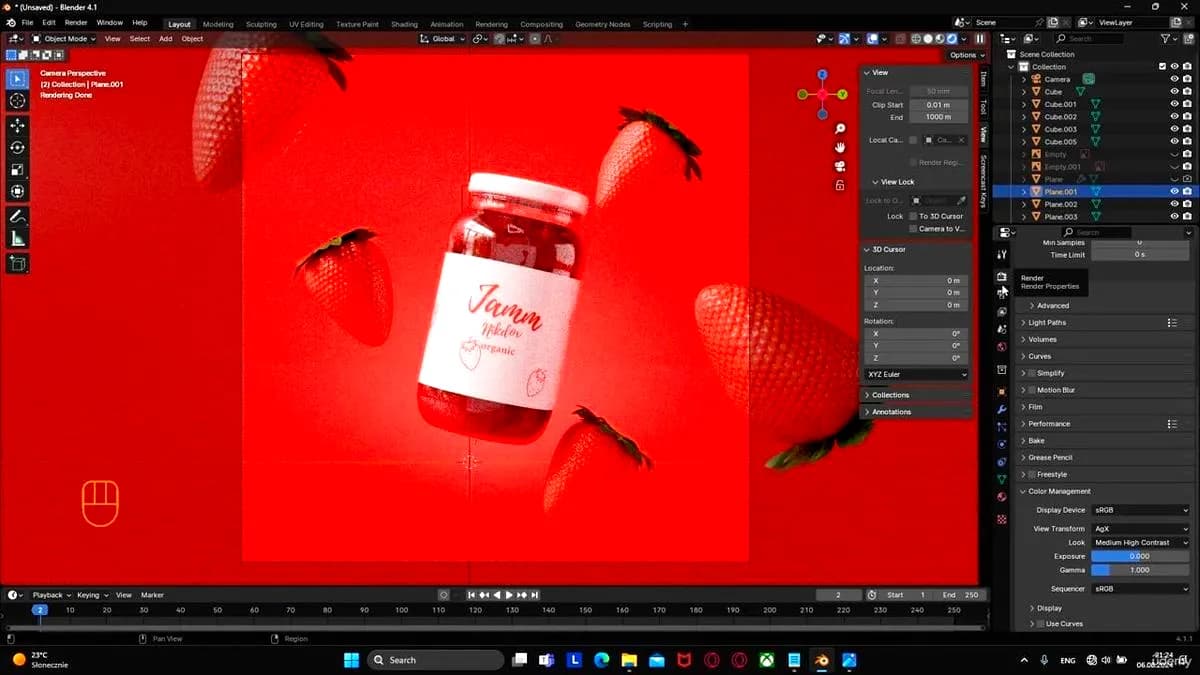
How to Create Unique Product Renders to Attract Clients
Included in plans
Blender Geometry Nodes For Beginners – Foliage Scatter
Included in plans