By Conceptartforge · Official page
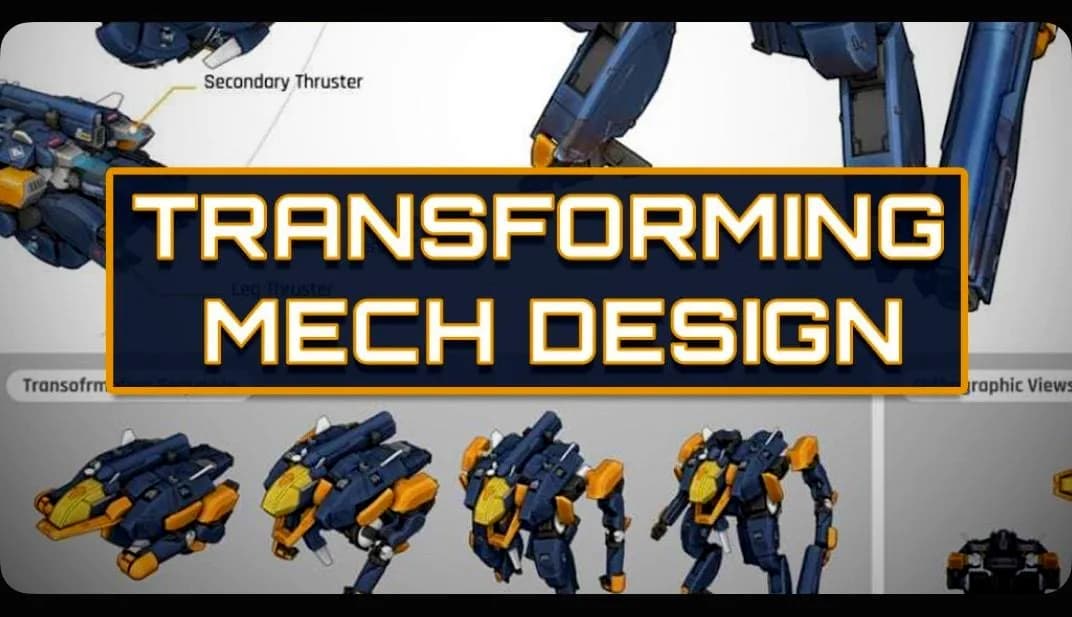
Transforming Mech Design in Photoshop and Blender
About this item
In this self-taught masterclass, concept artist Kevin Koesnodihardjo (Dreamworks Animation, Phinyx Studio and more) covers how he makes his trademark transforming mecha designs!
Part 1 – Starter Methods:
Introduction Silhouette Sketches Line Sketches Refinement & Designing Mechanisms Blender Blockout No-Bone Rigging Polishing Mech Version E Polishing Mech Version M Part 2 – Advanced Techniques:
Sketching the Third Mech 3D Blockout Detail Planning Refining the 3D Model Grease Pencils Technique for Rapid Detailing Materials & Camera Setup Back to Photoshop Decals Design Workflow Final Presentation Animated Turntable Process BONUS ADDITIONS – Extra Real-time Video Processes
Updating a Retro Gaming Classic – Redesigning Mr. Heli/Battle Chopper for the modern era Nautilon – Sketching a Japanese-style Mecha
Frequently Asked Questions
How does instant Telegram delivery via @madbaxapp_bot work?
Activate any plan from $5, then press Download on this page: 5 files (19.8 GB) are sent to your Telegram chat instantly by the bot @madbaxapp_bot.
How do I extract multi-part .part01.rar archives on Windows and macOS?
Download all volumes (.part01.rar, .part02.rar … .partN.rar) into one folder, then start the extraction only from the first volume, part01.rar. On Windows use WinRAR or 7-Zip; on macOS use Keka or The Unarchiver. The other volumes are read automatically.
What is included in the download archive?
The archive includes all project and video files for this release. It does not include one-to-one mentoring or certificates from the original school.
Related Assets
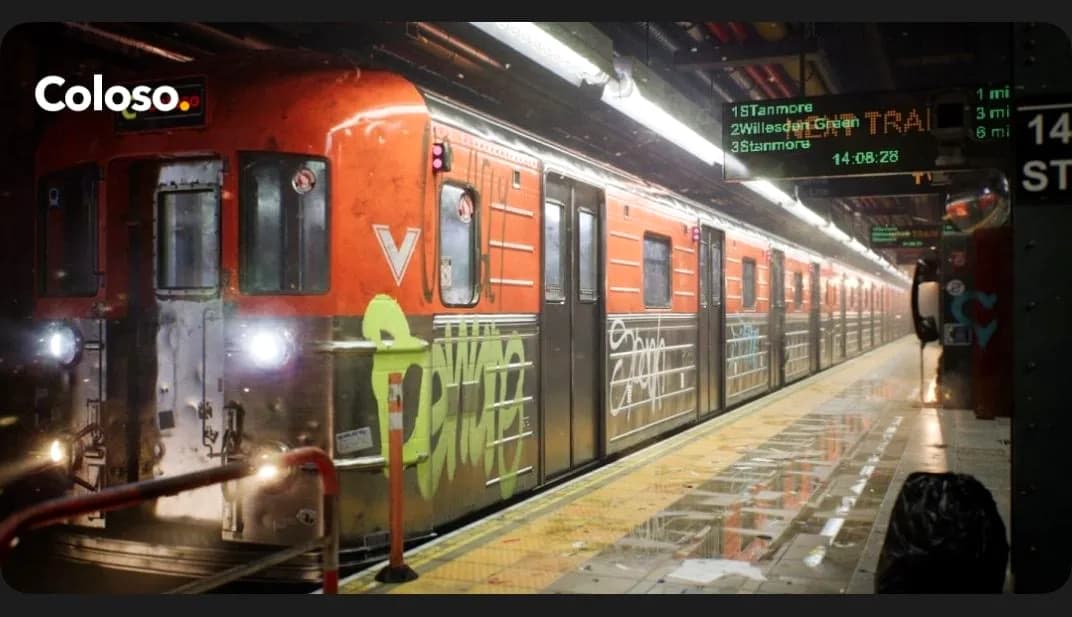
Create UE5 assets for AAA-grade 3D background graphics
Included in plans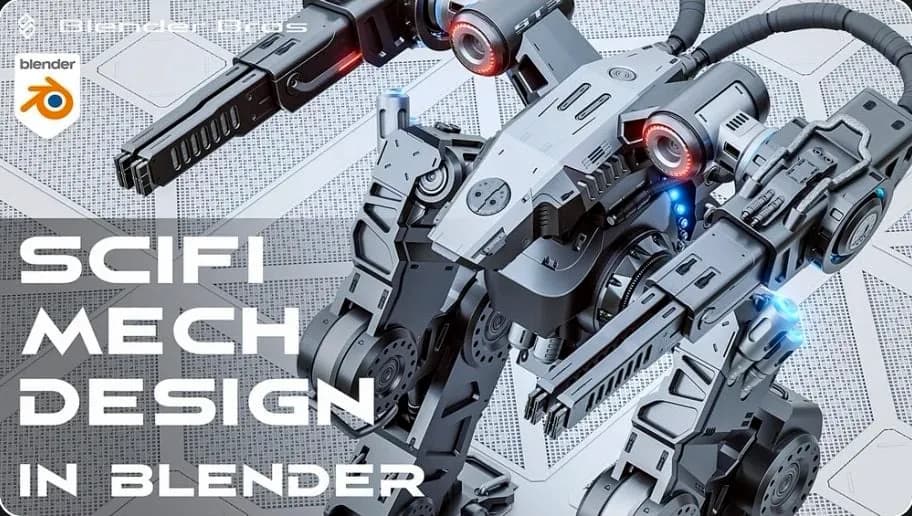
SciFi Mech Design in Blender
Included in plans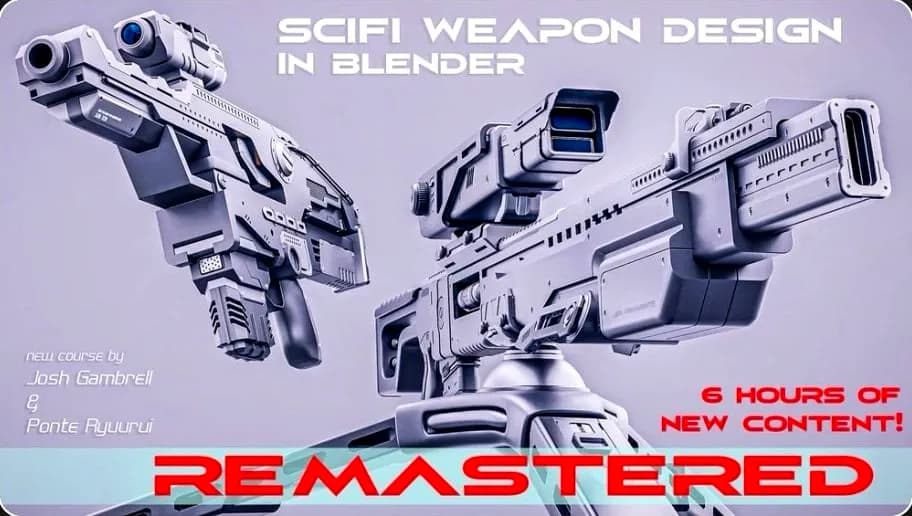
SciFi Weapon Design in Blender – REMASTERED
Included in plans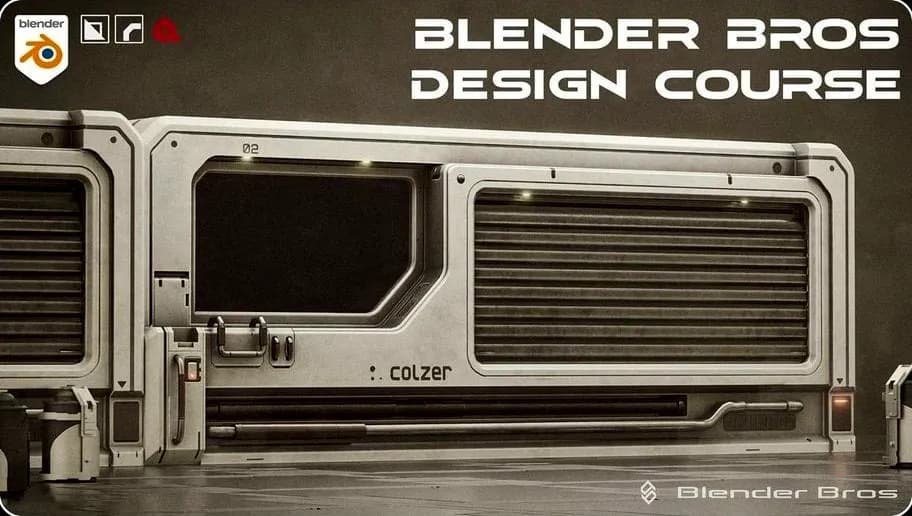
The Blender Bros Design Course
Included in plans
Intermediate Graphic Design Certificate: Design Systems
Included in plans