By Udemy · Official page
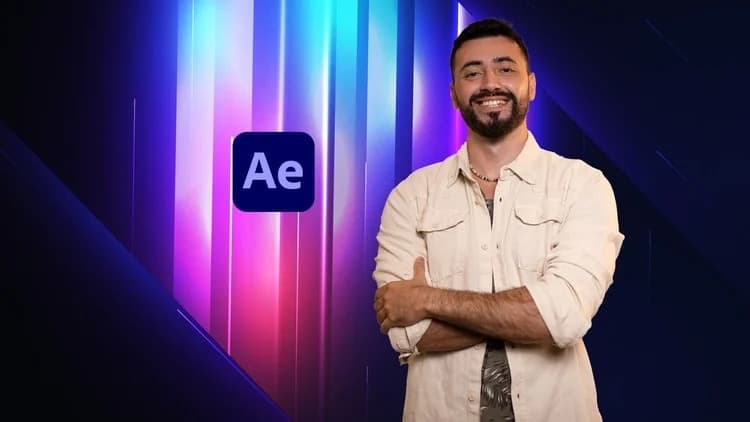
After Effects: The Perfect Shine Effect
About this item
Learn to create a shine effect on shapes, UI designs and 3D text scenes with real lights and shadows, natively in After Effects with no plugins. Part of the Premium Effects Collection.
What you will learn
- Create a shine effect in After Effects using native effects, with no plugins
- Apply the shine setup on shape layers, UI-design precomps and text layers
- Build a 3D scene with a point light, real cast shadows and a shadows-only floor
- Animate a 3D camera path and control pauses with keyframe velocity
Course length: 7 lectures, about 2 hours of video.
Frequently Asked Questions
How does instant Telegram delivery via @madbax_bot work?
Activate any plan from $5, then press Download on this page: 1 file (1.5 GB) are sent to your Telegram chat instantly by the bot @madbax_bot.
How do I extract multi-part .part01.rar archives on Windows and macOS?
Download all volumes (.part01.rar, .part02.rar … .partN.rar) into one folder, then start the extraction only from the first volume, part01.rar. On Windows use WinRAR or 7-Zip; on macOS use Keka or The Unarchiver. The other volumes are read automatically.
What is included in the download archive?
The archive includes all project and video files for this release. It does not include one-to-one mentoring or certificates from the original school.
Related Assets
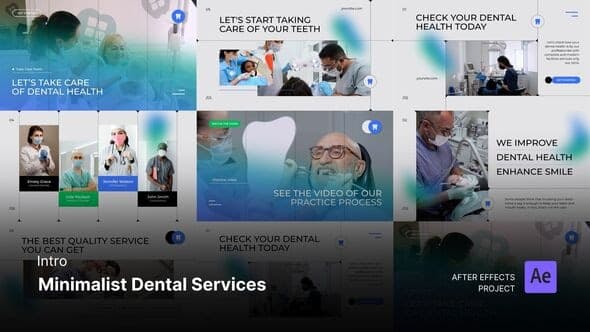
Intro/Opening – Minimalist Dental Service After Effects Project Files
Included in plans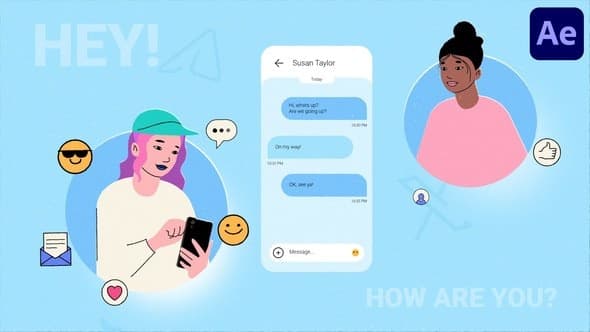
Phone Texting Explainer for After Effects
Included in plans
Abstract Website Mockup Promo for After Effects
Included in plans
Intro/Opening – Wedding Invitation After Effects Template
Included in plans
Food Delivery App Promo | After Effects
Included in plans