By Udemy · Official page
AI 3D Modeling with Blender: Create and Sell 3D Assets
About this item
Learn AI 3D modeling, Meshy AI, Blender, GLB and FBX exports, and how to prepare 3D assets for the Fab marketplace.
Do you want to learn how to create 3D models with AI, edit them in Blender, and prepare them for digital marketplaces? This beginner-friendly course will guide you through a practical workflow for creating 3D assets using AI-powered tools and free 3D software.
You will learn how to research 3D asset ideas, collect reference images, generate models with AI tools such as Meshy AI, and import your models into Blender for further inspection and editing. You will also explore how to export your work in suitable file formats and prepare professional product listings for the Fab marketplace.
What you will learn
- How to research 3D model ideas and explore asset categories.
- How to use Pinterest images as visual references for original 3D projects.
- How to write prompts for AI-powered 3D model generation.
- How to generate 3D models using text and image references.
- How to download generated models in GLB format when supported.
- How to import 3D models into Blender.
- How to inspect model geometry, scale, orientation, materials, and textures.
- How to export models in formats such as GLB, FBX, OBJ, and STL when appropriate.
- How to organize model files and prepare preview images.
- How to write product titles, descriptions, and tags for 3D asset listings.
- How to prepare and submit a 3D asset for review on the Fab marketplace.
A practical, step-by-step workflow
Throughout the course, you will follow a practical process from choosing a model idea to preparing a finished asset for marketplace submission. You will learn how different tools work together and how to check your model before presenting it to potential buyers.
The course emphasizes practical skills, beginner-friendly explanations, and a workflow that you can repeat for different types of 3D assets, including game props, stylized objects, and simple product models.
Who it is for
This course is suitable for beginners, aspiring 3D artists, digital creators, game development enthusiasts, and freelancers who want to explore AI-assisted 3D modeling. No previous professional 3D modeling experience is required.
What you need
A computer capable of running Blender and an internet connection to access online AI modeling tools. Blender is free to use. Some AI tools may require a paid subscription or have limitations on downloads and export formats.
Frequently Asked Questions
How does instant Telegram delivery via @madbaxapp_bot work?
Activate any plan from $5, then press Download on this page: 1 file (643.2 MB) are sent to your Telegram chat instantly by the bot @madbaxapp_bot.
How do I extract multi-part .part01.rar archives on Windows and macOS?
Download all volumes (.part01.rar, .part02.rar … .partN.rar) into one folder, then start the extraction only from the first volume, part01.rar. On Windows use WinRAR or 7-Zip; on macOS use Keka or The Unarchiver. The other volumes are read automatically.
What is included in the download archive?
The archive includes all project and video files for this release. It does not include one-to-one mentoring or certificates from the original school.
Related Assets
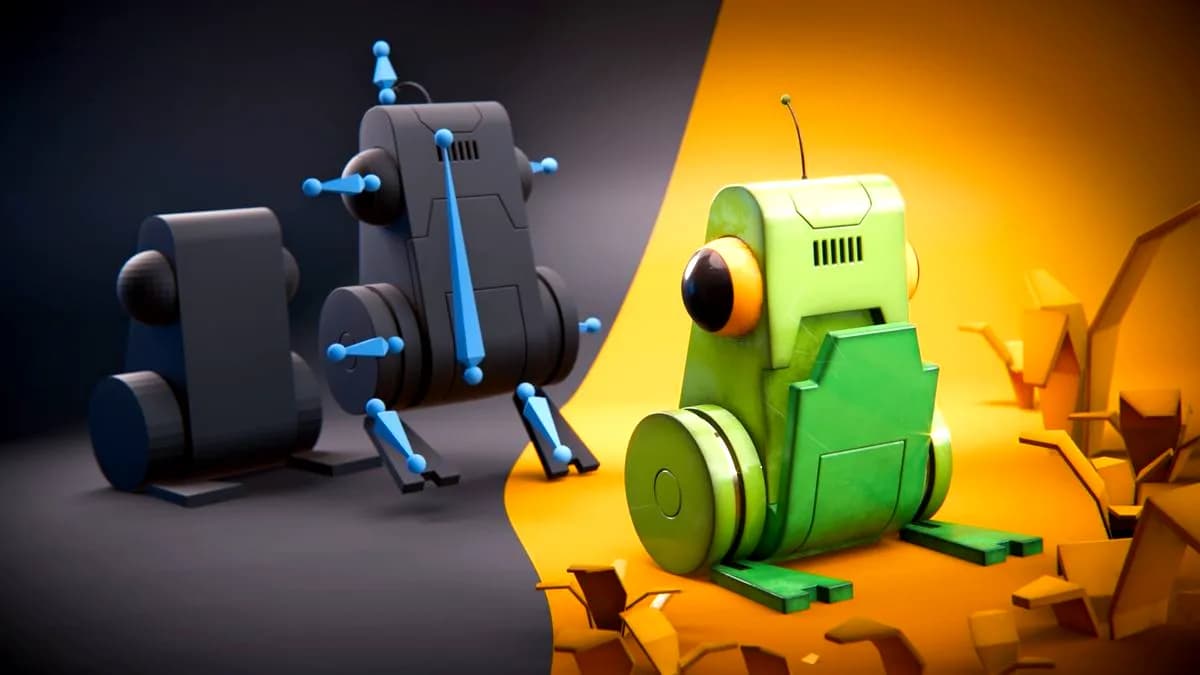
Blender Robot Creation for Beginners
Included in plans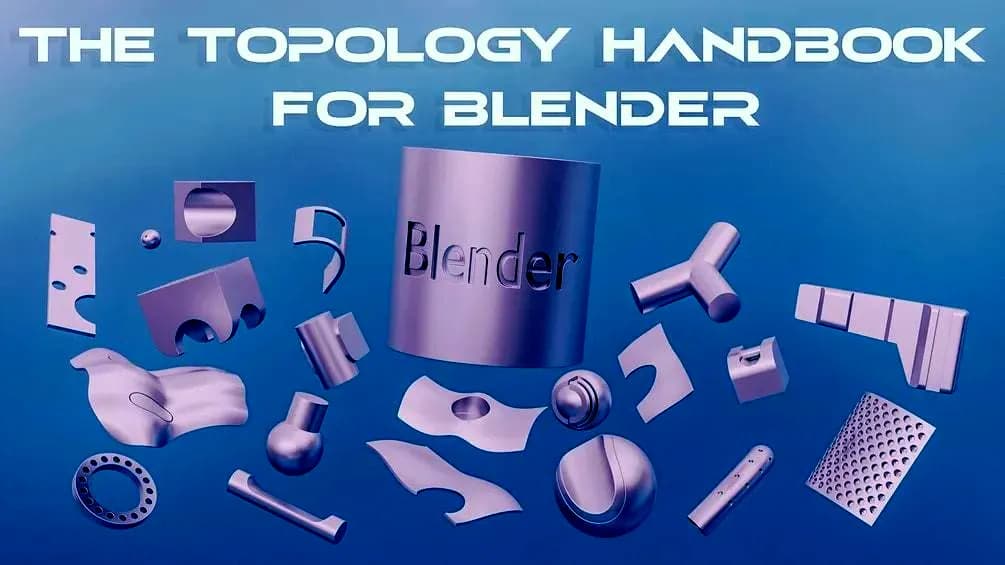
The Topology Handbook for Blender
Included in plans
The Hard Surface Handbook for Blender
Included in plans
Turn your imagination into reality! 3D background design starting with Blender
Included in plans
Blender and Gaea Masterclass – Procedural Ice World
Included in plans