
By Udemy · Official page
AI Automation With N8n, Zapier & Make: Build Smart Workflows
About this item
AI Automation with n8n, Zapier & Make: Build Smart Workflows
Course Curriculum
- 7 sections • 47 lectures • 8h 57m total length
- 1: What Is AI Automation?Preview 11:11
- 2: Traditional Automation vs AI Automation 7:48
- 3: Real-World AI Automation Use Cases 11:05
- 4: Introduction to No-Code Automation Tools 12:47
- 5: Make vs. n8n vs. Zapier 19:37
- 6: Planning Your First Automation 10:42
- 7: 10-Minute Quick Win — Form to AI Summary to Slack 9:44
- 1. Understanding Triggers and Actions 10:55
- 2. Inputs, Outputs, and Data Mapping 8:46
- 3. Conditions, Filters, and Workflow Paths 13:35
- 4. Multi-Step Workflows 18:03
- 5. Working with Multiple Records 13:01
- 6. Testing and Troubleshooting Workflows 7:08
- 1. Creating and Configuring a Zapier Account 9:32
- 2. Building Your First Zap 9:36
- 3. Connecting Business Applications 10:12
- 4: Using Filters and Formatter 10:48
- 5: Creating Multiple Workflow Paths - Part 1 6:56
- 5: Creating Multiple Workflow Paths - Part 2 8:46
- 6: Adding AI to a Zapier Workflow 9:28
- 7: Managing Zap History and Errors 10:32
- 8: Zapier Mini-Project — Automated Lead Capture 11:30
- 1: What Is n8n?14:23
- 2: n8n Cloud vs. Self-Hosting 10:07
- 3: Understanding Nodes, Connections, and Executions 7:19
- 4: Building Your First n8n Workflow 11:00
- 5: Working with Expressions and Dynamic Data 8:47
- 6: Using IF and Switch Nodes 11:53
- 7: Loops and Processing Multiple Items 14:13
- 8: Adding AI Nodes to n8n 9:31
- 9: n8n Mini-Project — Email and Spreadsheet Assistant 11:56
- 1: How Large Language Models Work in Automation 12:52
- 2: Connecting OpenAI and Other AI Models 8:36
- 3: Writing Effective Automation Prompts 11:37
- 4: Using Dynamic Information in AI Prompts 11:20
- 5: Generating Structured AI Outputs 11:43
- 6: Managing AI Accuracy and Hallucinations 13:03
- 7: Choosing the Right AI Task 13:57
- 1: Automating Content Idea Generation 7:48
- 2: Creating Social Media Posts with AI 6:04
- 3: Automated Blog Content Workflow 6:46
- 4: AI Email Writing Automation 9:25
- 5: Repurposing Content Across Platforms 11:53
- 6: Content Review and Approval Workflows 11:02
- 7: Content Automation Project 13:02
Compatibility & Requirements
- No programming experience is required
- Basic computer and internet skills
- An interest in AI, automation, or business workflows
- Some tools and AI services used in the course may require separate accounts or paid plans
- Willingness to build and test workflows hands-on
Frequently Asked Questions
How does instant Telegram delivery via @madbaxapp_bot work?
Activate any plan from $5, then press Download on this page: 3 files (2.8 GB) are sent to your Telegram chat instantly by the bot @madbaxapp_bot.
How do I extract multi-part .part01.rar archives on Windows and macOS?
Download all volumes (.part01.rar, .part02.rar … .partN.rar) into one folder, then start the extraction only from the first volume, part01.rar. On Windows use WinRAR or 7-Zip; on macOS use Keka or The Unarchiver. The other volumes are read automatically.
What is included in the download archive?
The archive includes all project and video files for this release. It does not include one-to-one mentoring or certificates from the original school.
Related Assets
Courses
How to attract clients for a newbie in Blender
Included in plans
Courses
Parametric Staggered Building Forms
Included in plans
Courses
Blender 3D for Beginners: Learn to Model a Gummy Bear
Included in plans
Courses
Blender 3D for Beginners: Create a Spooky Jack-o’-Lantern!
Included in plans
Courses
Blender Lens Flare System
Included in plans
Courses
Animation in Blender – Start Today – Beginner
Included in plansMore from Madbax

Courses
Blender 3D: Your First Character Animation (Walk Cycle)
Included in plans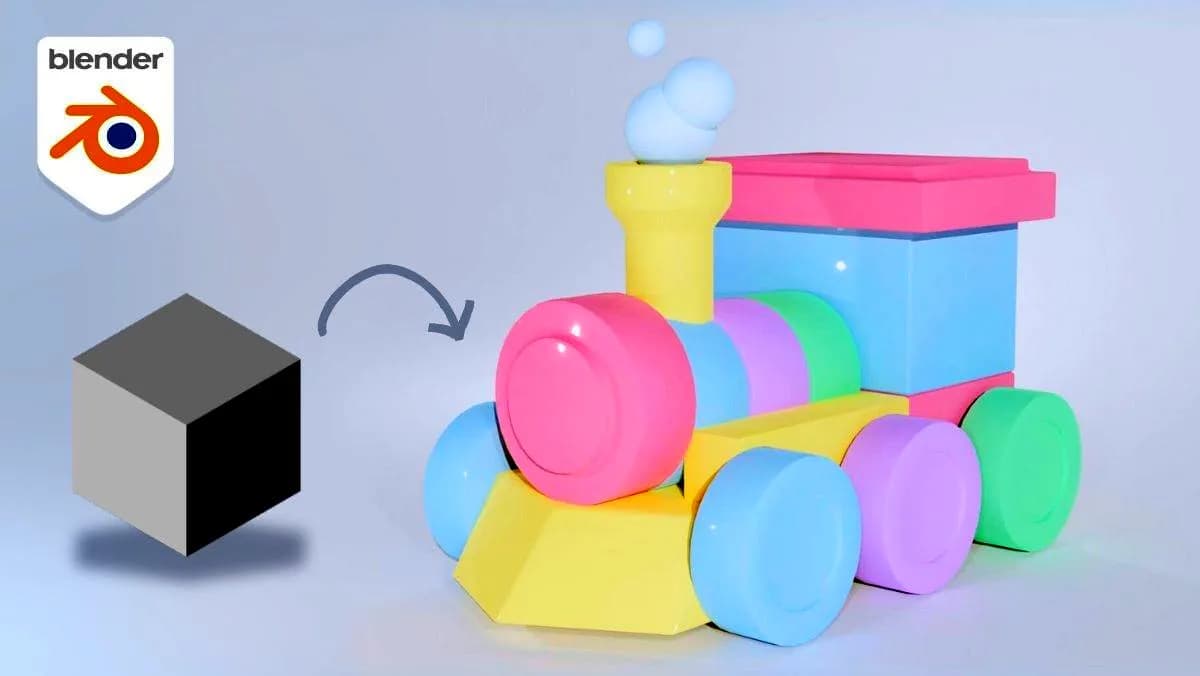
Courses
3D Modeling in Blender for Beginners: Create a Toy Train in 45 minutes
Included in plans
Courses
Blender 3D: Product Animation Masterclass
Included in plans
Courses