By Udemy · Official page
AI-Powered Dashboards with Cursor & Google Apps Script
About this item
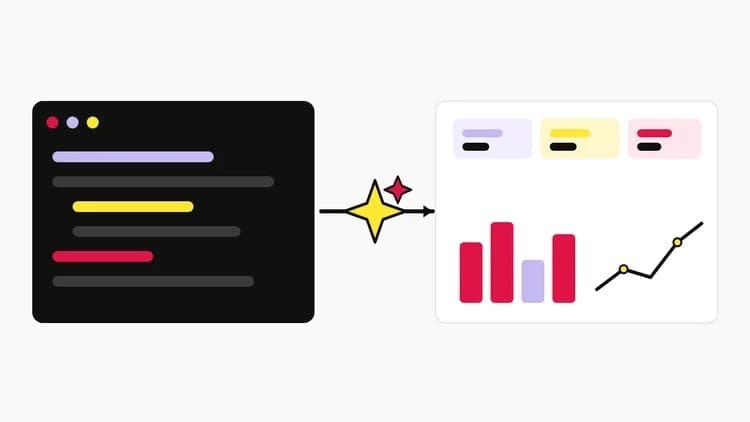
A project-based course: use Cursor as your AI pair-programmer to write Google Apps Script and turn a Google Sheet into a live, deployed web-app dashboard with KPI tiles, charts and filters.
What you will learn
- Build a live dashboard as a Google Apps Script web app on a shareable URL
- Use Cursor's AI to write, explain and debug Apps Script, even with no prior experience
- Wire Cursor to your project with clasp and shape Google Sheets data for the dashboard
Course length: 21 lectures, about 42 minutes of video.
Frequently Asked Questions
How does instant Telegram delivery via @madbax_bot work?
Activate any plan from $5, then press Download on this page: 1 file (73.0 MB) are sent to your Telegram chat instantly by the bot @madbax_bot.
How do I extract multi-part .part01.rar archives on Windows and macOS?
Download all volumes (.part01.rar, .part02.rar … .partN.rar) into one folder, then start the extraction only from the first volume, part01.rar. On Windows use WinRAR or 7-Zip; on macOS use Keka or The Unarchiver. The other volumes are read automatically.
What is included in the download archive?
The archive includes all project and video files for this release. It does not include one-to-one mentoring or certificates from the original school.
Related Assets

Cyborg Hard Surface Character Creation in Blender
Included in plans
Complete Blender: Beginner to Studio Ready
Included in plans
HOUDINI FOR 3D ARTISTS
Included in plans
Unreal Engine For Filmmakers
Included in plans
50 Hard Surface Kitbash + Full Process Tutorial by Vizyon Designers
Included in plans