By Udemy · Official page
Claude Cowork For Mac: Turn macOS into AI Assistant
About this item
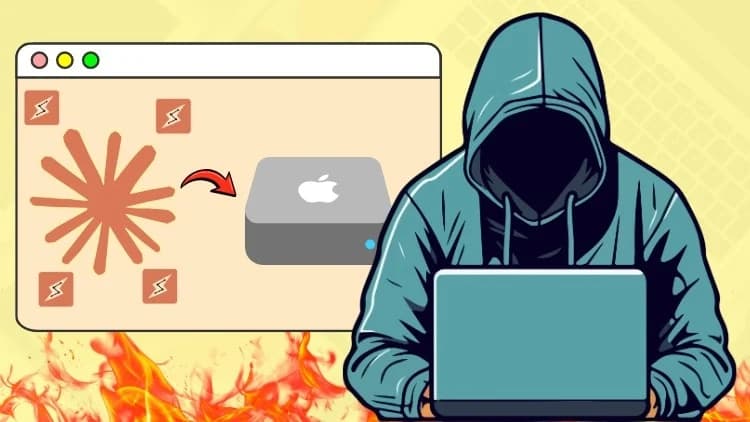
Your Mac is sitting on hours of work it could be doing for you right now. Claude Cowork turns macOS into a working AI assistant that reads your folders, organizes your files, fills spreadsheets, and finishes real tasks while you focus on everything else. This claude cowork for mac course takes you from the very first setup screen to full automation, with no coding involved at any point.
Enroll now and turn your Mac into a working AI assistant, not just another app sitting in your dock.
Frequently Asked Questions
How does instant Telegram delivery via @madbax_bot work?
Activate any plan from $5, then press Download on this page: 5 files (3.4 GB) are sent to your Telegram chat instantly by the bot @madbax_bot.
How do I extract multi-part .part01.rar archives on Windows and macOS?
Download all volumes (.part01.rar, .part02.rar … .partN.rar) into one folder, then start the extraction only from the first volume, part01.rar. On Windows use WinRAR or 7-Zip; on macOS use Keka or The Unarchiver. The other volumes are read automatically.
What is included in the download archive?
The archive includes all project and video files for this release. It does not include one-to-one mentoring or certificates from the original school.
Related Assets

Blender Beginners For Concept Art
Included in plans
Skill That Will Increase Your Value as a 3D Designer and Attract More Clients
Included in plans
Archviz with Blender and StableDiffusion
Included in plans
Blender 3D Geometry – Create Unique Surface Patterns With Textures
Included in plans
Blender: Creating Elegant and Realistic Headphone
Included in plans