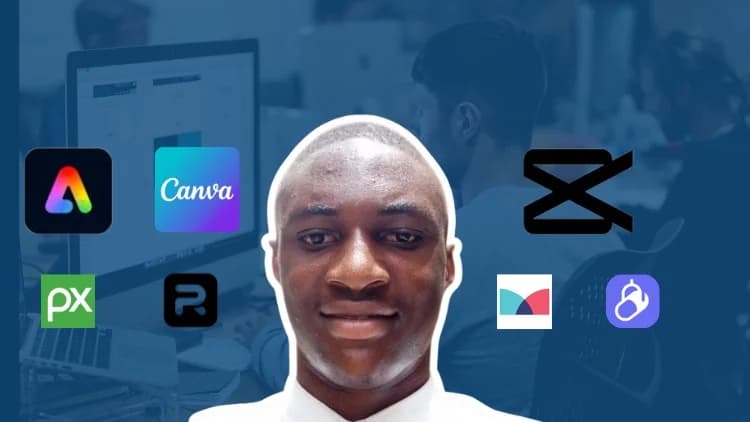
By Udemy · Official page
Content Creation Bootcamp: Canva, CapCut & Adobe Express
About this item

Course Curriculum
- Create professional social media graphics for Instagram, Facebook, LinkedIn, YouTube, and other digital platforms using Canva and Adobe Express.
- Edit high-quality promotional videos, social media advertisements, and short-form content using CapCut with professional transitions, animations, text effects
- Design eye-catching marketing materials, including Instagram posts, Facebook ads, YouTube thumbnails, promotional flyers, logo animations, and branded visual
- Enhance voice recordings using Adobe Podcast to produce clear, professional-quality audio for videos, online courses, presentations, and social media content.
- Apply essential graphic design principles such as typography, color theory, visual hierarchy, spacing, and layout to create visually appealing content.
- Build a professional creative portfolio showcasing graphic design and video editing projects to prepare for freelance opportunities, internships, and job offers
- Use AI-assisted workflows to brainstorm content ideas, improve productivity, and streamline graphic design and video editing projects
- Complete real-world, project-based assignments that strengthen your Canva, Adobe Express, CapCut, and content creation skills for business and personal branding
- Introduction 1:41
- Exploring Tools 1:39
- Beginners who want to learn graphic design and video editing from scratch using Canva, CapCut, Adobe Express, and Adobe Podcast.
- Social media managers and digital marketers who need high-quality visual content for Instagram, Facebook, LinkedIn, TikTok, and YouTube campaigns.
- Content creators, YouTubers, and influencers who want to create professional social media graphics, thumbnails, reels, and promotional videos.
- Freelancers and aspiring creative professionals who want to build a portfolio and start offering graphic design and video editing services to clients.
- Small business owners, entrepreneurs, and personal brands who want to create professional marketing materials without hiring a designer.
- Students and job seekers who want to develop practical, in-demand creative skills and prepare for internships or creative career opportunities.
- Anyone interested in content creation who wants to produce professional graphics and videos through hands-on, real-world projects.
- Developers and technical content creators who want to design engaging tutorials, documentation graphics, YouTube thumbnails, course assets, product demos, and promotional content for their technical audience.
Compatibility & Requirements
- No prior graphic design or video editing experience is required—this course is beginner-friendly and teaches everything step by step.
- A computer or laptop (Windows or macOS) with internet access is recommended for the best learning experience.
- A free or Pro Canva account (either option works for this course).
- Install CapCut Desktop for video editing projects.
- Access to Adobe Express (Free or Premium) and Adobe Podcast for graphic design and audio enhancement exercises.
- A willingness to practice and complete the hands-on projects included throughout the course.
- Basic computer skills, such as using a web browser, creating folders, and downloading files.
Frequently Asked Questions
How does instant Telegram delivery via @madbaxapp_bot work?
Activate any plan from $5, then press Download on this page: 3 files (2.4 GB) are sent to your Telegram chat instantly by the bot @madbaxapp_bot.
How do I extract multi-part .part01.rar archives on Windows and macOS?
Download all volumes (.part01.rar, .part02.rar … .partN.rar) into one folder, then start the extraction only from the first volume, part01.rar. On Windows use WinRAR or 7-Zip; on macOS use Keka or The Unarchiver. The other volumes are read automatically.
What is included in the download archive?
The archive includes all project and video files for this release. It does not include one-to-one mentoring or certificates from the original school.
Related Assets
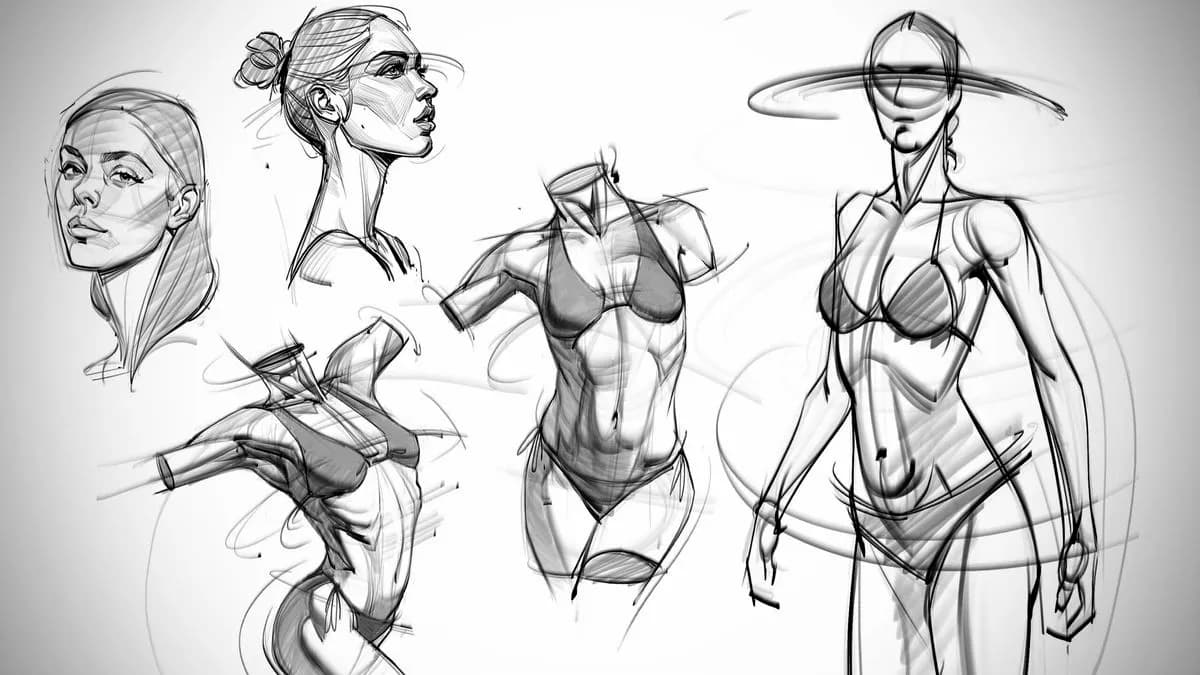
Courses
Josh Black – The Anatomy Survival Guide
Included in plans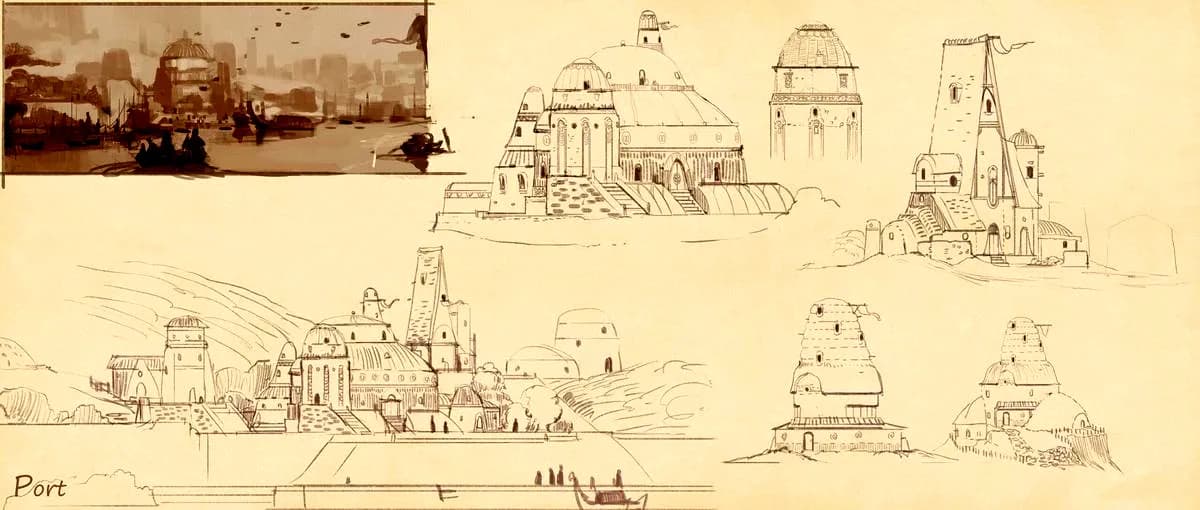
Courses
Learn Squared – Sketching Everything with KleinerHai
Included in plans
Courses
Houdini.School – HS-223 – Maths for Artists with Divyansh Mishra
Included in plans
Courses
Unreal for VFX – BACKGROUND
Included in plans
Courses
The Gnomon Workshop – Nuke Projection Workflows for Feature Films
Included in plans
Courses
Patata School – Character rigging and animation in Blender
Included in plansMore from Madbax
Courses
Matte Painting Techniques for ArchViz
Included in plans
Courses
Advanced 3D Design, Modeling and Rendering Techniques
Included in plans
Courses
The Gnomon Workshop – Real-Time VFX Fundamentals for Unreal Engine 5
Included in plans
Courses