By Udemy · Official page
Hand-Paint Complete Guide / Combine Blender & Photoshop
About this item
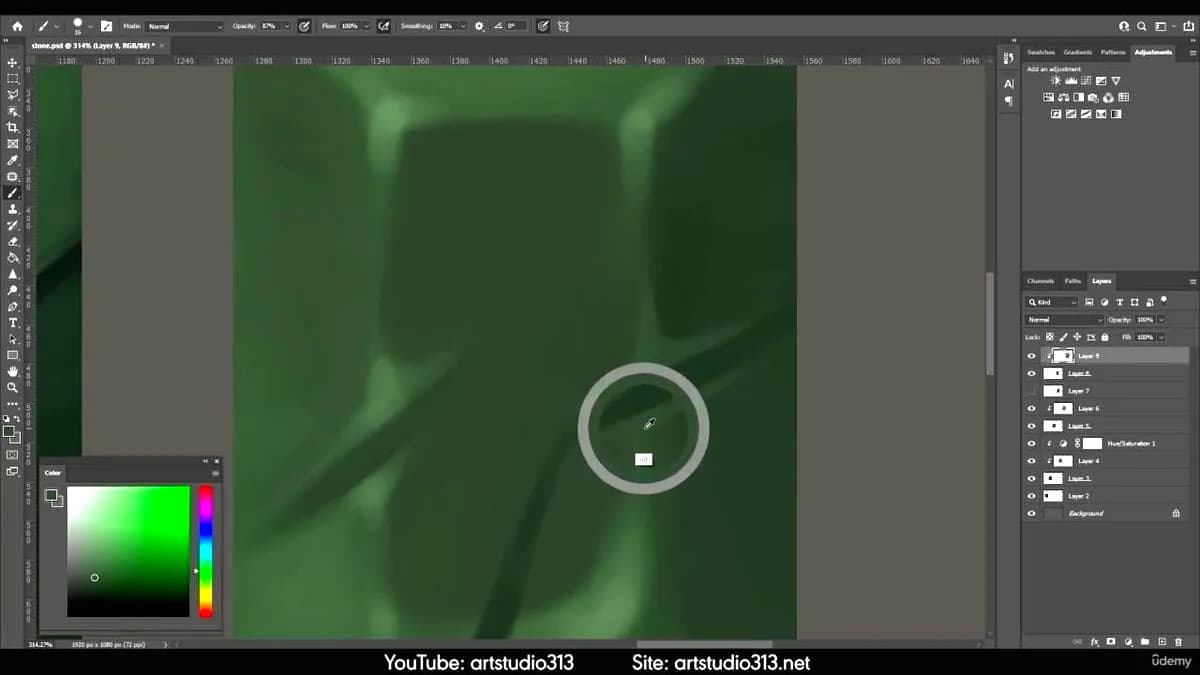
This course teaches hand-painting techniques by combining Blender and Photoshop workflows. You'll learn how to integrate 3D modeling in Blender with 2D digital painting in Photoshop to create hand-painted artwork and illustrations.
The course covers the essential tools and processes for moving between 3D and 2D software, allowing you to leverage the strengths of both applications. Whether you're working on concept art, character designs, or stylized illustrations, this guide walks you through the complete pipeline from modeling to final painted details.
Frequently Asked Questions
How does instant Telegram delivery via @madbaxapp_bot work?
Activate any plan from $5, then press Download on this page: 1 file (3.3 GB) are sent to your Telegram chat instantly by the bot @madbaxapp_bot.
How do I extract multi-part .part01.rar archives on Windows and macOS?
Download all volumes (.part01.rar, .part02.rar … .partN.rar) into one folder, then start the extraction only from the first volume, part01.rar. On Windows use WinRAR or 7-Zip; on macOS use Keka or The Unarchiver. The other volumes are read automatically.
What is included in the download archive?
The archive includes all project and video files for this release. It does not include one-to-one mentoring or certificates from the original school.
Related Assets
Patata School Blender Course Collection
Included in plans
Blender 4 Geometry Nodes For Beginners
Included in plans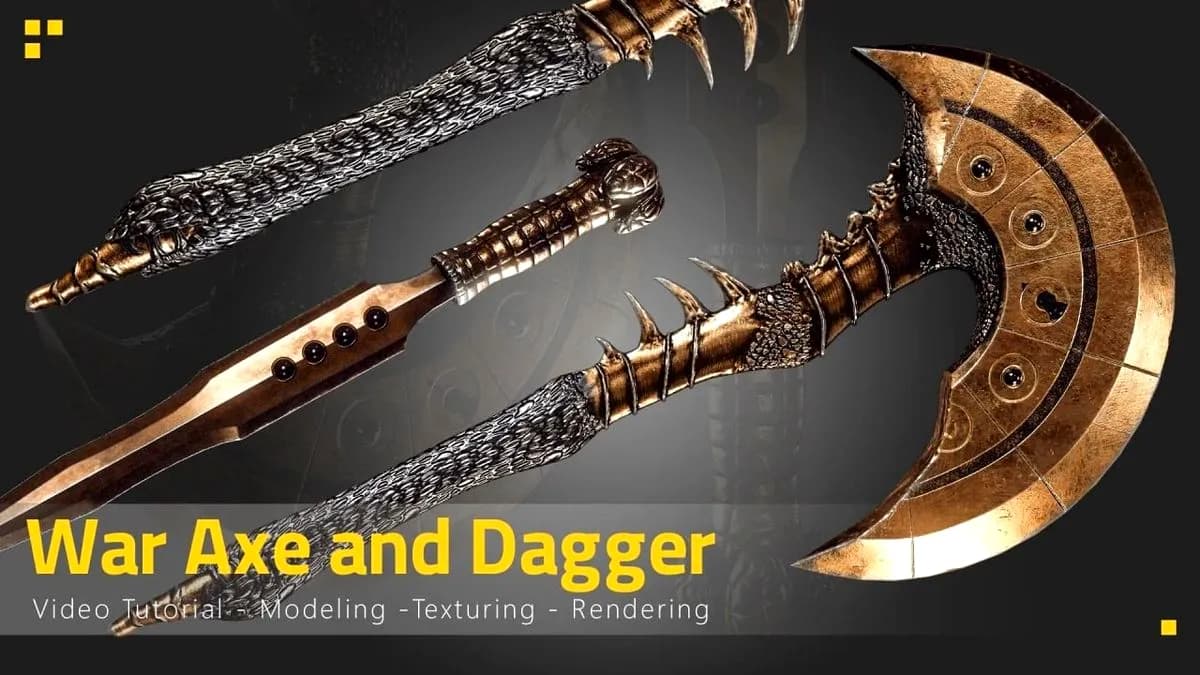
Axe & Dagger – Tutorial Full Process
Included in plans
Advanced Geometry Nodes for Blender
Included in plans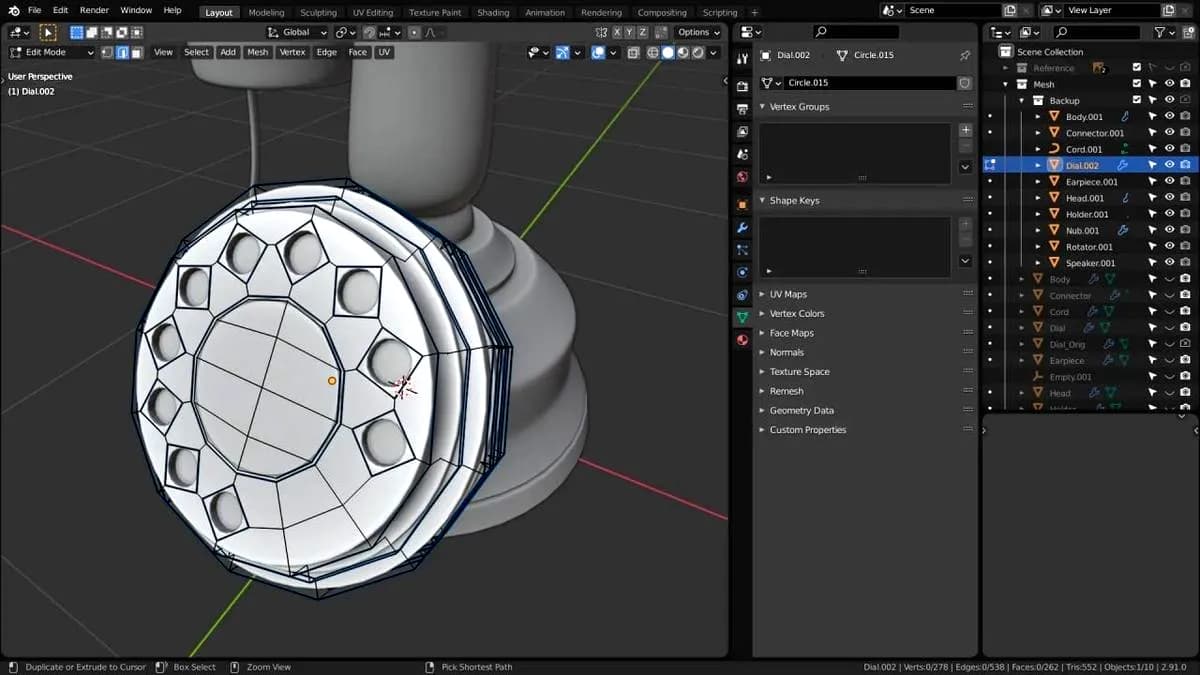
Creating Your First High Quality 3D Prop
Included in plans