By Udemy · Official page
Master Color Grading in DaVinci Resolve
About this item
Turn what you know into an opportunity and reach millions around the world.
Course Curriculum
- 4 sections • 16 lectures • 2h 5m total length
- Welcome to Mastering Color Grading with DaVinci Resolve (links to the footage)Preview 0:44 Welcome to Mastering Color Grading with DaVinci Resolve!
- Importing & Organising footage + the overview of the Color Page Preview 10:51 In this lesson you will learn how to organise the project for the course and you will familiarise yourself with the Color Page in DaVinci Resolve.
- In-depth Color Management 15:11 This lesson will help you to gain in-depth knowledge about Color Management in DaVinci Resolve.
- You can find direct links to the clips, underneath every lesson.
- Please note that ALL CLIPS ARE ONLY FOR PERSONAL USE.
- Basic Color Correction (exposure, contrast, balance + reading scopes 10:52 In this lesson you will learn how to correctly perform primary adjustments to your footage (balance, contrast, exposure) and how to read DaVinci Resolve's scopes.
- Denoising the footage the right way 2:30 In this lesson you will learn how to effectively use the noise reduction feature in DaVinci Resolve.
- NODES explained - creating looks with different types of nodes 13:38 In this lesson you will learn how to build film looks with different types of nodes in Resolve.
- Isolating and Correcting Specific Colors - HSL Curves 5:35 In this lesson you will learn how to isolate and correct specific colors using HSL curves in DaVinci Resolve
- Isolating and Correcting Specific Colors - Color Warper 8:10 In this lesson you will learn how to isolate and correct specific colors and luminance using Color Warper.
- Using Masks for Precise Corrections - Power Windows 10:47 In this lesson I will talk about Power Windows and I will show you multiple ways of using them.
- Using Masks for Precise Corrections - Magic Mask 4:49 In this lesson you will learn how to utilize Magic Mask in DaVinci Resolve.
- Using LOG wheels 3:23 In this lesson you will learn how to effectively use LOG wheels in DaVinci Resolve.
- Building B&W Film Looks 8:22 In this lesson you will learn how to create different variations of B&W Film Looks
- Creating Teal & Orange Look Variations 12:25 After watching this lesson you will learn how to make informed decisions about building creative looks and you will be able to create multiple Teal&Orange Looks.
- Creating famous Bleach Bypass Look 4:10 In this lesson you will learn how to create a famous Bleach & Bypass Look
- The correct way of performing Skin Tone adjustments 5:28 In this lesson you will learn a correct way of adjusting Skin Tones in DaVinci Resolve
- Using Resolve Effects to create a Soft, Dreamy Look 8:45 In this lesson you will learn how to use DaVinci Resolve's effects to create a Soft, Dreamy Look.
Compatibility & Requirements
- * A computer with DaVinci Resolve 18.6 installed (Free or Studio version)
- * Download of the video footage for hands-on practice
- * Basic understanding of video editing concepts (recommended)
Frequently Asked Questions
How does instant Telegram delivery via @madbax_bot work?
Activate any plan from $5, then press Download on this page: all archive files are sent to your Telegram chat instantly by the bot @madbax_bot.
How do I extract multi-part .part01.rar archives on Windows and macOS?
Download all volumes (.part01.rar, .part02.rar … .partN.rar) into one folder, then start the extraction only from the first volume, part01.rar. On Windows use WinRAR or 7-Zip; on macOS use Keka or The Unarchiver. The other volumes are read automatically.
What is included in the download archive?
The archive includes all project and video files for this release. It does not include one-to-one mentoring or certificates from the original school.
Related Assets
Courses
Fantastic 3D illustration with Blender
Included in plans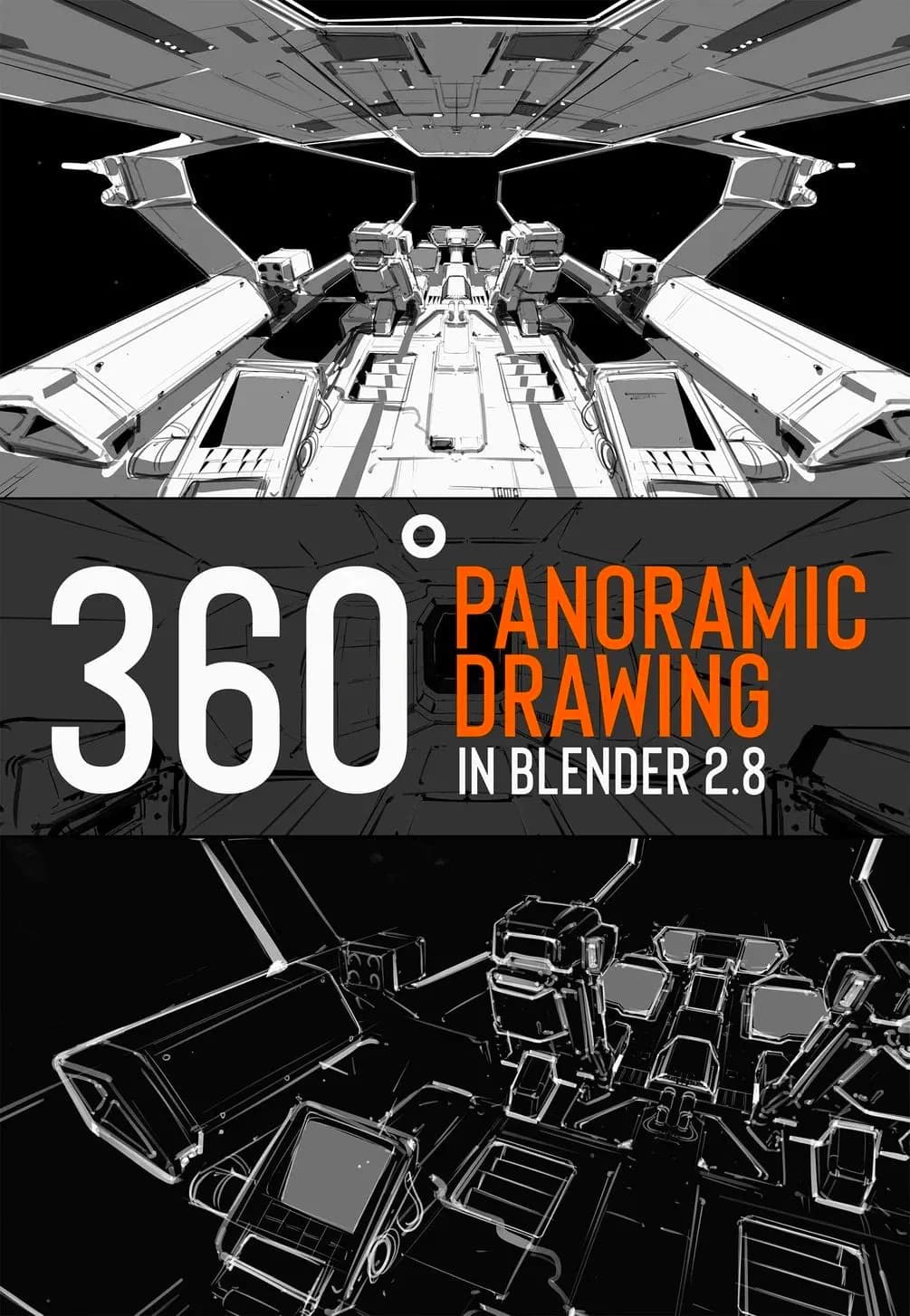
Courses
360 panoramic drawing in Blender
Included in plans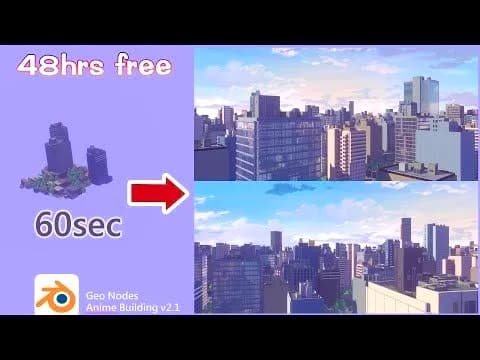
Courses
Quick anime City Ver2.1 (3/3 update “0”)
Included in plans
Courses
Rain and Splashes ADVANCED
Included in plans
Courses
Blender 4.0 Essential Training
Included in plans
Courses