By Udemy · Official page
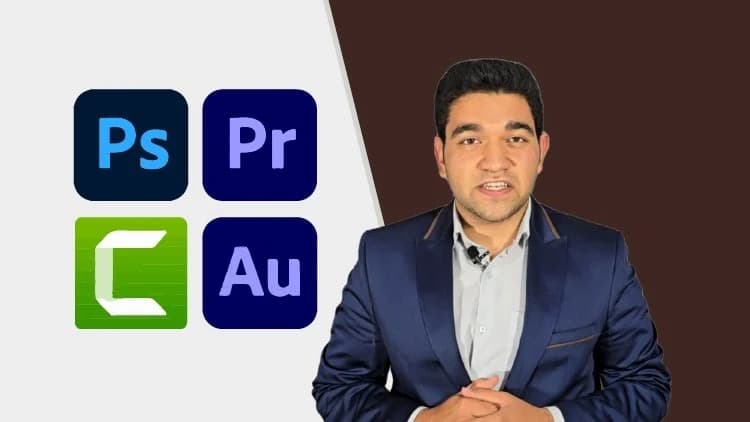
The Multimedia Expert Masterclass — From Beginner to Pro
About this item
The Multimedia Expert Masterclass — From Beginner to Pro
Course Curriculum
- 59 sections • 322 lectures • 9h 10m total length
Compatibility & Requirements
- Welcome & Course Introduction Preview 1:27
- Raster Graphics vs Vector Graphics Explained Preview 4:24
- Installing Adobe Photoshop: Step by Step Preview 1:24
- Your First Steps in Photoshop Preview 2:20
- Using Document Presets for a Head Start Preview 1:48
- Naming Your Files Like a Pro 0:30
- Sizes, Units & Orientation Explained 1:15
- Mastering Artboards in Photoshop 0:45
- Understanding Resolution for Digital & Print 1:26
- Choosing the Right Color Mode for Your Work 3:56
- Setting Background Content 0:52
- Starter Workspace Settings 0:34
- First Impressions: Navigating Photoshop 1:16
- Getting to Know Photoshop’s Interface 3:10
- Importing Images Like a Pro 0:36
- Why Selections Are Essential in Photoshop 1:33
- Using Marquee Tools for Quick Selections 4:52
- Lasso Tools: Freehand Selections Simplified 5:02
- Mastering the Magic Wand 1:25
- Quick Selection Tool for Smart Edits 1:36
- Object Selection Tool 2:00
- Move Tool: Moving Layers With Ease 1:31
- Zoom Tool & Shortcuts for Efficiency 1:01
- Hand Tool for Smooth Navigation 0:43
- Essential Zoom Shortcuts for Speed 1:26
- Temporary Hand Tool Tips 1:45
- Organizing & Ordering Layers 5:08
- Reordering Layers For Clean Workflows 2:07
- Merging Layers for Organized Projects 3:14
- Grouping Layers for Better Structure 2:47
- Using Layer Colors to Stay Organized 0:58
- Adding, Renaming & Deleting Layers 3:39
- Cloning Layers Made Simple 1:31
- Applying Layer Styles (Blending Options)3:29
- Adjusting Opacity & Blend Modes 1:53
- How to Lock Layers For Protection 0:42
- What Are Adjustment Layers?0:45
- Solid Color, Gradient & Pattern Adjustments 1:27
- Advanced Adjustment Techniques 2:27
- Introduction to Masks in Photoshop 1:20
Frequently Asked Questions
How does instant Telegram delivery via @madbaxapp_bot work?
Activate any plan from $5, then press Download on this page: 2 files (1.8 GB) are sent to your Telegram chat instantly by the bot @madbaxapp_bot.
How do I extract multi-part .part01.rar archives on Windows and macOS?
Download all volumes (.part01.rar, .part02.rar … .partN.rar) into one folder, then start the extraction only from the first volume, part01.rar. On Windows use WinRAR or 7-Zip; on macOS use Keka or The Unarchiver. The other volumes are read automatically.
What is included in the download archive?
The archive includes all project and video files for this release. It does not include one-to-one mentoring or certificates from the original school.
Related Assets

Courses
Databricks Certified Generative AI Engineer Associate Course
Included in plans
Courses
Claude AI for Beginners: Prompting, Claude Code & MCP | Ali Hossain
Included in plans
Courses
Import and Organize Data in Google Sheets: Complete Guide
Included in plans
Courses
Claude Code for Beginners: Clean, Organize & Visualize Data with AI | Skillademia Academy
Included in plans
Courses
BookSmart: UK Bookkeeping with Xero and QuickBooks
Included in plans
Courses
Decision Making: Psychology, Biases & Emotional Intelligence
Included in plansMore from Madbax

Courses
Master Agentic AI Within 2Hours: From Zero To Pro Master
Included in plans
Courses
Character Design: Narrative Illustration from Concept to Final
Included in plans
Courses
Stylized Props Modeling - Learn to Make A Stylized Military Crate in 3D - Blender & Substance Painter - Full Class [English] | Tutorials
Included in plans
Courses