By Udemy · Official page
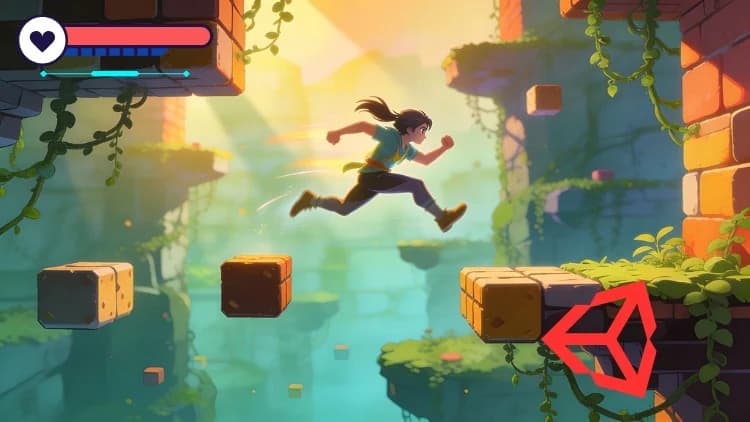
Unity 6 2D Platformer Course: Build a 2D Shooter Game
About this item
Welcome to the Unity 6 2D Platformer Course, where you will learn step-by-step how to build a complete snowy platformer shooter game from scratch. This project-based course is designed for beginners and aspiring game developers who want to master Unity 6, understand 2D game development, and create a polished game that is fun, engaging, and fully playable.
Throughout this course, you’ll design and code a full winter-themed 2D platformer complete with a player who can run, jump, and shoot. You will create enemy AI, health systems, shooting mechanics, and responsive controls. Along the way, you’ll explore essential Unity topics such as collisions, physics, animations, sprites, prefabs, tilemaps, and particle effects—all using the latest features in Unity 6.
You’ll also learn how to build beautiful snowy environments, including icy platforms, falling snow effects, parallax backgrounds, and atmospheric lighting. By the end of the course, you will have a fully functioning game with smooth movement, combat systems, enemies, level design, and polished visuals.
This course is perfect for anyone who wants to learn Unity by building a real project, rather than watching disconnected tutorials. Whether you want to start a career in game development, create your first platformer, or add a professional-quality project to your portfolio, this course will guide you every step of the way.
By the end of the course, you will feel confident creating 2D games in Unity 6, designing mechanics, building levels, and exporting your game for others to play. Join today and start building your own 2D snowy platformer shooter from scratch!
What you will learn
- Build a complete 2D snowy platformer game using Unity 6 from scratch.
- Create player movement, jumping, shooting, and combat mechanics.
- Design enemies with AI behaviors, health, and attack patterns.
- Set up snowy environments, platforms, particles, and level design.
- Export, polish, and optimize the game for final release or portfolio use.
Frequently Asked Questions
How does instant Telegram delivery via @madbaxapp_bot work?
Activate any plan from $5, then press Download on this page: 1 file (4.0 GB) are sent to your Telegram chat instantly by the bot @madbaxapp_bot.
How do I extract multi-part .part01.rar archives on Windows and macOS?
Download all volumes (.part01.rar, .part02.rar … .partN.rar) into one folder, then start the extraction only from the first volume, part01.rar. On Windows use WinRAR or 7-Zip; on macOS use Keka or The Unarchiver. The other volumes are read automatically.
What is included in the download archive?
The archive includes all project and video files for this release. It does not include one-to-one mentoring or certificates from the original school.
Related Assets
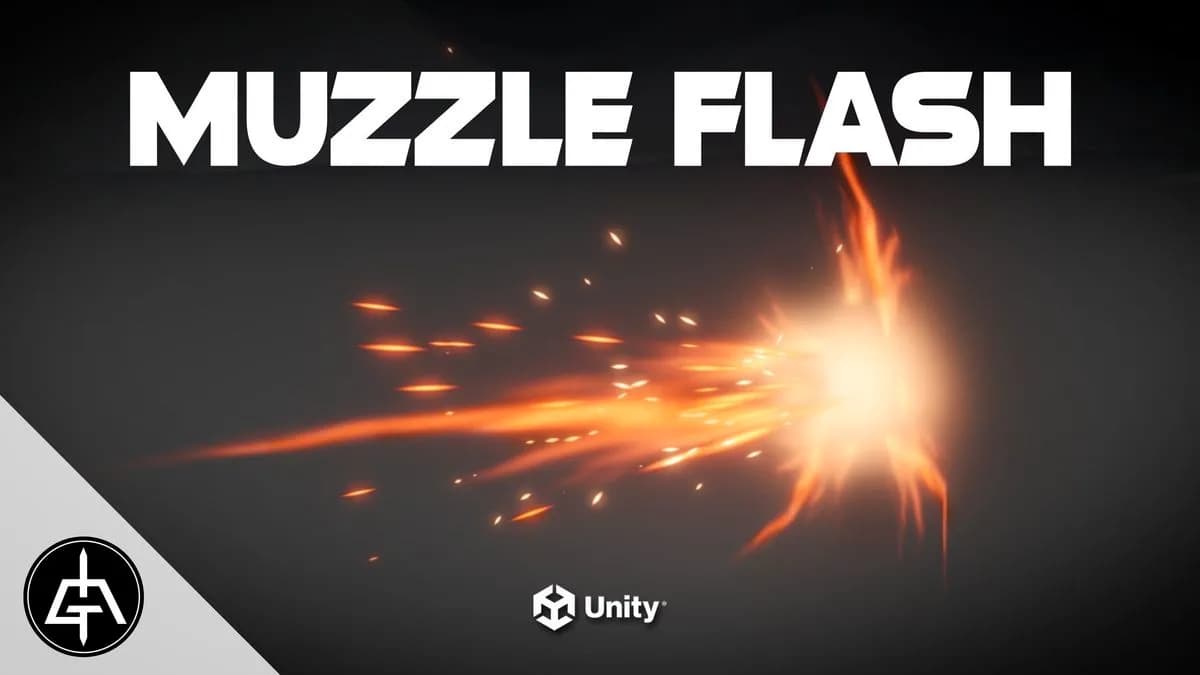
Unity VFX Graph – Muzzle Flash Effect | Gabriel Aguiar Prod
Included in plans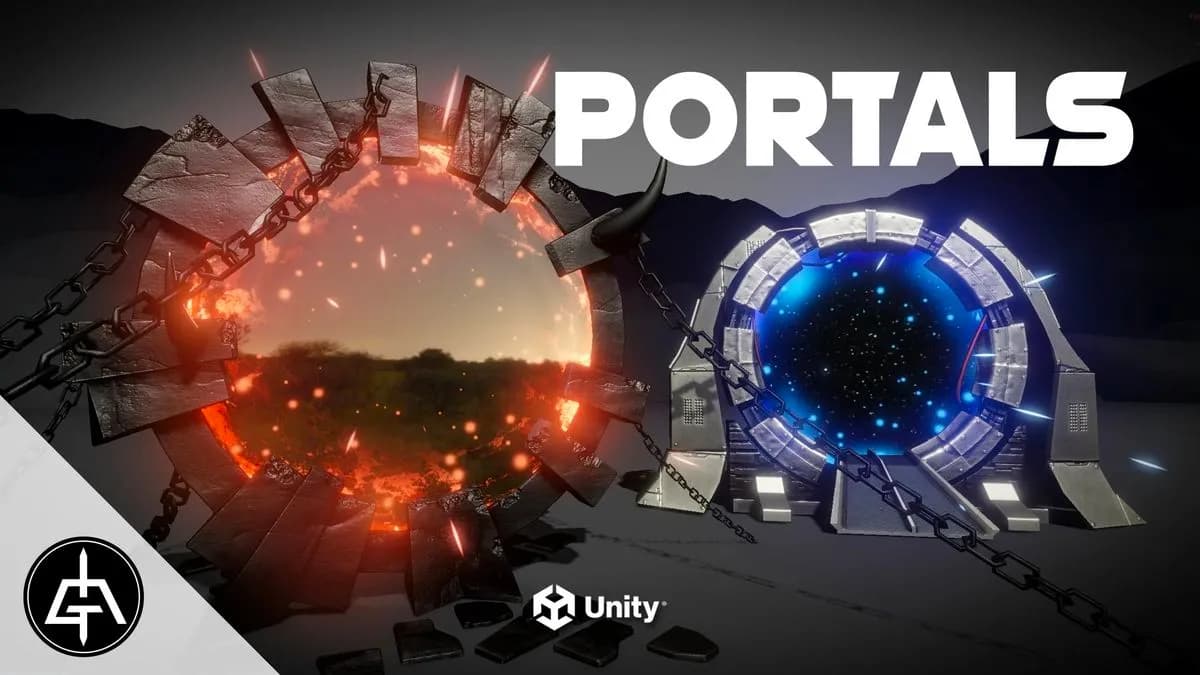
Unity VFX Graph – Portal Effect | Gabriel Aguiar Prod
Included in plans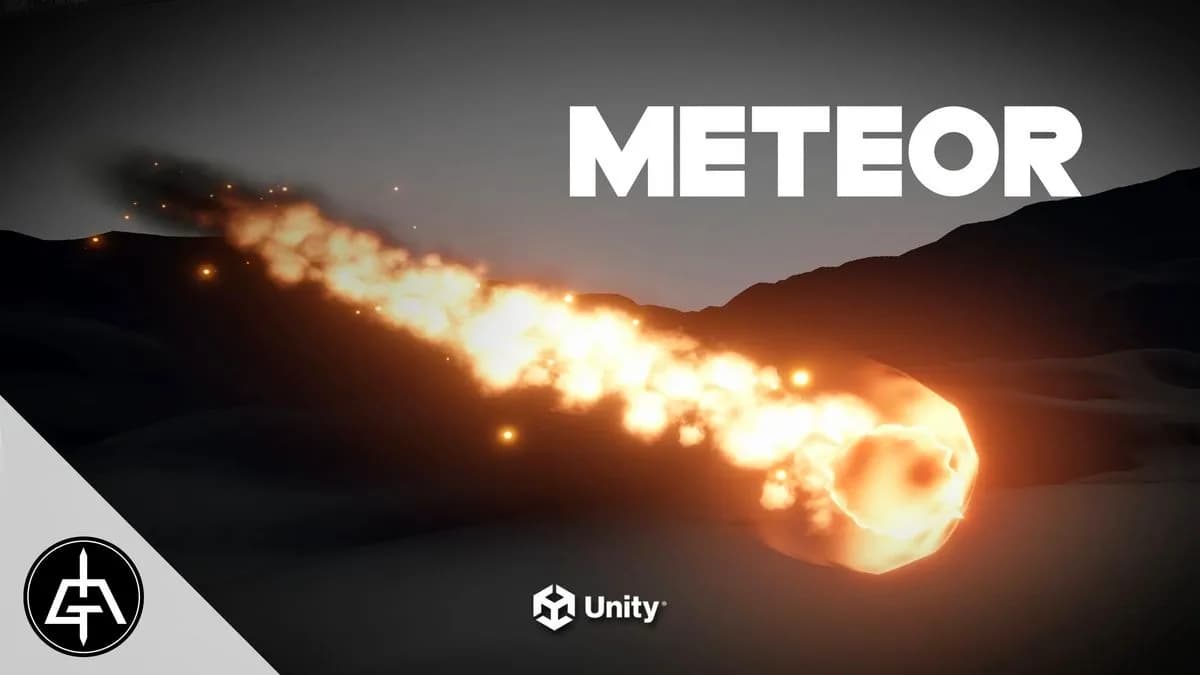
Unity VFX Graph – Meteor Effect | Gabriel Aguiar Prod
Included in plans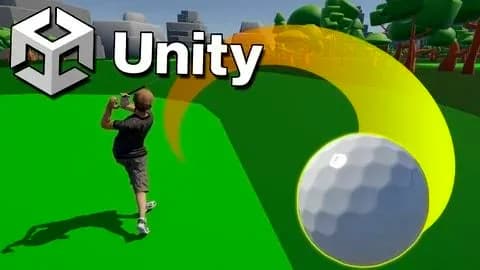
Learn To Make A Golf Game in Unity & C#
Included in plans
Unity Engine intro for absolute beginners!
Included in plans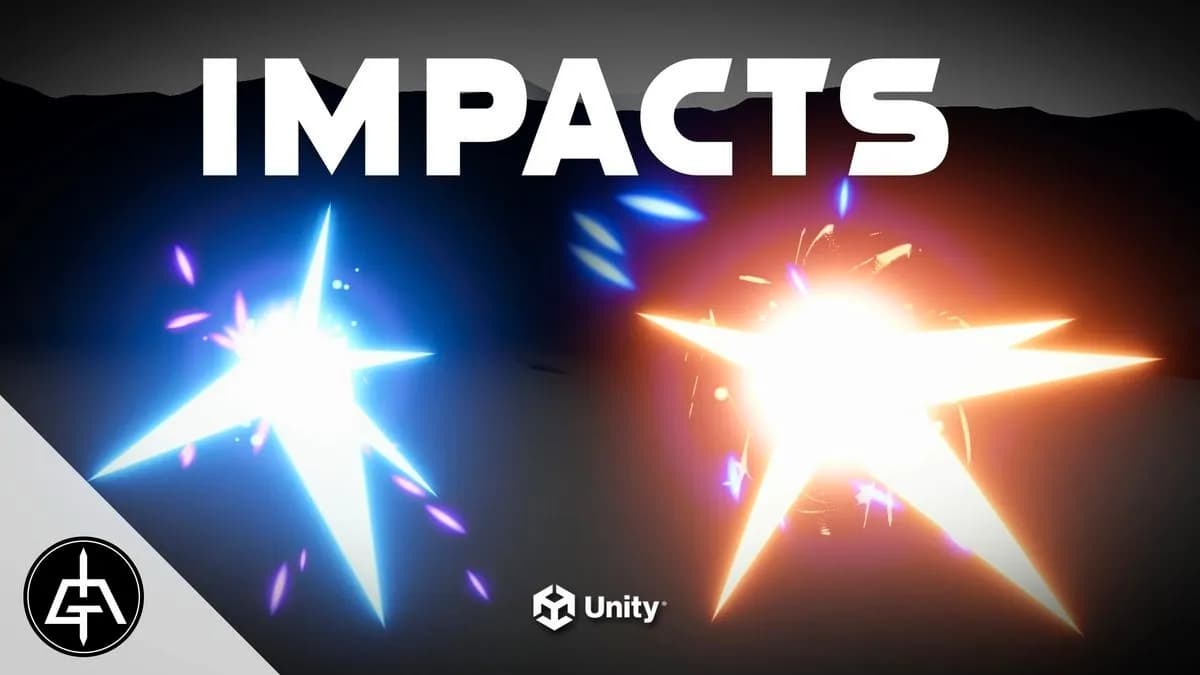
Unity VFX Graph – Impact Effect | Gabriel Aguiar Prod
Included in plansMore from Madbax
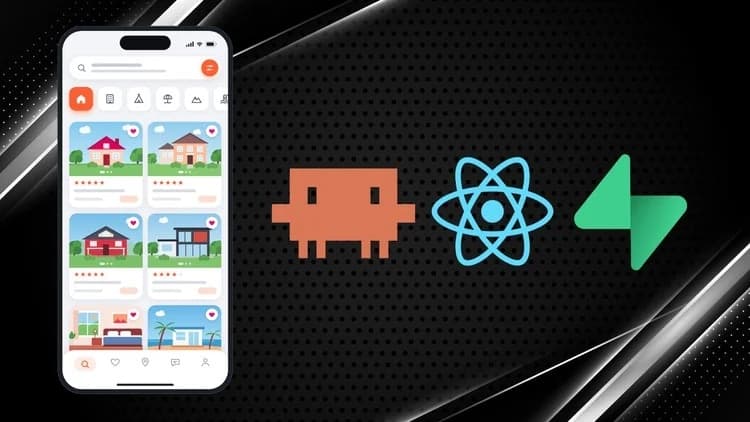
Build a Full-Stack Booking App with Claude Code and Supabase
Included in plans
Claude Tutorial: Prompt Engineering, MCP, Skills, & More
Included in plans
Claude AI for Data Analysis and Visualization in Excel
Included in plans