By Udemy · Official page
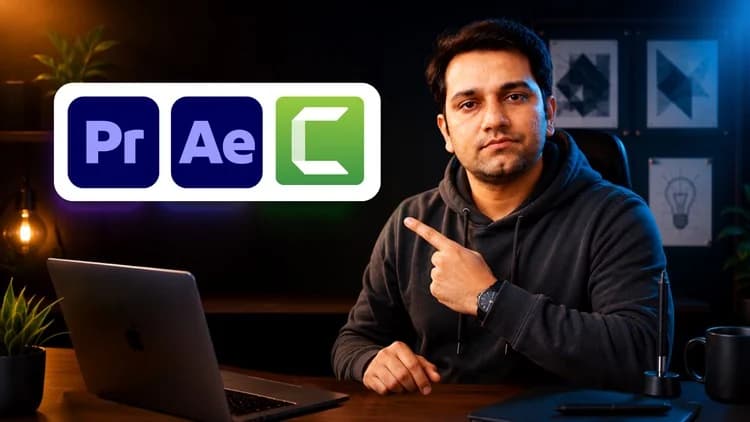
Video Editing, Motion Graphic Design and Screen Recording
About this item
Video Editing, Motion Graphic Design and Screen Recording
Course Curriculum
- 3 sections • 65 lectures • 16h 16m total length
Compatibility & Requirements
- Introduction to Adobe Premiere Pro Preview 1:40
- Premier Pro Basics and Usecase in Industry Preview 0:44
- Workspace and Interface of Premiere Pro 19:04
- Downloand Assets and Resources for Practice 16:54
- Setup the Sequence for Better Video Production inside Premiere Pro 17:22
- Basic Shapes Usecase in Adobe Premiere Pro 24:32
- Using Type Tool and Editing in Premiere Pro 12:04
- Understanding the Important Features of Timeline for Better Editing in premiere 42:15
- Arranging the Projects Assets Properly in Adobe Premiere 12:12
- Source Monitor Usecase for Pro Editing in Adobe Premiere Pro 20:33
- Using Nest to Work with Multiple Tracks in Premiere Pro 14:19
- Adding Keyframes to Animate in Adobe Premiere Pro Preview 52:01
- Render Setting fo Better Video Output in Adobe Premiere Pro 9:28
- Tools and their features Inside Adobe Premiere Pro 28:33
- Using Masking to Hide/Unhide in Adobe Premiere Pro 44:34
- Applying Video inside Text like a Frame 23:12
- Using the Transaction Effects for Video Editing in Adobe Premiere Pro 39:52
- Exploring the Third-Party Plugin (Downoad, Install and Usecase)19:08
- Using the Distortion Effect for Video Editing in Premiere Pro 44:10
- Using Predefine Template of Premiere Pro 34:04
- Motion Banner Ads Design in Adobe Premiere Pro 47:38
- Animated Photo Album Design in Premiere Pro Preview 21:35
- Getting Started with Adobe After Effects Preview 0:43
- Workspace and Interface of Adobe After Effects Preview 5:56
- System Requirement for After Effects 6:56
- Basics of Composition and Setup in After Effects 16:20
- Timeline Basics to Manage Tracks in Adobe After Effects 11:29
- Keyframe usecase and we can create Motion Graphics 3:32
- Tweek Animation flow with Graph Editor in Adobe After Effects Preview 3:32
- Create Animation in Adobe After Effects 9:15
- Animating Text Step by Step in After Effects 12:45
- Using the Default Text Animation Presets in Adobe After Effects 7:44
- Basics Shapes & Optimization 10:18
- How to Apply Mask in Adobe After Effects 11:08
- Default Effects and Presets for Special Effect in Adobe After Effects 5:20
- Applying the Transaction Effects in Videos in Adobe After Effects 6:22
- Replace Green Screen Background 4:11
- Using PenTool to Create Random Path or Shapes in Adobe After Effects 11:17
- Animate Shapes & Graphics in After Effects 12:43
- Create Lower Third Animation in Adobe After Effects 17:52
Frequently Asked Questions
How does instant Telegram delivery via @madbaxapp_bot work?
Activate any plan from $5, then press Download on this page: 8 files (8.1 GB) are sent to your Telegram chat instantly by the bot @madbaxapp_bot.
How do I extract multi-part .part01.rar archives on Windows and macOS?
Download all volumes (.part01.rar, .part02.rar … .partN.rar) into one folder, then start the extraction only from the first volume, part01.rar. On Windows use WinRAR or 7-Zip; on macOS use Keka or The Unarchiver. The other volumes are read automatically.
What is included in the download archive?
The archive includes all project and video files for this release. It does not include one-to-one mentoring or certificates from the original school.
Related Assets

More from Madbax
Courses
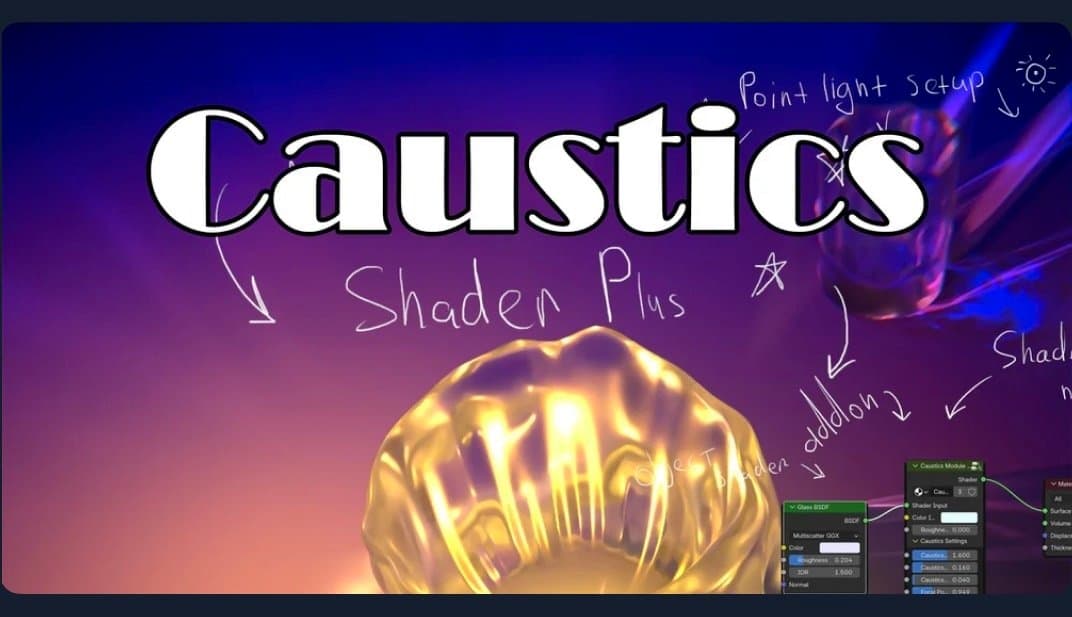
Caustics with Shader Plus – Tutorial (blender)
Included in plans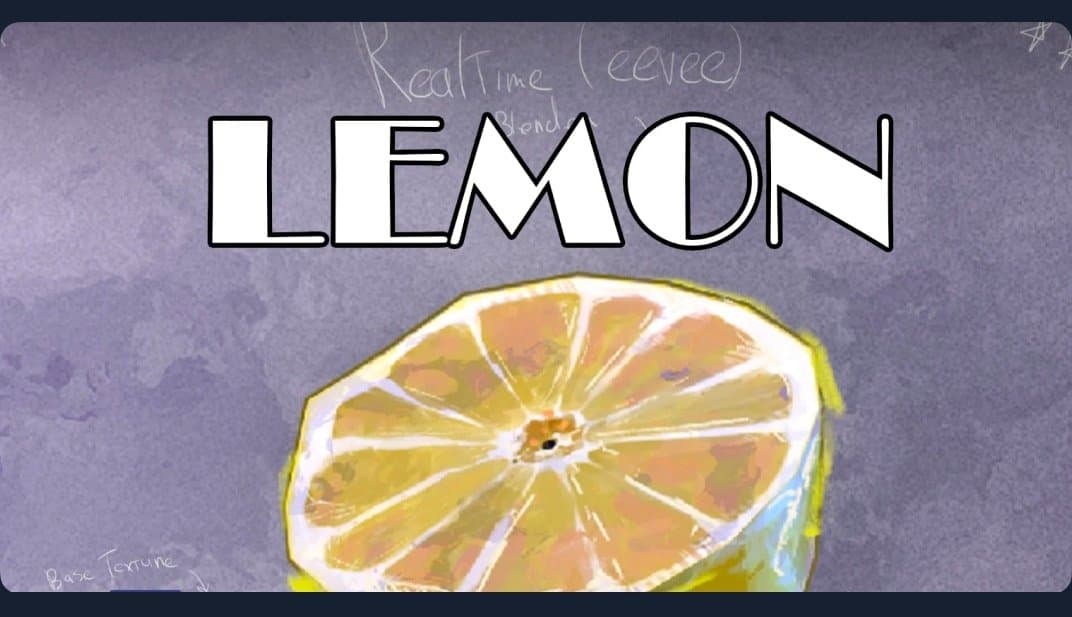
Courses
Lemon shdaer (blender eevee)
Included in plans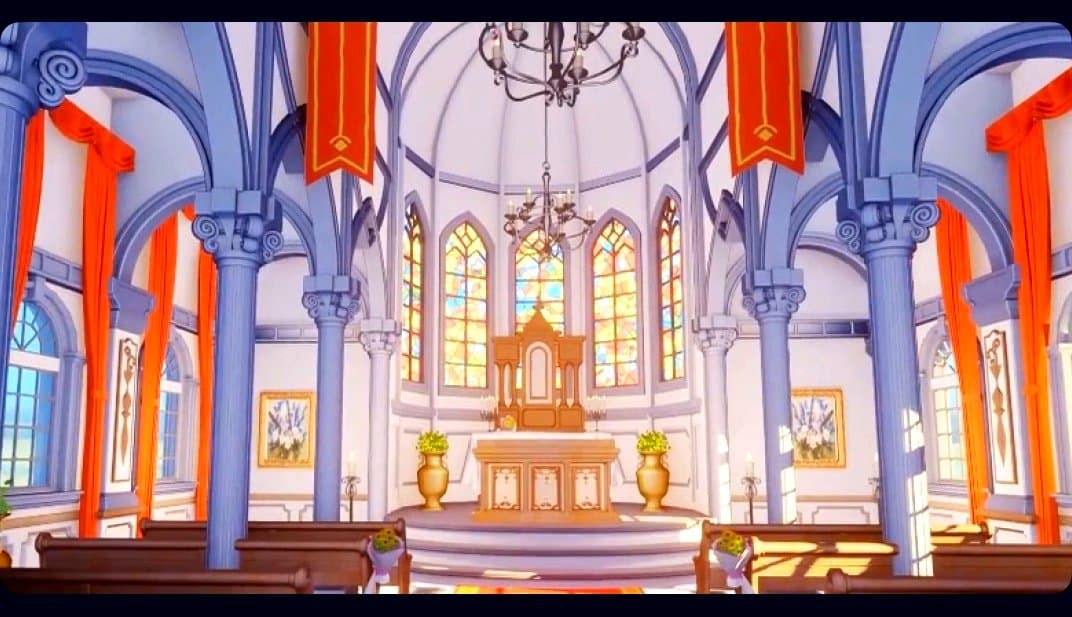
Courses
Blender 3D to 2D: A Complete Tutorial of Classic Case Studies – Anime-Style Church Scene
Included in plans
Courses