By Wingfox · Official page
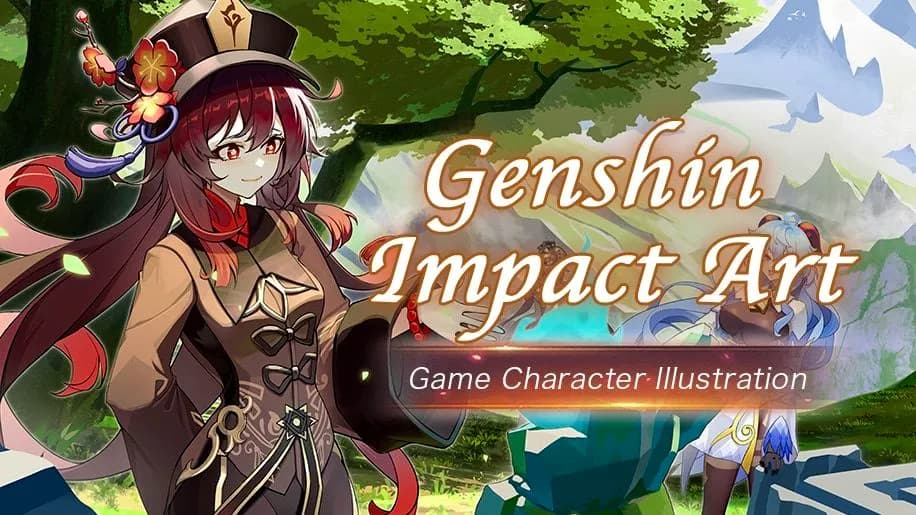
Genshin Impact Art-Game Character Illustration
About this item
This course from Wingfox covers character illustration techniques inspired by Genshin Impact, focusing on game art production workflows. The instruction uses Blender as the primary 3D modeling and rendering tool to create stylized character artwork typical of modern action RPGs. Learners will explore the artistic principles, modeling processes, and rendering approaches that bring game characters to life in professional studio environments.
Wingfox is a comprehensive digital art learning platform offering tutorials across multiple software disciplines including Blender, Photoshop, Maya, 3ds Max, and other industry-standard tools. Beyond video instruction, the platform provides CG assets, source materials, and current design trends relevant to fields such as graphic design, game production, visual effects, and UI design.
Frequently Asked Questions
How does instant Telegram delivery via @madbaxapp_bot work?
Activate any plan from $5, then press Download on this page: 1 file (3.9 GB) are sent to your Telegram chat instantly by the bot @madbaxapp_bot.
How do I extract multi-part .part01.rar archives on Windows and macOS?
Download all volumes (.part01.rar, .part02.rar … .partN.rar) into one folder, then start the extraction only from the first volume, part01.rar. On Windows use WinRAR or 7-Zip; on macOS use Keka or The Unarchiver. The other volumes are read automatically.
What is included in the download archive?
The archive includes all project and video files for this release. It does not include one-to-one mentoring or certificates from the original school.
Related Assets
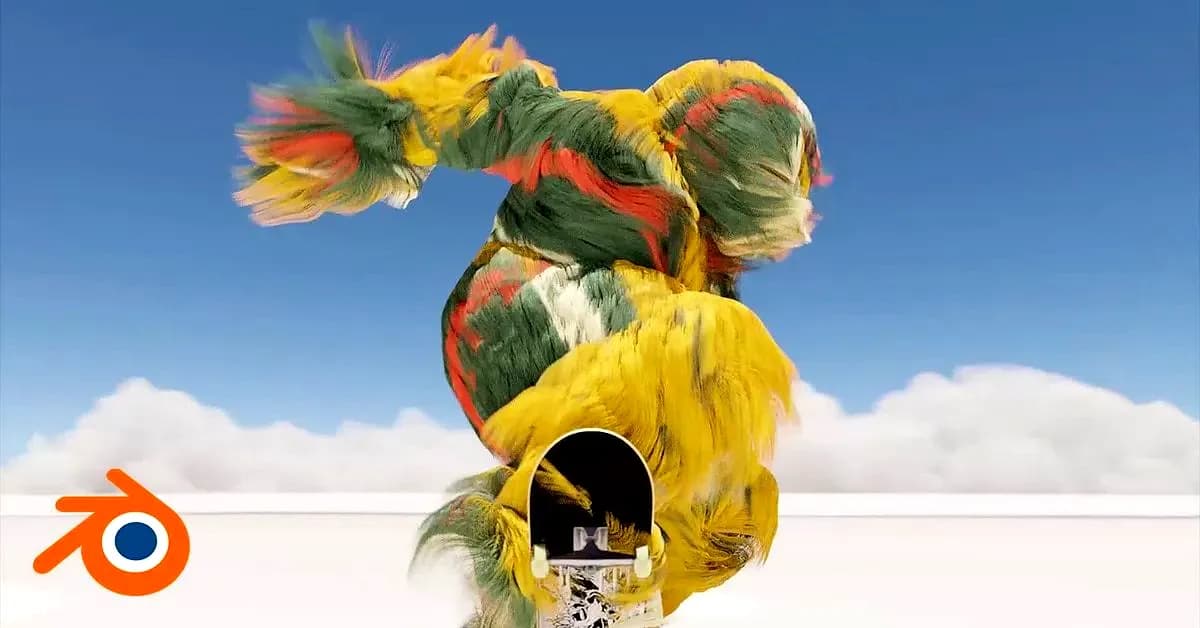
Dynamic Character Animation with Blender
Included in plans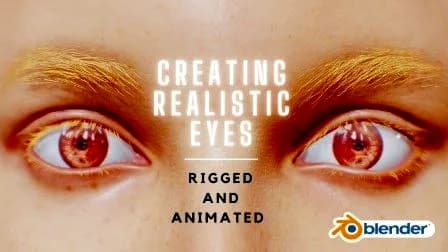
Creating Realistic Eyes In Blender: Rigged and Animated
Included in plans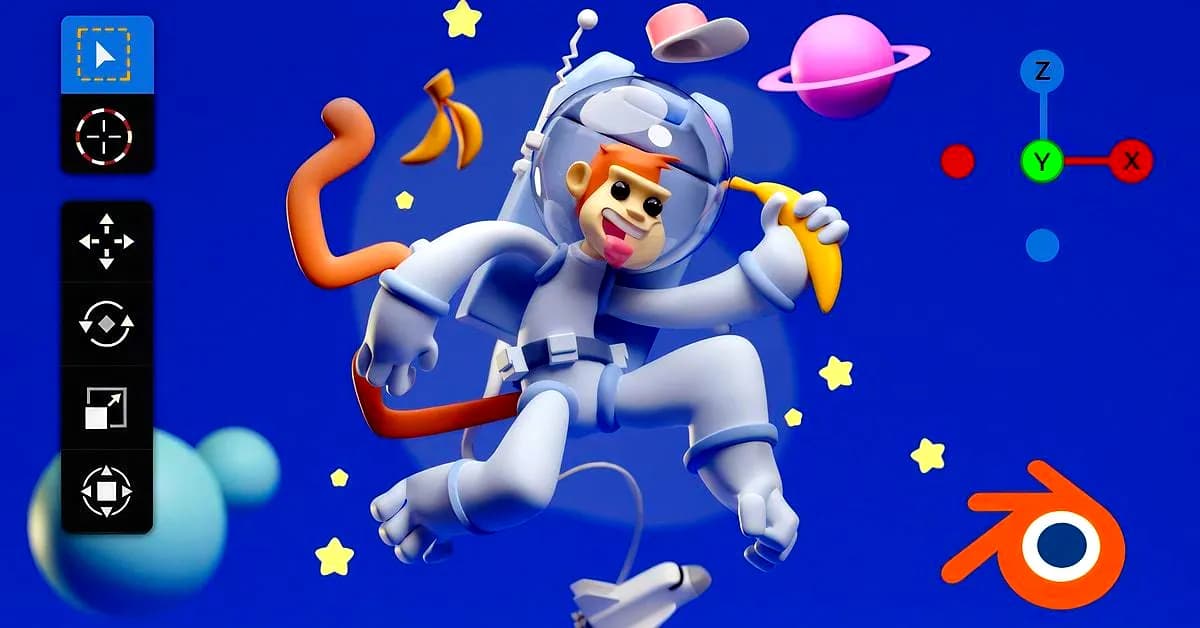
3D Character Creation in Blender
Included in plans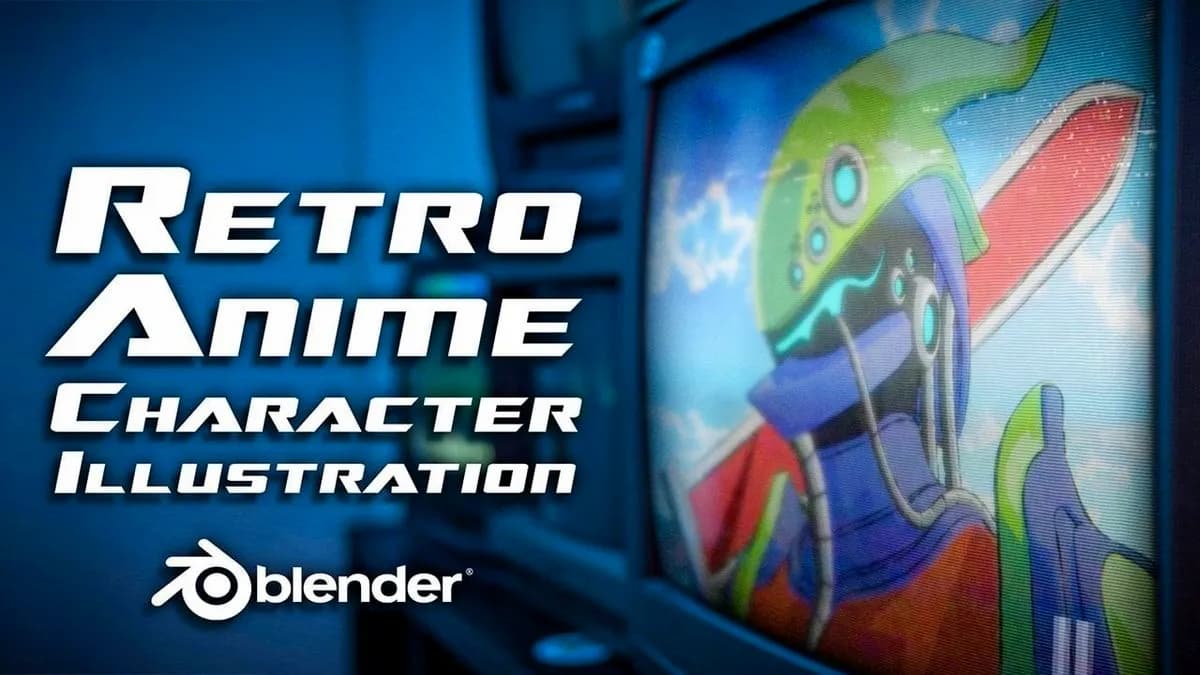
Create a Retro Anime Character Illustration with Blender 3D
Included in plans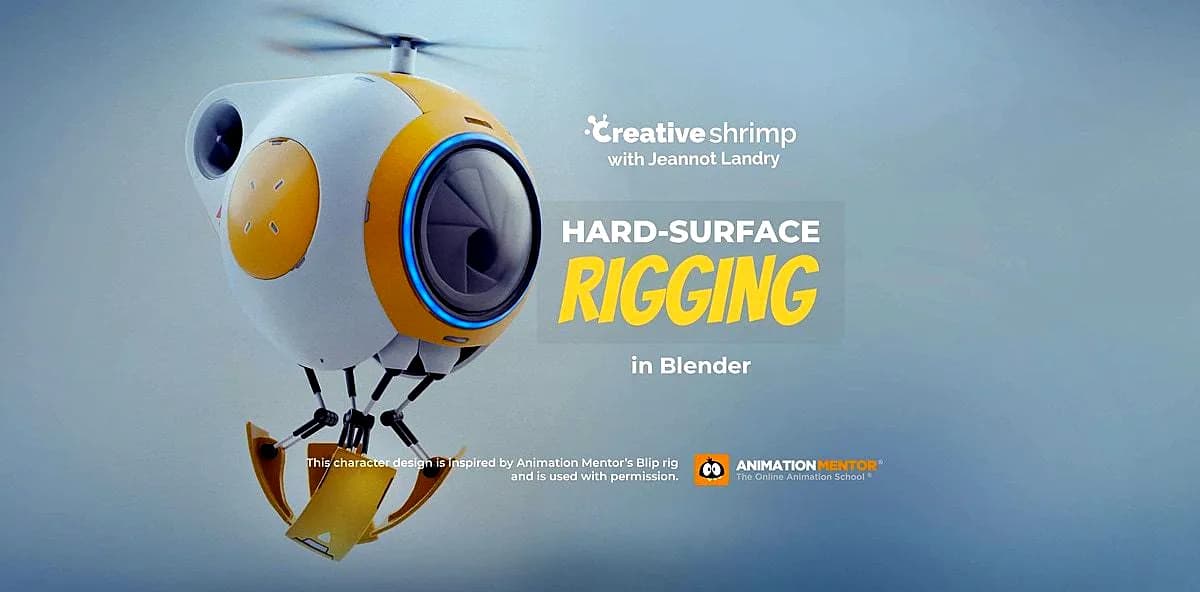
Hard Surface Rigging In Blender
Included in plans