By Yellowimages · Official page
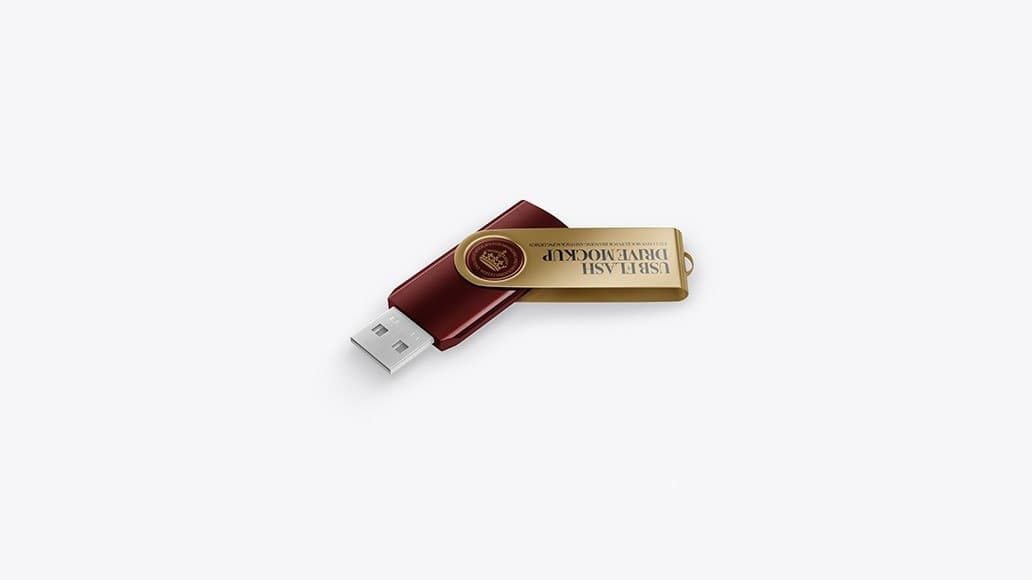
Open Metallic USB Flash Drive Mockup - Halfside View (High-Angle Shot)
About this item
The Open Metallic USB Flash Drive Mockup - Halfside View (High-Angle Shot) is a high-quality mockup from the renowned online mockup creator, Yellow Images, perfect for showcasing your designs or branding projects. The half-turned, halfside view of the metalic flash drive adds a unique touch to the presentation. It features smart layers and smart objects for easy customization of your design, and it comes in PSD format, making it easy for you to work with. Whether it's a pen drive, thumb drive, or USB stick, this mockup is perfect for displaying your usb flash drive, flash memory, or flash-disk designs. So, if you're looking for a professional, high-qulality mockup to elevate your presentation, this is the one for you!
Showcase your work with this high-quality mockup of an open metalic USB flash drive in a halfside view (high-angle shot). Premium quality. Incredibly simple to use. Includes special layers and smart object for your artworks.
Sample design is not included in the download file.
Free Trial License: credit Yellow Images when you use this mockup, and link to the original page.
Frequently Asked Questions
How does instant Telegram delivery via @madbaxapp_bot work?
Activate any plan from $5, then press Download on this page: 1 file (47.0 MB) are sent to your Telegram chat instantly by the bot @madbaxapp_bot.
How do I extract multi-part .part01.rar archives on Windows and macOS?
Download all volumes (.part01.rar, .part02.rar … .partN.rar) into one folder, then start the extraction only from the first volume, part01.rar. On Windows use WinRAR or 7-Zip; on macOS use Keka or The Unarchiver. The other volumes are read automatically.
What is included in the download archive?
The archive includes all project and video files for this release. It does not include one-to-one mentoring or certificates from the original school.