By Aescripts · Official page
BentoControl V1.0.0
About this item
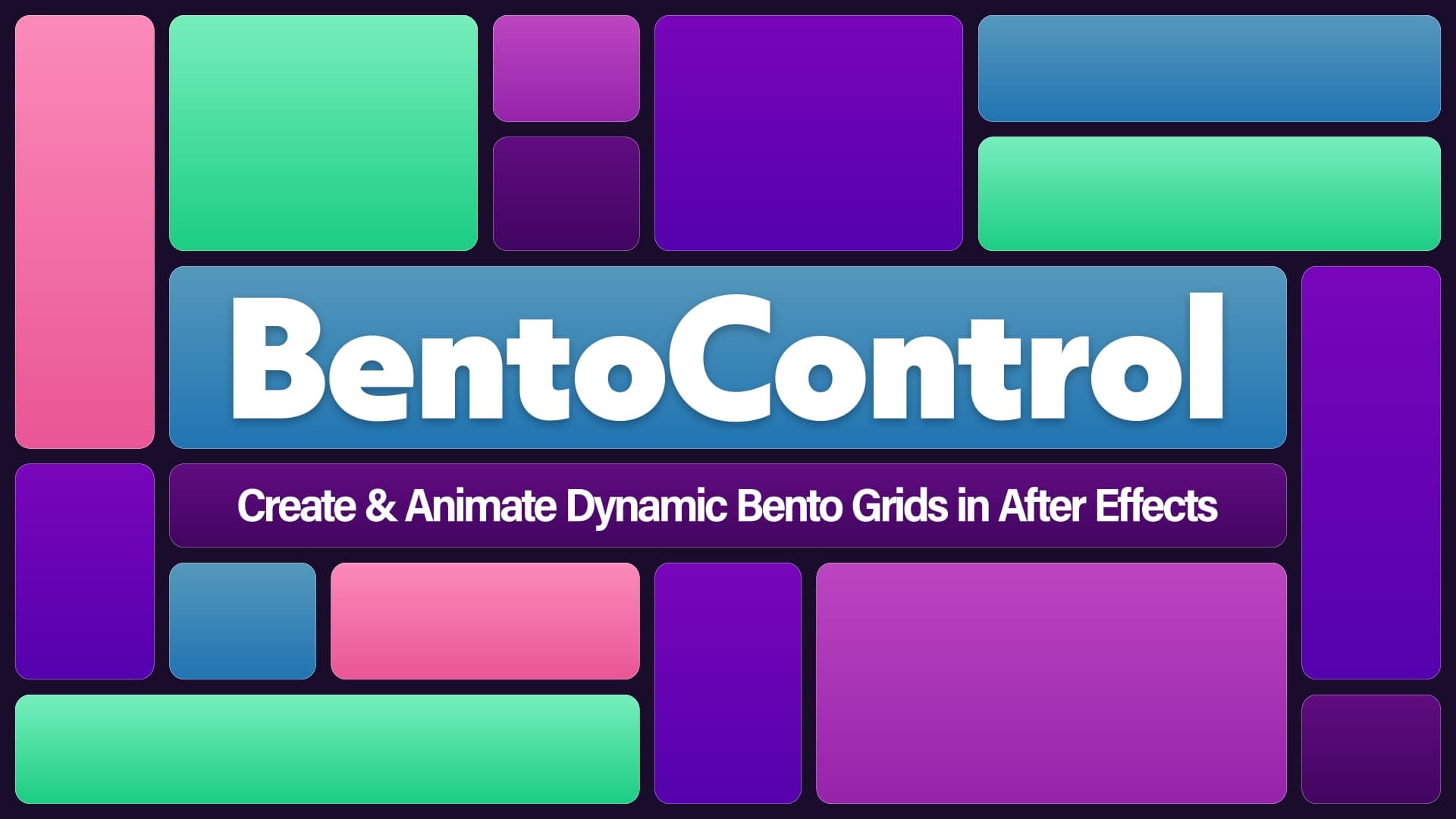
Total Control Building and Animating Bento Grids
Bento grids are common in UI/SaaS animation, and they're a pain to build. Every box has to dynamically adjust based on the animation of every other box which quickly becomes a lot to handle. BentoControl makes it easy to create the exact grid you want, animate them intuitively, and enjoy the same per-box control that I have in my rectangle extension RectControl.
A Fully Responsive Grid
Instead of animating individual boxes, you animate the edges and dividers between them, and the boxes react accordingly.
Move an outer edge, and the whole grid stretches proportionally. Move an inner divider and the boxes resize to fit.
Control padding and corner rounding globally, and then on top of that you can add individual corner rounding, width, height and alignment adjustments per box.
Create Your Grid Exactly How You Want It
Design your grid right in the panel.
- Set your rows and columns (up to 12x12)
- Set your pixel dimensions, or match your comp size with one
click.
- Drag across cells to merge into larger boxes
- Double click to break-up merged cells
- Click to break up divider line intersections if you want to
stagger the boxes
Edit Your Grid Anytime
Need to change the layout after it's built? No problem. Select any layer of the grid and load it into the BentoControl panel. Now you'll be able to
- Split up boxes
- Merge boxes
- Split up dividers
- Double click to break-up merged cells
- Merge dividers
Note: You cannot add or subtract rows or columns.
Link Elements to Boxes
You can link layers to boxes so they move with them. Linked layers can be pinned to any of the box's 9 points, and be set to scale 6 different ways (none, fill, fit, width, height, or stretch). A box can have multiple layers linked to it, each with their own pin and scale settings.
Gradient Fill and Gradient Stroke start and end points can also be linked to any of a box's 9 points.
Dynamically Link RectControl Layers
RectControl layers can be linked to BentoControl boxes. You can
- Pin RectControl layers to any of a box's 9 points
- Link a RectControl layer's width and/or height as a
percentage of the box, plus set pixel adjustments on top of that.
- Match the box's rounding, match the box's rounding
concentrically, or set your own rounding.
- Link one RectControl layer to another RectControl layer.
- Pin elements inside RectControl layers just like you can
pin elements inside BentoControl boxes.
- Animate the RectControl layer to add movement on top of the
motion linked to the box.
Grids on Grids on Grids
You can link BentoControl grids inside of BentoControl grids inside of RectControl layers. Linked grids automatically scale inside of the box or RectControl layer, can have animation on their own dividers, and have elements or RectControls linked inside of them. Corner rounding can be set to match the outside box exactly, concentrically, or not at all.
One Extension: Three Tabs
BentoControl does a lot, so the panel is divided into three tabs: one to build a grid, one to change it later, and one to parent, link, pin, and move elements in the grid.
Create
Draw a new grid and build it. Set up to 12 columns by 12 rows, merge cells and break lines, pick a fill and stroke, then press Create Grid.
Change
Rework a grid you’ve already built. Load any grid back into the layout, merge or split boxes, and Apply Changes to rebuild it in place, keeping your animation as much as possible.
Rig
Parent dividers and edges, turn grids into 3D layers. Link layers to boxes, set layer pin and scale option. Set box alignment. Align layers to key objects in the grid.
The Effect Controls
BentoControl grid layers, and layers linked to the grid get different effect controls depending on what type of layer they are.
Global Grid Controls
Every grid has a global control layer where you can control:
- Alignment of all the boxes
- Grid scale (uniformly, width, height, or a combination)
- Padding between dividers (inner padding), and edges (outer
padding)
- Corner rounding (linked or individually)
- Corner curvature (convex vs concave)
- Squircle rounding (for Apple-style panels)
- Fill visibility and color for all boxes
- Stroke visibility, color, and alignment (inside, center or
outside) for all boxes
- Visibility of edge and dividing lines inside the comp (they
are guide layers so never actually render)
Individual Box Controls
Every box in the grid also has an individual control where you can:
- Set the alignment of the box
- Control the width and height of the box
- Adjust corner rounding
- Set fill visibility and color
- Set stroke visibility, width, alignment, and color
Linked Layer Controls
Set the layer's:
- Pinned position (choose from the 9 point grid)
- Scale option (none, fit, fill, width, height, stretch)
Linked RectControl Controls
Set the RectControl layer's:
- Pinned position
- RectControl alignment
- Width tied to linked box
- Height tied to linked box
- Corner rounding tied to linked box
- All corner rounding and individual corner rounding.
Note: When the link is not enabled width, height, and corner rounding is controlled like normal through the RectControl effect controls.
Linked BentoControl Grid Controls
Set the grid's:
- Pinned position
- Corner rounding tied to linked box
- All corner rounding and individual corner rounding.
Frequently Asked Questions
How does instant Telegram delivery via @madbaxapp_bot work?
Activate any plan from $5, then press Download on this page: 1 file (109.1 MB) are sent to your Telegram chat instantly by the bot @madbaxapp_bot.
How do I extract multi-part .part01.rar archives on Windows and macOS?
Download all volumes (.part01.rar, .part02.rar … .partN.rar) into one folder, then start the extraction only from the first volume, part01.rar. On Windows use WinRAR or 7-Zip; on macOS use Keka or The Unarchiver. The other volumes are read automatically.
What is included in the download archive?
The archive includes all project and video files for this release. It does not include one-to-one mentoring or certificates from the original school.
Related Assets
Orbit Script
Included in plans
Number Maker
Included in plans
Notecraft
Included in plans
Neural Enhancement Suite
Included in plans
Nano Banana Generative Fill for Photoshop
Included in plans