By Aescripts · Official page
Super Resolution V1.4.2
About this item
DocumentationInstallation, presets and every parameter explained→
-
-
-
Real detailat 4x the size
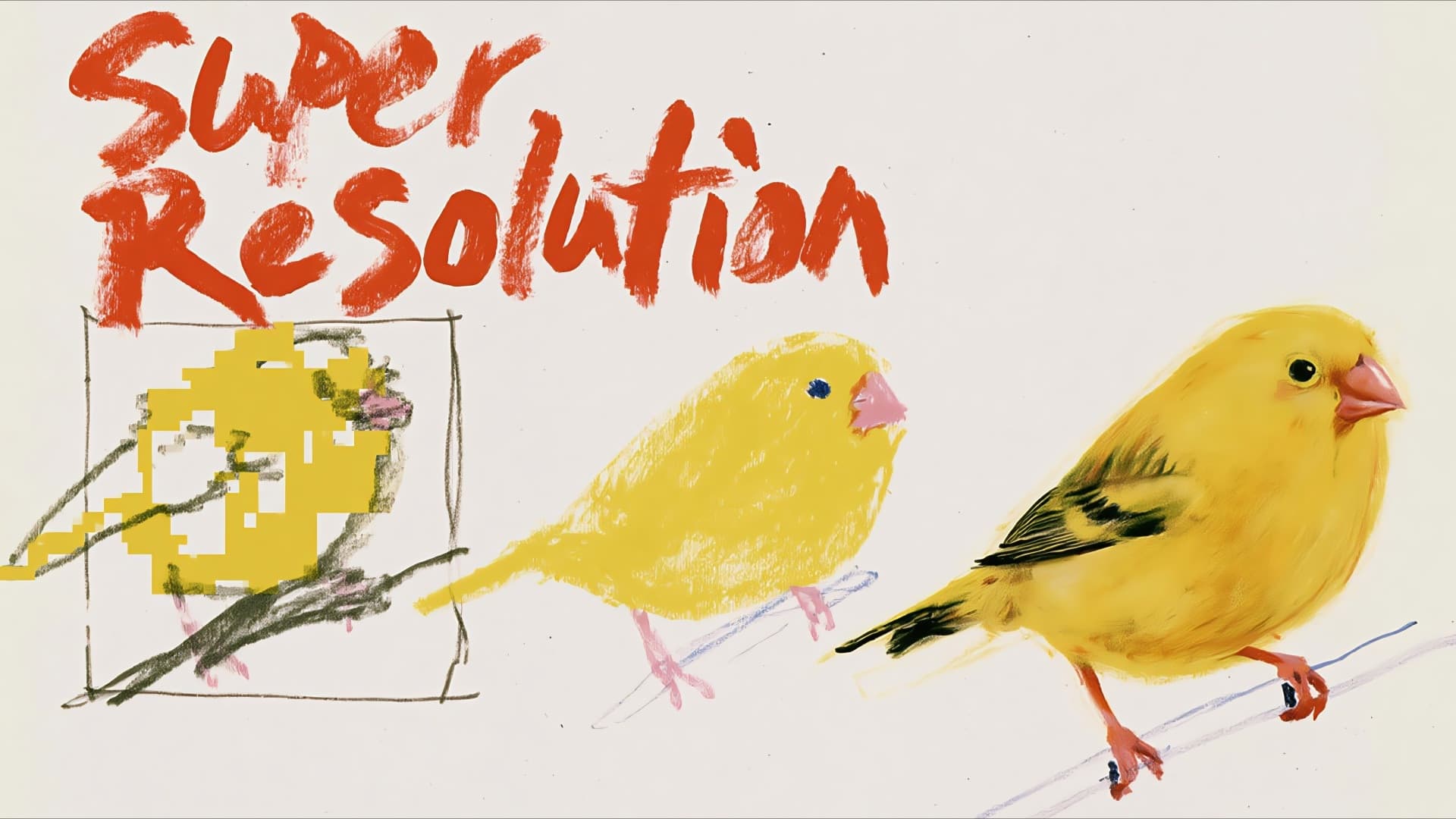
Super Resolution enlarges footage 2x or 4x with AI models that draw new detail instead of stretching pixels. HD becomes 4K or 8K, SD becomes HD. In After Effects, Premiere Pro, DaVinci Resolve and Nuke.
See what's included Compare the models Windows and Mac (Apple Silicon). Runs on your GPU, and your footage never leaves your computer.
A 320x180 copy of the shot, enlarged 4x and shown at full size. Left of the line: bicubic scaling. Right: Super Resolution.
Five models, one popup
Each model was trained for a different kind of picture. Pick one below to see it on the same 480x270 frame, enlarged and cropped at 100%.
ModelBicubicRealPLKSRReal-ESRGANReal-ESRGAN 2xCartoonNomos8kDAT
Plain bicubic scaling, for comparison: soft, no new detail.RealPLKSR (4x), the default: photographic detail in skin, lashes and hair.Real-ESRGAN (4x): stronger cleanup of noise and compression, smoother skin.Real-ESRGAN (2x): half the enlargement, for when 2x is all you need. Shown here scaled up to match.Real-ESRGAN Cartoon (4x): flat areas and clean edges, made for animation and drawings.4xNomos8kDAT (4x): the most detail and the slowest. Use it for the final render.
HD in, 8K out
At 4x, a 1920x1080 clip comes out at 7680x4320. Below is a piece of that 8K frame at 100%, next to the same piece scaled with bicubic.
Scaled withBicubicSuper Resolution
Made for each host
After Effects: Expand Output
The layer grows to the new size, 2x or 4x, so you can drop it in a bigger comp or reframe inside it. Turn it off to keep the layer's size.
1920x1080 becomes 3840x2160 with a 2x model, 7680x4320 with a 4x model.
Premiere Pro: Zoom In
A sequence has a fixed frame size, so Zoom In upscales only a region and fills the frame with it. Zoom Amount goes up to the model's scale, so every pixel you see comes from the model, and Zoom Center picks the spot.
A quarter of the frame filling it, like Zoom In at 4x. Left: bicubic. Right: the model.
DaVinci Resolve: Source Size
Resolve scales clips to the timeline before effects see them. Tell Super Resolution how small the clip really was, 1/2, 1/3 or 1/4 of the timeline, and it rebuilds the frame from that size with the model instead of Resolve's interpolation. Zoom In works here too.
Big frames on small GPUs Advanced Settings split the frame into tiles. Lower Tile Size if your GPU runs out of memory; the overlap hides the seams.
Everything included
After Effects, Premiere Pro, DaVinci Resolve and Nuke
Windows and Mac (Apple Silicon)
Five models: 2x and 4x, photo and cartoon
Zoom In for fixed-size timelines
Installed with the Baskl installer, with the rest of your Baskl plugins
Works where you edit
After Effects2022 or later
Premiere Pro2022 or later
DaVinci Resolve18 or later
Nuke and NukeX14 or later
Windows and MacApple Silicon
Runs onyour GPU, or the CPU
Your footagenever leaves your computer
Questions
Which model should I start with? RealPLKSR, the default, for camera footage. Real-ESRGAN when the source is noisy or heavily compressed, Cartoon for animation, and 4xNomos8kDAT for the final render when you want the most detail.
Does it invent detail? Yes, in the sense that the model draws detail that fits what it sees: pores, lashes, texture. It doesn't recover text or faces that aren't there in the source, so check close-ups.
How long does a frame take? It depends on the model and the size. 4xNomos8kDAT is the slowest; a frame you've already rendered with the same settings is reused instead of upscaled again.
Is my footage uploaded? No. Everything runs on your computer, on the GPU when there is one.
My GPU runs out of memory. What now? Open Advanced Settings and lower Tile Size, for example from 512 to 256. The frame is processed in smaller pieces and stitched back together.
Make it bigger, keep it sharp
See what's includedCompare the models
- 0:00 Apply it
- 0:19 Expand Output
- 0:40 Models
- 1:10 Tips
Frequently Asked Questions
How does instant Telegram delivery via @madbaxapp_bot work?
Activate any plan from $5, then press Download on this page: 1 file (7.5 MB) are sent to your Telegram chat instantly by the bot @madbaxapp_bot.
How do I extract multi-part .part01.rar archives on Windows and macOS?
Download all volumes (.part01.rar, .part02.rar … .partN.rar) into one folder, then start the extraction only from the first volume, part01.rar. On Windows use WinRAR or 7-Zip; on macOS use Keka or The Unarchiver. The other volumes are read automatically.
What is included in the download archive?
The archive includes all project and video files for this release. It does not include one-to-one mentoring or certificates from the original school.