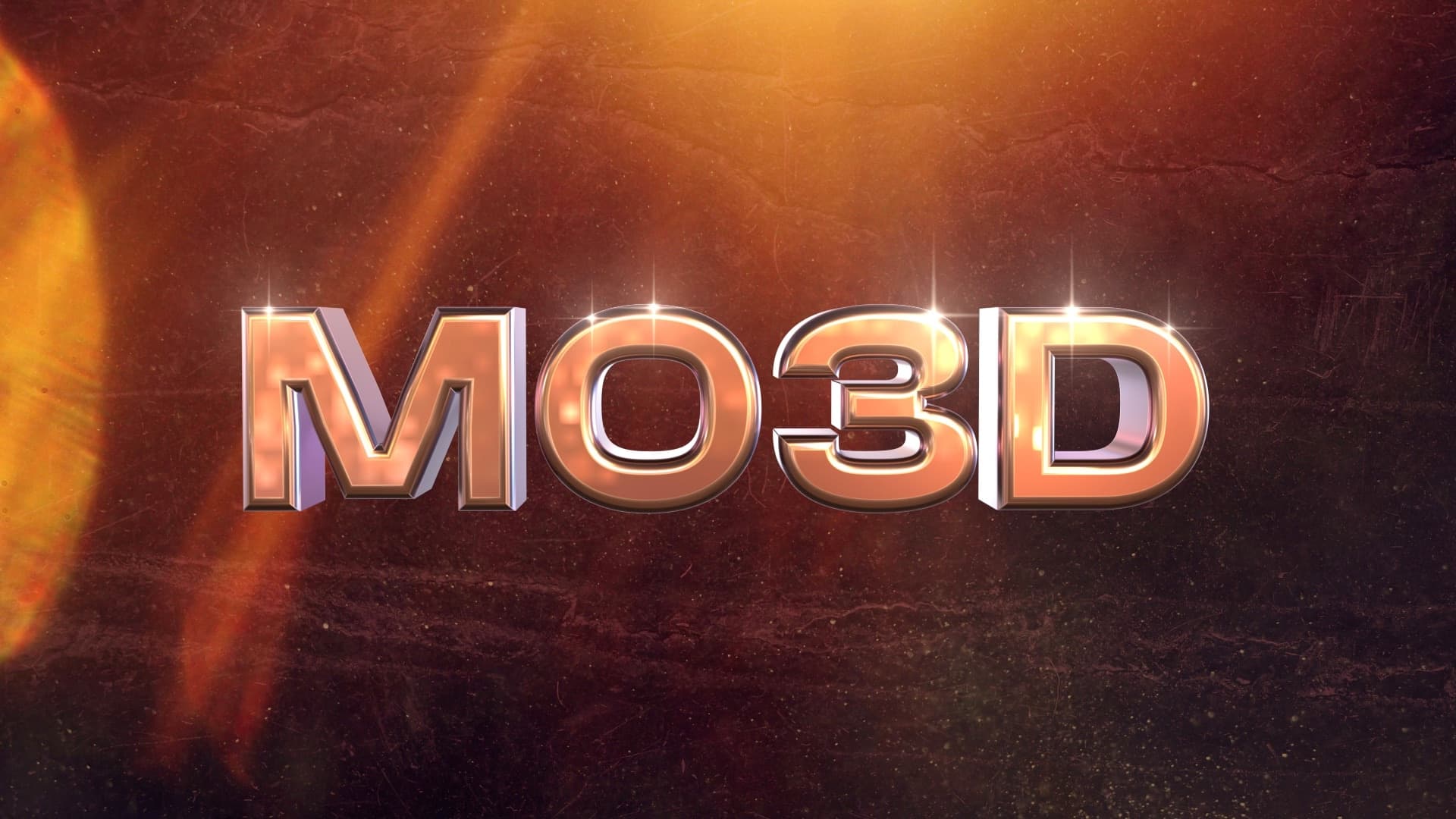
By Aescripts · Official page
MO3D V1.0
About this item
MO3D is a ray-traced 3D renderer that runs inside After Effects. It builds 3D from your text, shape layers and masks, opens FBX, glTF, USD and OBJ models, lights them with HDRIs and renders through your comp camera, with materials, glass, deformers, replicators, flares and render passes.
MO3D opens FBX, glTF, USD, OBJ, STL and PLY files with their materials and textures, plus Alembic on the Mac. Drag a model, an HDRI or a folder of textures into Scene Setup and it sits in your comp, under your comp camera and lights, next to any text or logo. Shadows, AO, reflections and glass are ray-traced.
Highlights
- Models: FBX, glTF, USD, OBJ, STL, PLY (and Alembic on the Mac)
- Lighting: HDRI image-based lighting, its sun a shadow-casting key light
- Reflections and glass: ray-traced
- Materials: node-based Material Editor, MaterialX and texture sets
- Per-letter 3D animation: After Effects' own Text Animators, plus MO3D's Letter Animators
- Flares on the letters, built in and following when the text changes
- Render passes: one click builds the whole pass stack in your comp
- Works on Mac and Windows
Frequently Asked Questions
How does instant Telegram delivery via @madbaxapp_bot work?
Activate any plan from $5, then press Download on this page: 1 file (17.7 MB) are sent to your Telegram chat instantly by the bot @madbaxapp_bot.
How do I extract multi-part .part01.rar archives on Windows and macOS?
Download all volumes (.part01.rar, .part02.rar … .partN.rar) into one folder, then start the extraction only from the first volume, part01.rar. On Windows use WinRAR or 7-Zip; on macOS use Keka or The Unarchiver. The other volumes are read automatically.
What is included in the download archive?
The archive includes all project and video files for this release. It does not include one-to-one mentoring or certificates from the original school.
Related Assets
Colorful Geometry Intro
Included in plans
Event Promo Instagram Stories
Included in plans
Clean Corporate Slideshow
Included in plans
Kids Scenes Slideshow for After Effects
Included in plans
Wedding Invitation Video Display After Effect Template
Included in plans