By Aescripts · Official page
PiP Layout V1.0.0
About this item
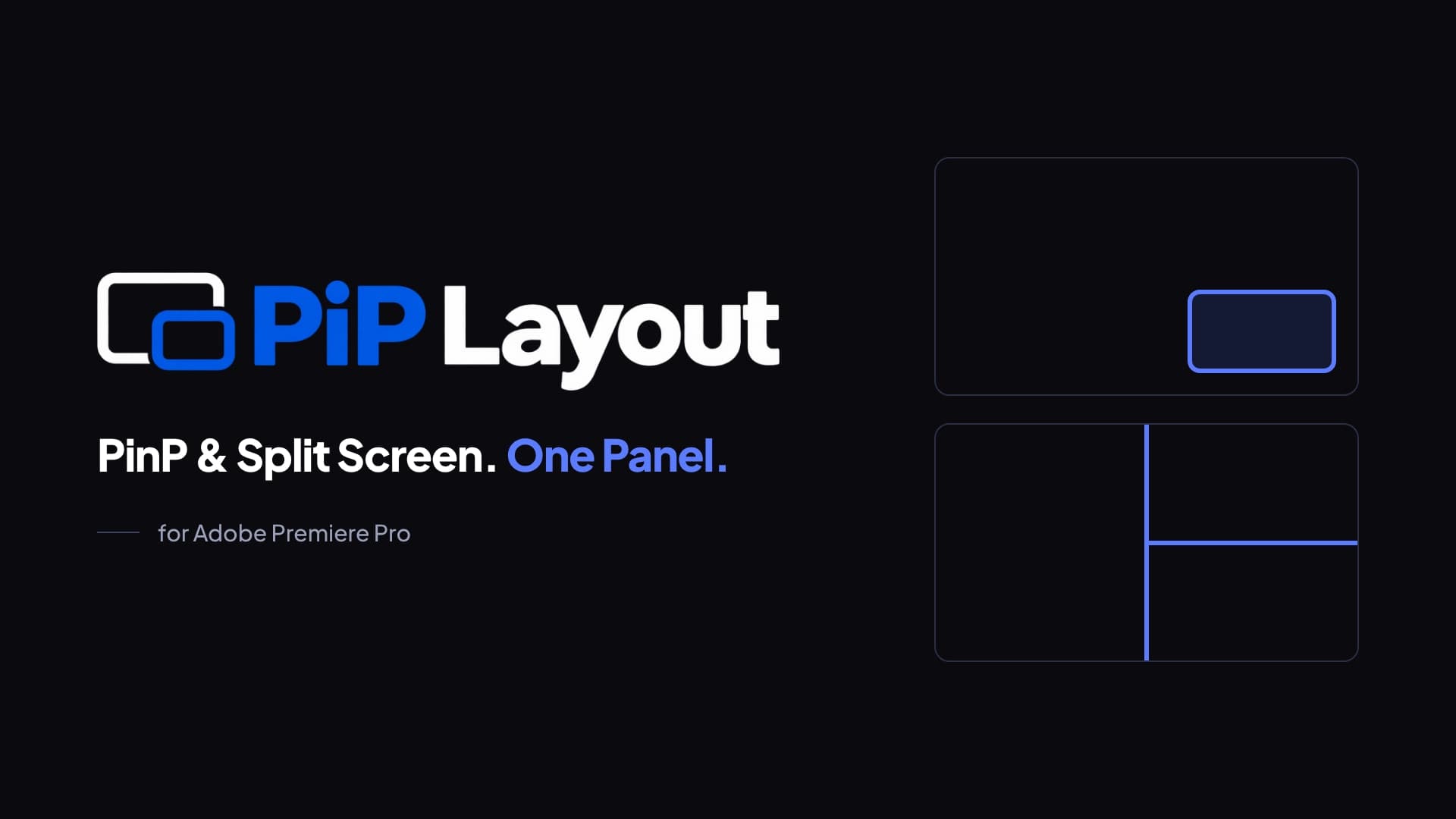
Position, crop, border and style picture-in-picture and split-screen clips in Adobe Premiere, and see every change in the Program Monitor as you make it. Works with Adobe Premiere 25.6 and newer on Windows and macOS.
In Adobe Premiere, placement, size, crop, borders, corners and shadow are set in different places. PiP Layout puts them in one panel: placement, size and crop in one place, two borders, corner radius and drop shadow next to them, and Live Apply so changes show as you make them.
Put it exactly where you want
Choose an anchor on a 3x3 grid, nudge with the arrow buttons, or drag the box right in the panel preview. Resize with the corner handles, or type width and height in percent with the aspect ratio linked. Zoom into the source and move the center point with the center pad; cropping never moves the box you placed.
Finish it with style
Up to two borders per clip, each with its own color, thickness and opacity. Corner radius from 0 to 100%, all the way to a perfect circle. Add a drop shadow and set its direction, distance, softness and opacity from the panel.
Split screens, made simple
Pick a 2-, 3- or 4-way layout, or a vertical 9:16 layout for social media. Click a cell to place the selected clip and reframe the content inside every cell.
Made for
- Podcasts and interviews
- Game streams and reactions
- Tutorials
- Vertical social videos
Frequently Asked Questions
How does instant Telegram delivery via @madbaxapp_bot work?
Activate any plan from $5, then press Download on this page: 1 file (1.4 MB) are sent to your Telegram chat instantly by the bot @madbaxapp_bot.
How do I extract multi-part .part01.rar archives on Windows and macOS?
Download all volumes (.part01.rar, .part02.rar … .partN.rar) into one folder, then start the extraction only from the first volume, part01.rar. On Windows use WinRAR or 7-Zip; on macOS use Keka or The Unarchiver. The other volumes are read automatically.
What is included in the download archive?
The archive includes all project and video files for this release. It does not include one-to-one mentoring or certificates from the original school.
Related Assets

Wedding Invitation Instagram Reels Stories
Included in plans
Funeral Video Template
Included in plans
Website Promo Typography v2
Included in plans
Multiscreen Motivational Slideshow | Split Screen Opener
Included in plans
New Level Slideshow Colorful Gallery Opener
Included in plans