By Aescripts · Official page
More Motion Blur V1.1.11
About this item
DocumentationInstallation, presets and every parameter explained→
-
-
-
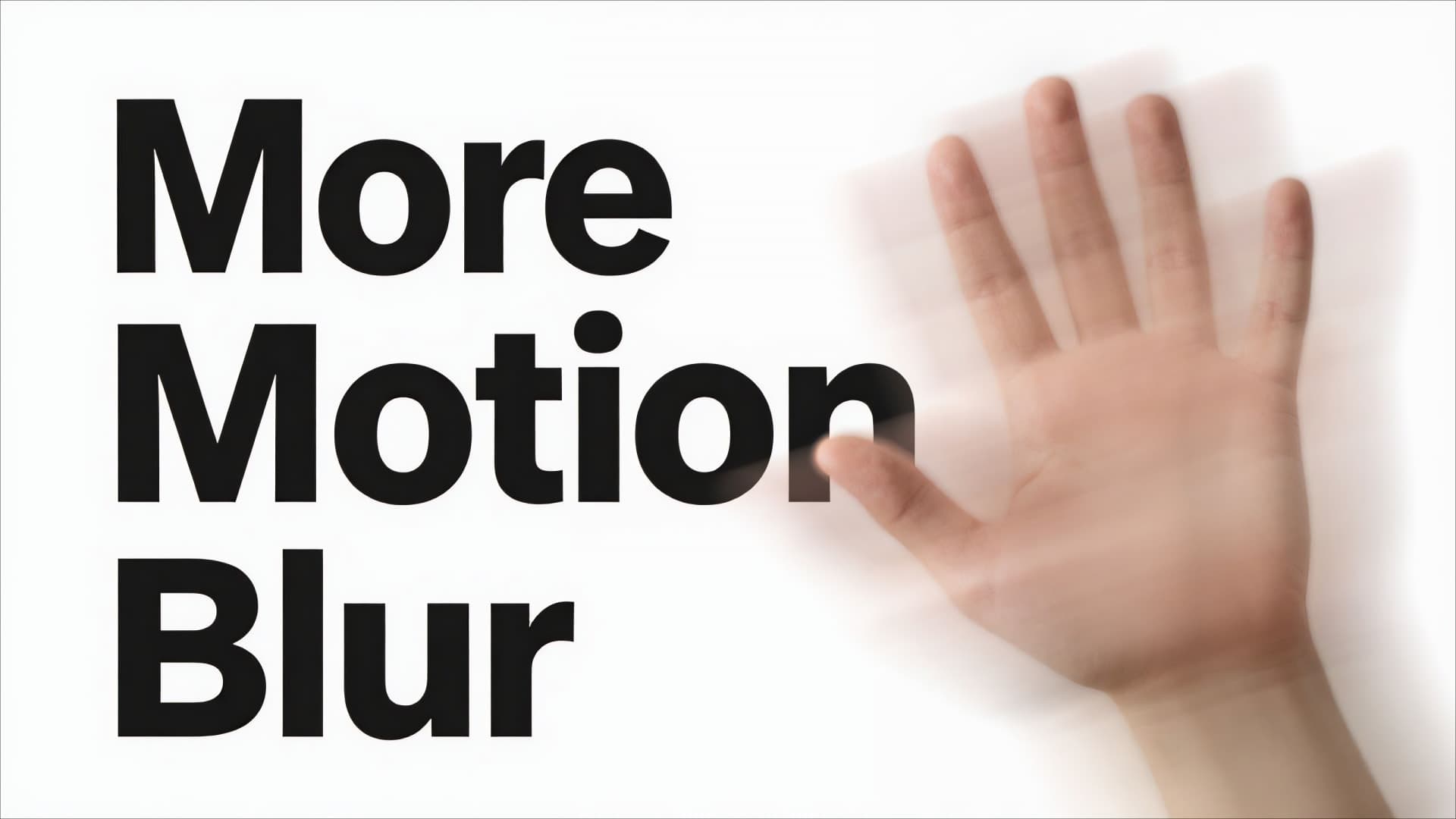
Motion blur,added after
More Motion Blur reads how every pixel moves between two frames and smears it along that path, as if the shot had a slower shutter. For footage, renders and stop motion, in After Effects, Premiere Pro, DaVinci Resolve and Nuke.
See what's included Try the Strength Windows and Mac (Apple Silicon). Runs on your GPU, and your footage never leaves your computer.
Times Square at 150% Strength. The cars and people streak, the street stays sharp: the blur follows each thing's own motion.
Set the shutter after the shoot
Strength is the length of the blur. 100% is about the blur of a 360-degree shutter; past that the streaks get longer than a real camera can make. Pick a value below: it's the same frame each time.
StrengthOff65%150%300%Vectors
The frame as shot.65%, the default: a natural amount for most footage.150%: more than a real shutter gives, good for speed.300%: long streaks on the hair, the face and the arm.Show Motion Vectors draws the motion the effect found, so you can check it before you render.
Blur that follows the motion
An AI model (RIFE) works out where each pixel goes between the previous frame and this one. The effect then draws the in-between positions along that path and averages them, so a turning head blurs along its turn and a passing car along the road.
The first frame of a clip has no previous frame, so it uses the next one instead. No frame comes out sharp by accident.
Left: the clip as shot. Right: More Motion Blur at 200%.
Four settings
Blur Samples
How many in-between positions are averaged, from 3 to 50. Few samples show as separate copies on long blurs; 30, the default, gives a smooth streak. Lower it for faster previews.
Both at 300% Strength. Left: 3 samples. Right: 30.
Motion Source
Read the motion from another layer and blur this one with it. Blur a matte, a graded copy or a CG pass with the motion of the clean plate, so every layer gets the same blur.
Keeps alpha Transparent layers stay transparent: the alpha channel is blurred with the same motion as the color, so a keyed subject keeps soft, moving edges.
Show Motion Vectors
Draws arrows along the motion the model found, in a color you pick. Turn it on when a blur looks wrong to see whether the motion was read correctly.
On fast shots
Skateboard, 150% Sparklers, 150%
Everything included
After Effects, Premiere Pro, DaVinci Resolve and Nuke
Windows and Mac (Apple Silicon)
Strength up to 500%, 3 to 50 samples
Motion Source, motion vectors, alpha
Installed with the Baskl installer, with the rest of your Baskl plugins
Works where you edit
After Effects2022 or later
Premiere Pro2022 or later
DaVinci Resolve18 or later
Nuke and NukeX14 or later
Alphakept and blurred
Windows and MacApple Silicon
Runs onyour GPU, or the CPU
Your footagenever leaves your computer
Questions
How is this different from Pixel Motion Blur? Both estimate motion, but More Motion Blur uses an AI model trained for it, which holds up better on fast, overlapping motion like hair, hands and crowds. And Strength goes past what a real shutter can do.
What footage works best? Footage shot with a fast shutter: sports, action cams, phones in daylight, 3D renders without motion blur, stop motion. It adds blur; it can't remove blur that is already there.
Can I use it on keyed or 3D layers? Yes. Alpha is blurred with the color. For a matte or a separate pass, point Motion Source at the plate so both blur the same way.
Is my footage uploaded? No. Everything runs on your computer, on the GPU when there is one.
Is it slow to render? One motion pass per frame, then the samples are drawn on the GPU. Lower Blur Samples while you work and raise it for the final render.
Shoot sharp, blur later
See what's includedTry the Strength
- 0:00 Apply it
- 0:16 Strength
- 0:40 Blur Samples
- 0:52 Vectors and Motion Source
- 1:12 Tips
Frequently Asked Questions
How does instant Telegram delivery via @madbaxapp_bot work?
Activate any plan from $5, then press Download on this page: 1 file (1.7 MB) are sent to your Telegram chat instantly by the bot @madbaxapp_bot.
How do I extract multi-part .part01.rar archives on Windows and macOS?
Download all volumes (.part01.rar, .part02.rar … .partN.rar) into one folder, then start the extraction only from the first volume, part01.rar. On Windows use WinRAR or 7-Zip; on macOS use Keka or The Unarchiver. The other volumes are read automatically.
What is included in the download archive?
The archive includes all project and video files for this release. It does not include one-to-one mentoring or certificates from the original school.