AI Cinematic Video Directing with Visual Director Yuwon Lee (Eng Sub)
Subtitles: English
About this item
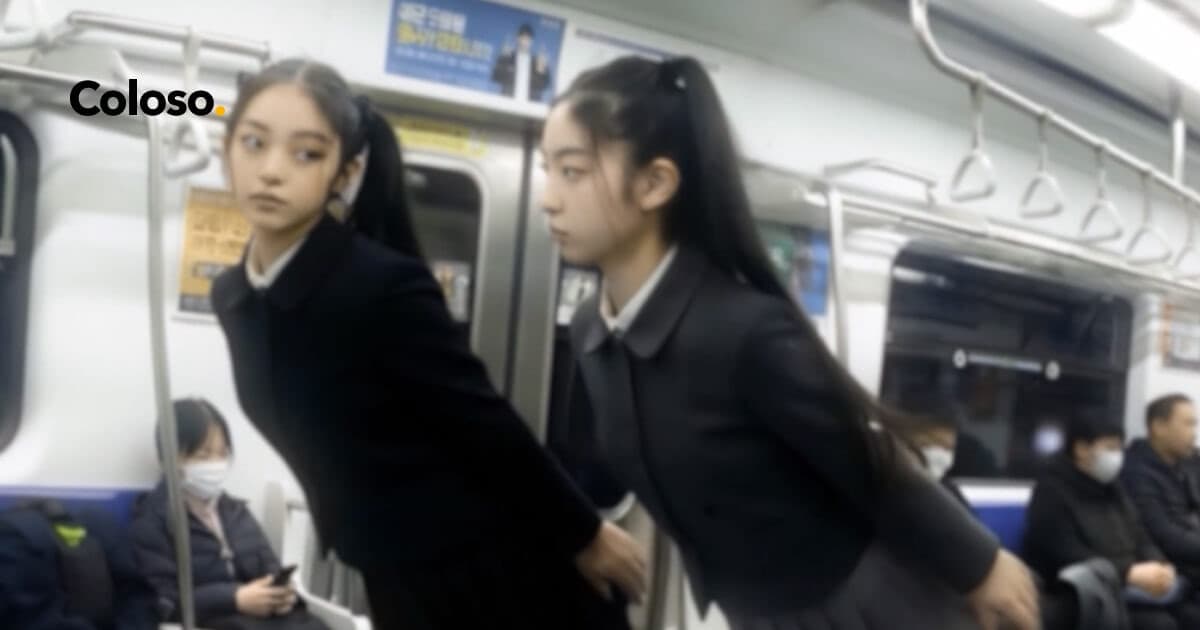
Make scroll-stopping cinematic visuals with AI. Visual director Yuwon Lee, whose AI artwork reached 1.7 million views on social media and who has created AI visuals and VFX for K-pop music videos and fashion brands, shows the full process from planning to final edit, built around a compact Higgsfield workflow.
English subtitles are included for every lesson (.srt files next to each video).
What you will learn
- Plan surreal visuals in everyday places: references, moodboards and visual narrative
- Generate cinematic references and consistent characters with Midjourney and Higgsfield Soul
- Build up images with Nano Banana Pro: variations, detail retouching and adding motion
- Choose the right AI model for each situation inside Higgsfield (GPT-Image, Nano Banana Pro, Flux, Seedream)
- Bring images to life with Kling, Seedance and Hailuo: realistic camera moves, start and end frames, keeping characters consistent
- Edit and color grade in Premiere Pro or After Effects, add effects and sound
- Breakdowns of real projects: the 1.7M-view "Line 2 FAIRY" film and an international brand collaboration, with an After Effects project file walkthrough
- Organize project files and build a portfolio that attracts fans and brands
Course structure
- Section 01. AI visual planning: turning everyday life into the surreal
- Section 02. Reference generation strategy for visuals
- Section 03. Image build-up: quality control beyond the limits of AI sources
- Section 04. Bringing AI visuals to life through video direction
- Section 05. Post-production (Premiere Pro, After Effects)
- Section 06. Breakdown and analysis
- Section 07. Practice and branding
- Section 08. Outro: the start of a new perspective
Tools
ChatGPT (or another LLM such as Gemini), Higgsfield, Midjourney, Adobe Photoshop and Adobe After Effects (Premiere Pro also works). Nano Banana and Kling are used inside Higgsfield.
Language: Korean, with English subtitles.
Frequently Asked Questions
How does instant Telegram delivery via @madbaxapp_bot work?
Activate any plan from $5, then press Download on this page: 37 files (10.2 GB) are sent to your Telegram chat instantly by the bot @madbaxapp_bot.
How do I extract multi-part .part01.rar archives on Windows and macOS?
Download all volumes (.part01.rar, .part02.rar … .partN.rar) into one folder, then start the extraction only from the first volume, part01.rar. On Windows use WinRAR or 7-Zip; on macOS use Keka or The Unarchiver. The other volumes are read automatically.
What is included in the download archive?
The archive includes all project and video files for this release. It does not include one-to-one mentoring or certificates from the original school.
Related Assets
Advanced Modeling and Rendering Course
Included in plans
Rhino Modeling and Rendering Advanced Course
Included in plans
Vane Motion
Included in plans
Motion Master Curso
Included in plans
PXL Motion Bundle (Course + Pack)
Included in plans
The Art Of AI Viral Filmmaking Masterclass by Lonelion Academy
Included in plansMore from Madbax
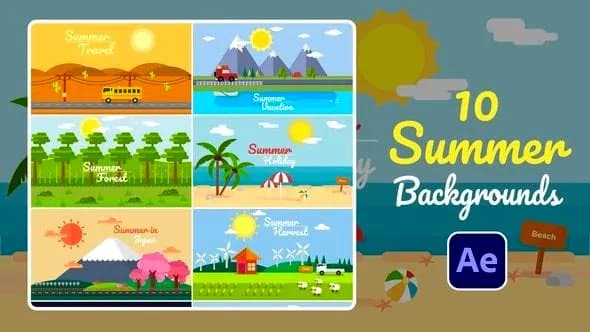
Summer Background | After Effects
Included in plans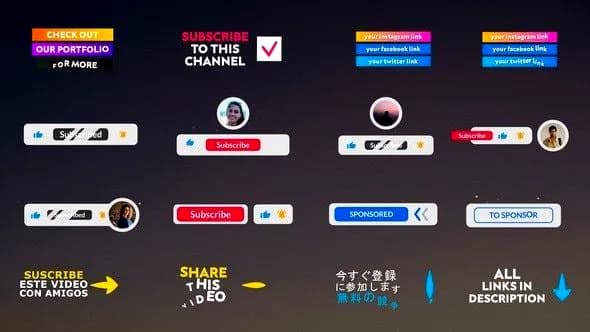
Youtube Lower Thirds And Buttons || After Effects
Included in plans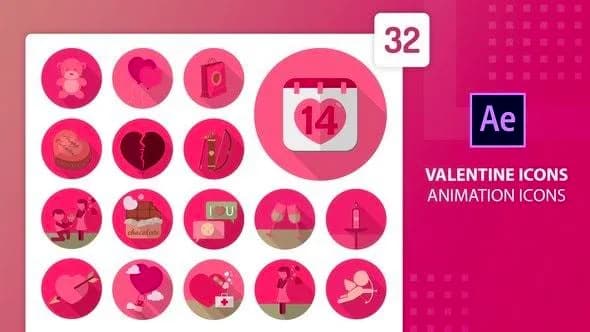
Valentine Animation Icons | After Effects
Included in plans