By Udemy · Official page
Design Posters Fast and Free with AI and Affinity
About this item
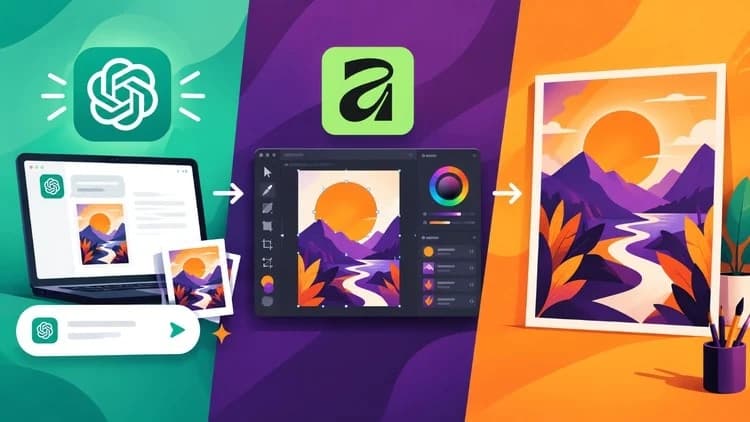
Design stunning posters in minutes using ChatGPT and Gemini, then polish the design with Affinity.
Welcome to the future of creative design. Have you ever been stuck with zero ideas to start off your poster design? Or perhaps you have great poster ideas but are trapped behind long hours of tedious production work. Well, everything is about to change. In this course, you're going to learn how to turn AI into your most powerful creative assistant. This course does not teach you to forget and replace your craft, but to teach you how to supercharge it. You’ll discover how to write a good prompt for composing poster designs using ChatGPT. You'll also learn how to write a good prompt for creating text content using Gemini.
But AI generation is only the first step. The real design happens in the details. That is why you will learn to take those raw AI results and perfect them in Affinity. If you have never used Affinity before, don't worry, as I provide basic lessons to get you up and running quickly using all the tools that you will need. After that, you will learn how to edit the design further by removing graphical elements, recreating new ones, adding editable text, fixing layout errors, changing the colors, and more. At the end, you will learn how to export the design as different types of images and also as a Canva project.
Please note that every technique that you will learn in this course does not require you to purchase anything. You don’t need to pay for AI credits or tokens. You also don't need to pay any software licenses. We will be using the free tier of ChatGPT and Gemini. And you will also be using Affinity, which is completely free. So, not only does this course enable you to work faster in creating poster designs, but it will also save you money in the long run.
So, let's get started!
What you will learn
- Learn the essentials of Affinity, including the UI, navigation, vector-based editing, and raster-based editing.
- Master design editing techniques in Affinity, such as removing and replacing graphical elements, changing colors, etc.
- Learn how to write perfect AI prompts for generating poster designs.
Frequently Asked Questions
How does instant Telegram delivery via @madbaxapp_bot work?
Activate any plan from $5, then press Download on this page: 1 file (1.3 GB) are sent to your Telegram chat instantly by the bot @madbaxapp_bot.
How do I extract multi-part .part01.rar archives on Windows and macOS?
Download all volumes (.part01.rar, .part02.rar … .partN.rar) into one folder, then start the extraction only from the first volume, part01.rar. On Windows use WinRAR or 7-Zip; on macOS use Keka or The Unarchiver. The other volumes are read automatically.
What is included in the download archive?
The archive includes all project and video files for this release. It does not include one-to-one mentoring or certificates from the original school.
Related Assets
Claude Ai Advanced Masterclass Build Agents Automate Workflows And Create Professional Content
Included in plans
AI MODELS MAKE MONEY
Included in plans
StoryLab
Included in plans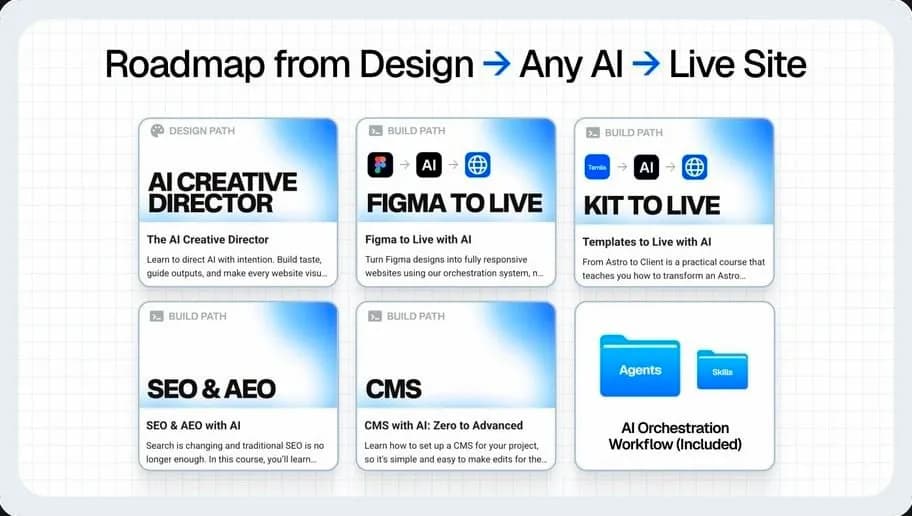
AI Website School
Included in plans
Conversion Alchemy Accelerator
Included in plans