By Superhive · Official page
Auto-Highlight in Outliner v3.8.5
About this item
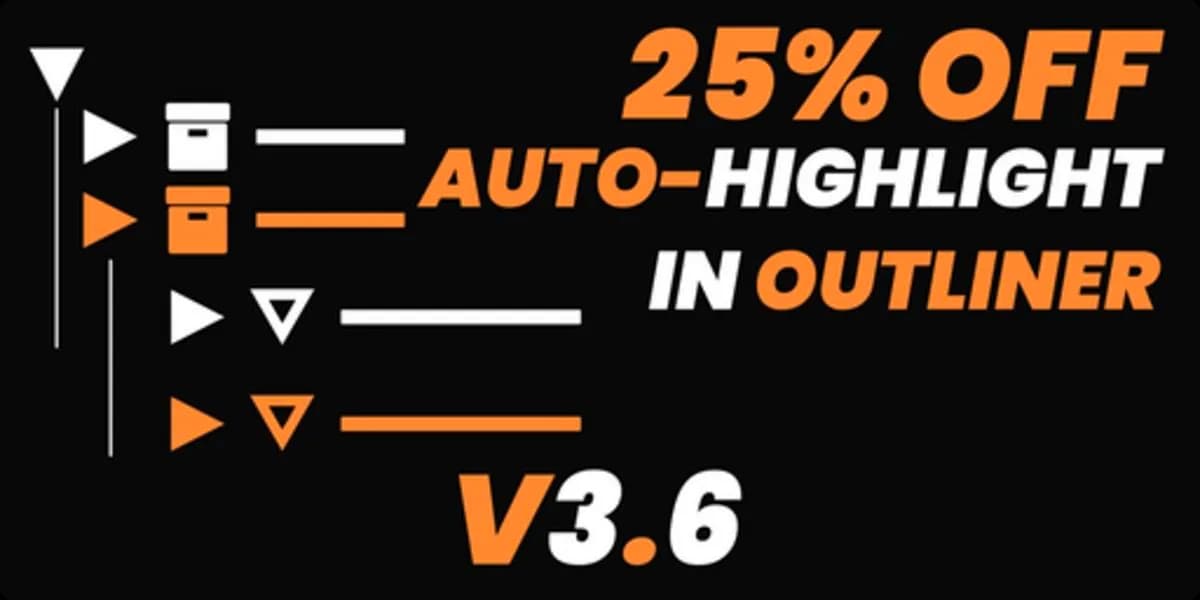
Auto-Highlight in Outliner is a Blender addon that automatically expands the Outliner panel to display the selected object whenever you click on it in the 3D viewport. This feature streamlines navigation and object management by eliminating the need to manually expand hierarchies to locate your current selection. The addon was created in response to community feedback and integrates seamlessly with Blender's existing Outliner interface. It is particularly useful for projects with complex scene hierarchies, where tracking object relationships and maintaining visibility of your active selection can be time-consuming. By automating this common task, the addon helps you work more efficiently within large or deeply nested object structures. Download
Frequently Asked Questions
How does instant Telegram delivery via @madbaxapp_bot work?
Activate any plan from $5, then press Download on this page: 1 file (32 KB) are sent to your Telegram chat instantly by the bot @madbaxapp_bot.
How do I extract multi-part .part01.rar archives on Windows and macOS?
Download all volumes (.part01.rar, .part02.rar … .partN.rar) into one folder, then start the extraction only from the first volume, part01.rar. On Windows use WinRAR or 7-Zip; on macOS use Keka or The Unarchiver. The other volumes are read automatically.
What is included in the download archive?
The archive includes all project and video files for this release. It does not include one-to-one mentoring or certificates from the original school.
Related Assets

Anytree v1.8.2
Included in plans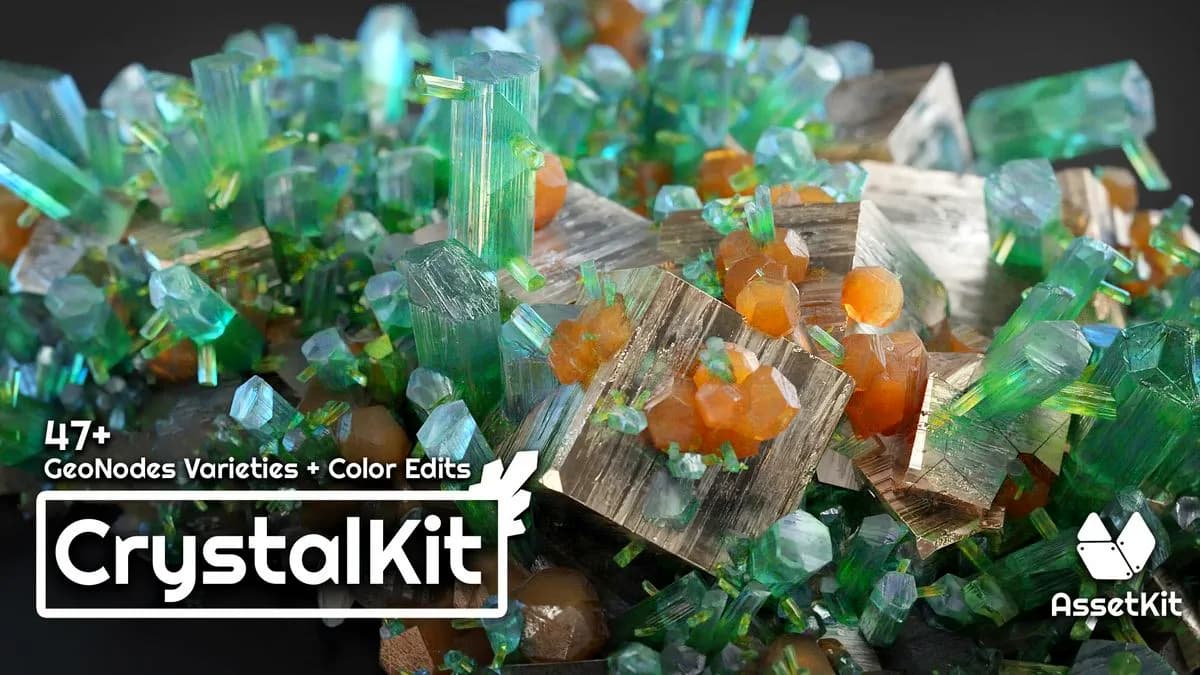
Crystal Kit – 3D Asset Kit v1.2
Included in plans
CinePack V4: Pre-Animated Camera Moves
Included in plans
QuickDeform v4.1
Included in plans
Trimflow v1.1.2 + Resourses
Included in plans